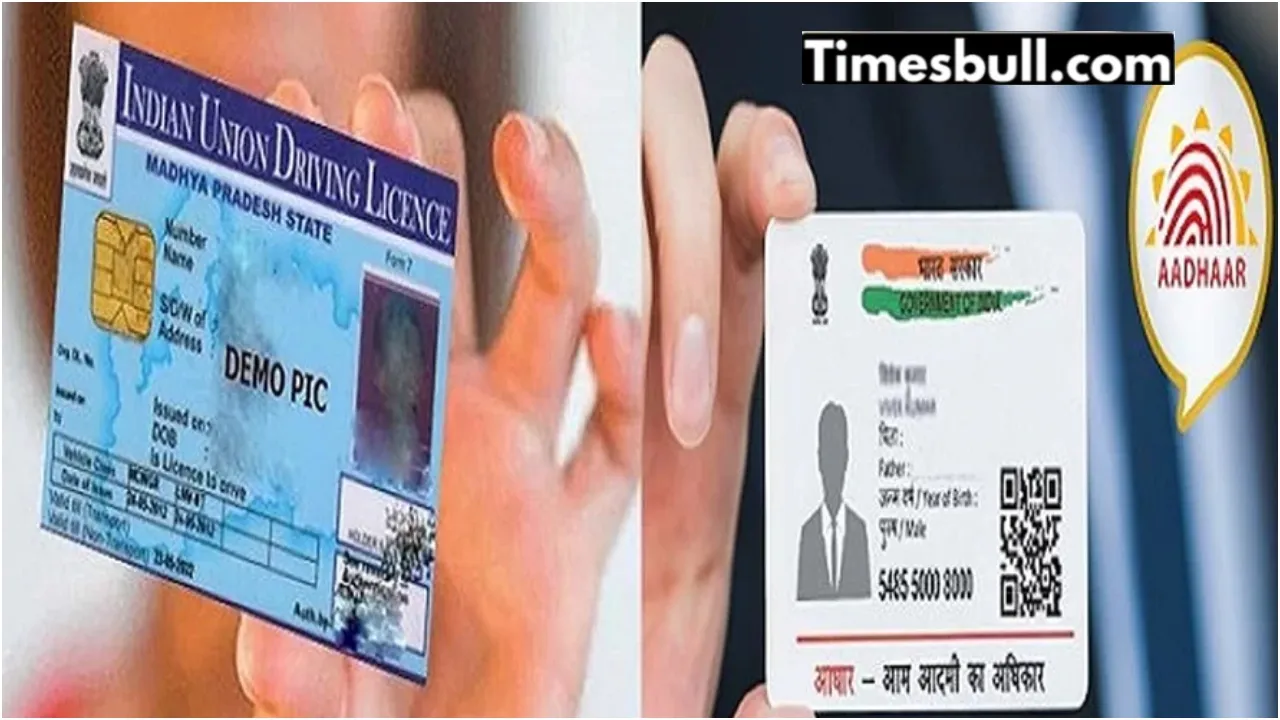
MoRTH New Update: In the era of digitisation, many rules are changing. Now, the Aadhaar card and mobile number are used in most work. In the race of changing times, driving license holders and vehicle owners are being urged to update their mobile numbers on the Sarathi portal.
For that, you will not need to go anywhere. You will not even have to go to the RTO office. Now the online service for updating mobile numbers has been started. For this, you can go to the MoRTH parivahan.gov.in portal. There will be two links given here. On this, you can complete the process by filling in all the information step by step, so that there is no problem.

Read More: Is it beneficial to sell or scrap? The solution to every confusion about the old car is here.
Read More: Business Idea: This is a business that earns up to Rs 75000 per month, know how to start it.
Know what the matter is?
A shocking message is being sent to vehicle owners and license holders by the Union Ministry of Road Transport and Highways. In the message, the owners are being requested to link their mobile numbers to their registered vehicles soon through the Aadhaar authentication process. Along with this, you can update and confirm.
For this, people will need to go to parivahan.gov.in and complete the process. Along with this, two QR codes have also been provided on the portal named Vahan and Sarathi. Through these, you can do the update work. An easy way to update the mobile number for the vehicle
For this, first you have to go to the parivahan.gov.in portal.
Then, here you will need to select the section named ‘Vahan’.
After this, you will need to enter your vehicle registration number, chassis number and engine number.
Then you will also have to fill in the date of registration and validity.
Then you can complete the process by entering the verification code.
How to update the mobile number for the driving license
First of all, you will need to scan the Sarathi QR code on the portal.
Then you will need to carefully fill in the information asked with your driving license, like your date of birth, name of the state and captcha code.
, aAftercompleting the process, you will have to click on the submit button shown below.
After this, after completing the above process, your mobile number and Aadhaar card number will be linked to your vehicle or driving license.
Then the information about any government updates will reach your mobile directly.
Latest News
- Weather warning – Heavy Rain, thunderstorms, lightning Alerts for 13 States Over Next 3 Days

- UP TGT Exam City Slip 2026 Released – Download at upessc.up.gov.in, Exam June 3-4

- ATM Alert: एटीएम में फंस जाए डेबिट कार्ड तो घबराएं नहीं, फटाफट यह काम करने से होगा समाधान

- Post Office Scheme – 7.5% Interest Rate, ₹5 Lakh Becomes ₹7,24,974 in 5 Years, Start with Just ₹1,000

- Best AI Video Editing Laptops Under 60,000 INR: Top Picks Her

- Best CNG Cars: पेट्रोल के बढ़ते दाम के बीच ये सीएनजी गाड़ी खरीदकर खर्च करें कम, माइलेज भी जबरदस्त

- Samsung Stable One UI 8.5 Update to Galaxy Tab S10 FE and Tab S10 FE+

- बुढ़ापे की लाठी बनेंगी ये तीन स्कीम्स, निवेश से पहले जानिए कितना मिल रहा ब्याज

- OnePlus Nord CE 6 vs Samsung Galaxy A57: Which Mid-Range 5G Phone Wins?

- Lenovo LOQ 15 Gen 11 Review: Best Budget Gaming Laptop?