

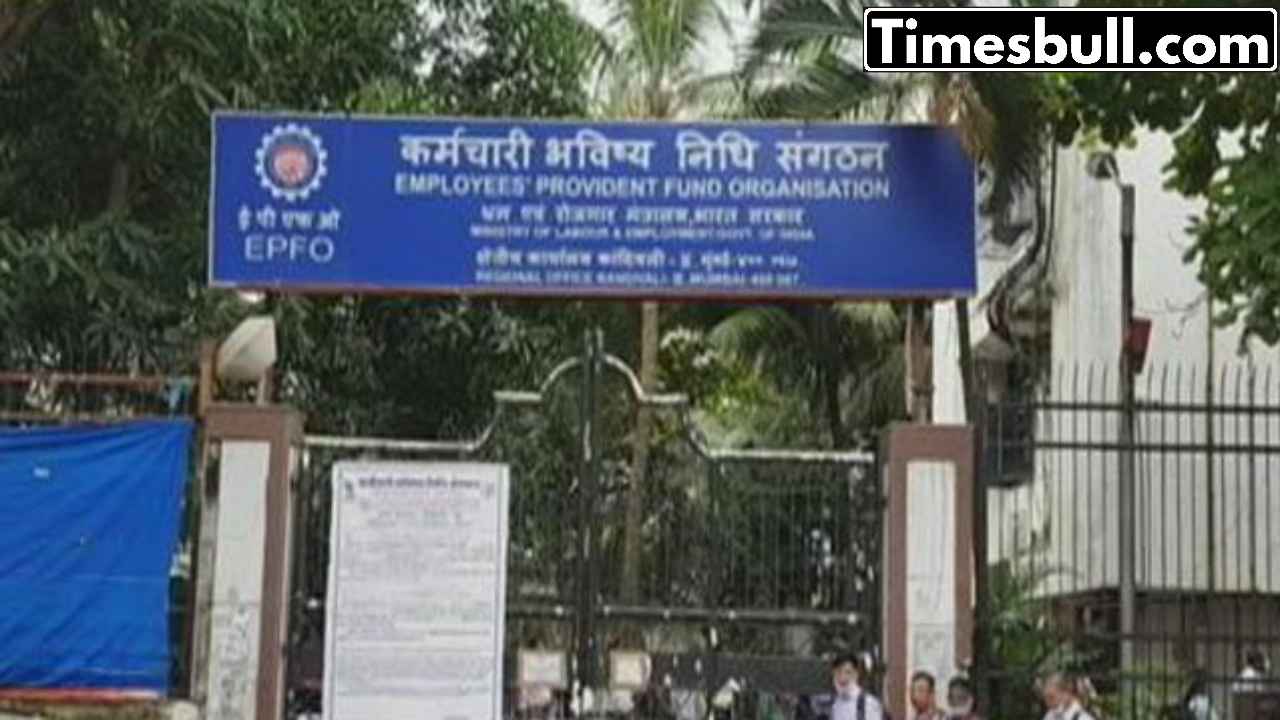
EPFO DigiLocker- Major update for EPFO members. The Employees Provident Fund Organization (EPFO) has now made its services available on the DigiLocker app. Employees using Android smartphones can now check PF balance and passbook from anywhere. Apart from this, documents like UAN card, pension payment order (PPO) and scheme certificate can also be accessed digitally.
Earlier the facility was available only on UMANG app
Till now, the facility to view PF passbook was available only on UMANG app. But EPFO informed on 17 July 2025 on X (earlier Twitter) that Android users will now be able to get this information directly through DigiLocker. However, for iOS users, it is still necessary to use UMANG app.
New option for UAN activation
EPFO said that now UAN (Universal Account Number) verification can be done through face authentication through UMANG app. This process is easy, secure and completely digital.
UAN is necessary for ELI scheme
UAN activation is mandatory not only for EPFO services but also for availing the Employment Linked Incentive (ELI) scheme. Under this scheme launched by Prime Minister Narendra Modi, the government aims to provide employment and skill training to four crore youth. A budget of Rs 2 lakh crore has been set for this.
EPFO’s advice to its members
EPFO has appealed to all the members to activate their UAN and link Aadhaar to the bank account so that they can avail the full benefits of all digital services and ELI scheme. In case of not activating UAN, you will not be able to avail many important services of EPFO.
Process to activate UAN (through UMANG app)
Install and open UMANG app on your mobile.
Go to the ‘EPFO’ service section.
Click on ‘UAN Activation’ option
Enter your UAN number, name, date of birth and registered mobile number.
Click on ‘Get OTP’ and proceed by entering the OTP.
Now select the option of ‘Face Authentication’.
The app will turn on the camera, scan your face according to the screen.
After successful verification your UAN will be activated.
Latest News
- ITR Filing Before May 31? You May Get Notice

- Women Free Bus Travel Scheme – How to Get Free Bus Travel From June 1, 2026? How to Apply

- LSG Vs PBKS Video: ऋषभ पंत पर भड़के अर्जुन तेंदुलकर! वीडियो देखकर आप भी रह जाएंगे हैरान

- Apple MacBook Neo Deal Alert: Get It For Under ₹58,000 on Amazon Right Now

- Pakistan Attack: आत्मघाती हमले से दहला पाकिस्तान, 23 लोगों की मौत, 50 से ज्यादा घायल, जानें

- Honor Magic 9 Series Leaks: Flagship Upgrades with Massive 8,000mAh Battery and 200MP Cameras

- Motorola Edge 60 Fusion Review: Mid-Range King or Outdated?

- FD Update– Breaking Your FD Early? Know the consequences

- Bank Holiday–RBI Announces Closure of SBI, HDFC and All Banks Next Week, Save the Dates

- Samsung Galaxy S26 Ultra Amazon Deal – Get ₹23,509+ Discount with Bank Offers and Exchange Benefits

