


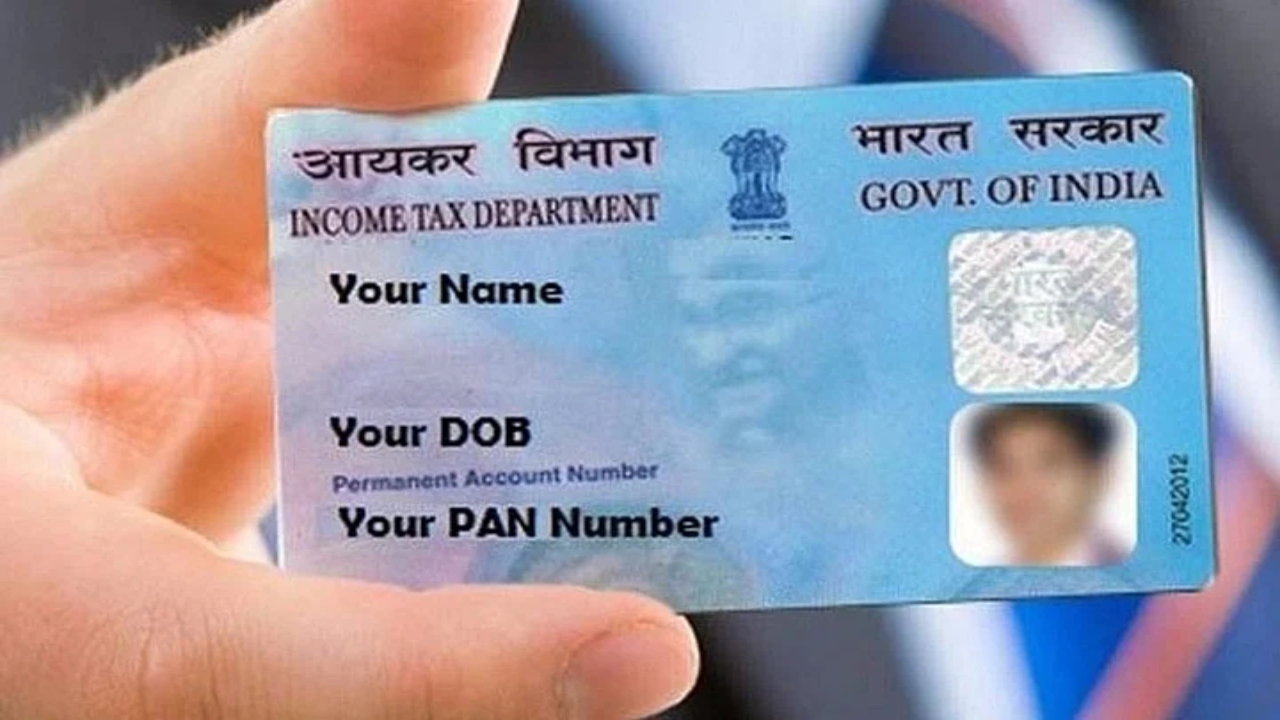
How to apply for instant e-PAN: A PAN card, or Permanent Account Number, has become an extremely important document today. From filing income tax returns to opening a bank account, it is required for every financial transaction. If you don’t have a PAN card yet or need one immediately, you can apply for an e-PAN or instant e-PAN card. The government has made the process very simple and completely online.
What is an e-PAN card?
📌 Also Read: Easy Business Ideas for Women with Low Investment, Earn a Handsome Monthly Income
An e-PAN card is the digital form of a PAN card, issued by the Income Tax Department. It contains the same 10-digit Permanent Account Number as a physical PAN card. The only difference is that the e-PAN card is provided in PDF format and includes the holder’s digital signature. It is a completely valid document and can be used for all financial transactions, banking, and tax-related matters. For those who don’t want to wait for a physical card, the e-PAN is a convenient option.
📌 Also Read: HDFC Bank Reduces MCLR — What It Means for Your Home Loan EMI
What is an Instant e-PAN card?
The Instant e-PAN facility has been launched for those who do not yet have a PAN card. Under this service, a digital PAN card is issued within minutes using only the Aadhaar number and the linked mobile number. Aadhaar-based e-KYC is performed, and no fees are charged for this service. This service is completely free and online.
📌 Also Read: UPI Circle 2026: Parents, Children Can Pay Without a Bank Account Using Your UPI
How to download an e-PAN card
To download your e-PAN card, you first need to visit the official website of the Income Tax Department. On the website, go to the section related to Instant e-PAN and enter your Aadhaar number. An OTP (One-Time Password) will then be sent to your mobile number linked to your Aadhaar, which is used for verification. Once the verification is complete, your e-PAN card will be available for download in PDF format within seconds. No fee is charged for this entire process.
📌 Also Read: Post Office Scheme for Women: Housewives Can Get Around ₹10,000 Monthly Income, Apply Like This
Read Here: EPFO Update – PF employees’ money could get stuck, complete this task ASAP
How to download e-PAN from the UTIITSL portal
📌 Also Read: 8th Pay Commission Update: Will State Government Employees Get Benefits Before Central Staff?
If you chose UTIITSL when applying for your PAN card, you can also download your e-PAN from their website. To do this, visit the portal and select the “Download e-PAN” option. After entering your PAN number, date of birth, and the captcha, you will be verified via OTP. Once the verification is complete, you will get the option to download your e-PAN.