

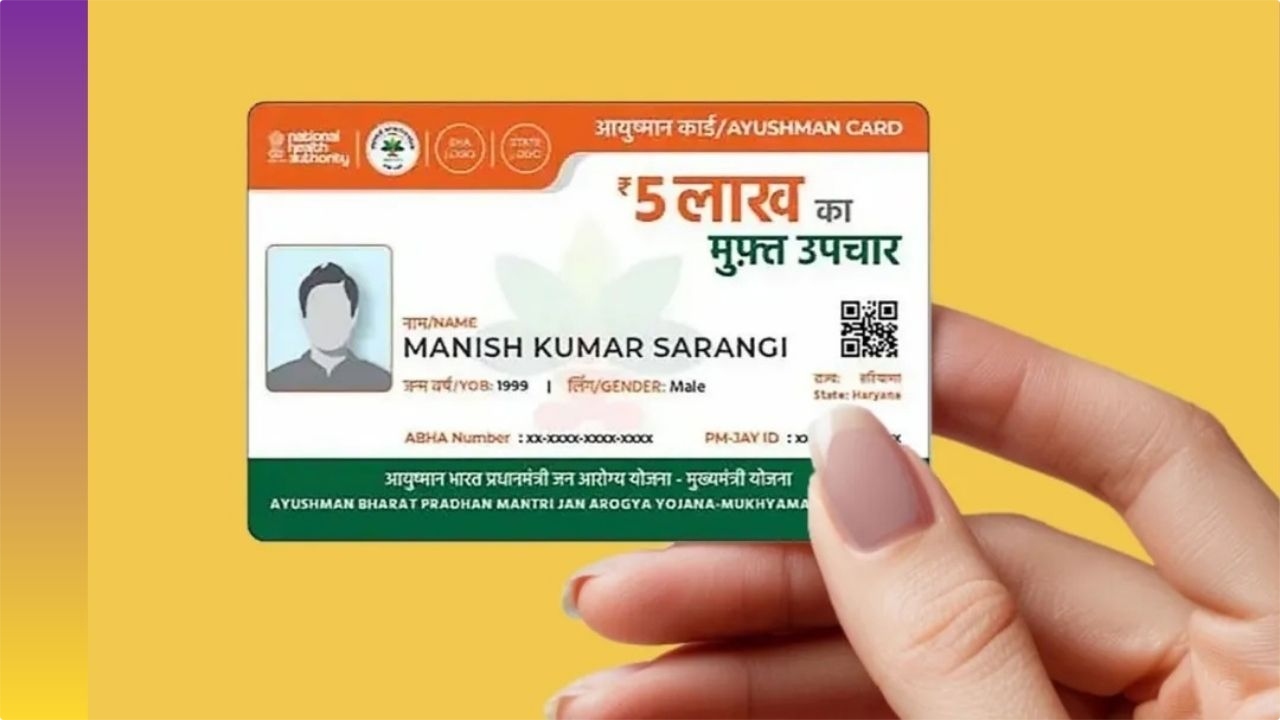
Ayushman Bharat Yojana: If the photo on your Ayushman Card is unclear or blurry, the hospital may refuse to provide you with cashless treatment in the event of an emergency. Often, people hastily upload poor-quality photos while applying for a card, which later becomes a major hurdle during verification. In 2026, the government further tightened verification rules to prevent fraud. But there’s no need to panic; you can now update your photo and other information with pinpoint accuracy through the Ayushman App on your mobile phone.
Why is a blurry photo a threat to your free treatment
Patient verification is the most crucial step in receiving free treatment up to ₹5 lakh under the Ayushman Bharat scheme. When you visit the hospital, the Ayushman Mitra present there matches your card photo with your face.
- If the photo is blurry, the system may reject biometric or face authentication.
- If an incorrect or unclear photo is used, hospital administration suspects the card is being misused.
- Anytime a photo issue can cause significant delays in treatment, it can be potentially fatal for the patient.
Methods for Correcting Photo
If there are any errors in your name, age, or photo on your card, you can correct them using the following two simple methods:
1. Through the Common Service Center (CSC), you can change your photo by visiting your nearest CSC center, Ayushman Mitra, or authorized cyber cafe. The operator will recapture your live photo and update it in the system.
2. When making the necessary document corrections, be sure to have your Aadhaar card and the mobile number linked to the scheme with you. A secure OTP will be sent to your number for verification, without which corrections are impossible.
Rules for Making and Correcting a New Card from Home
Now you don’t need to visit government offices. You can manage your card yourself using the ‘Ayushman App’:
- First, download the ‘Ayushman App’ from the Google Play Store. Open the app and select the ‘Login as Beneficiary’ option. Enter your mobile number and log in via OTP.
- After logging in, a form will open on the screen. Select ‘PMJAY’ under ‘Scheme’ and enter your state. Search by entering your Aadhaar number, family ID, or ration card number in the ‘Search By’ option.
- If you are eligible, a list of your family members will appear. Click ‘e-KYC’ next to the member whose photo you want to change. Here, verify yourself using ‘Face Auth’ or ‘OTP’ and capture and upload a new, clear, live photo.
- Once the KYC is successful, your data will be processed, and you will be able to download a PDF file of your new Ayushman card promptly.
Latest News
- Weather Warning Delhi-NCR – Rain Alert & Dust Storm in Next 2-3 Hours, IMD Issues Yellow Alert

- PM Kisan Samman Nidhi Yojana: नहीं मिल रही 2000 रुपये की किस्त तो किसान तुरंत करवा लें यह काम

- Aadhaar Card Update Rules – How Many Times Can You Change Address, DOB & Number?

- Train Ticket: How to book a confirmed train ticket without an agent? Learn the Easy Steps

- Indian Railways– 155 Trains Express Declared High-Speed, Thousands of Railway Staff to Benefit

- Monsoon Alert – Warning Heavy to Very Heavy Rain alert & thunderstorms in 22 States Over Next 4 Days

- America-Iran War: मिडिल ईस्ट में तनाव होगा खत्म! ईरान ने होर्मुज रास्ते पर कही बड़ी बात

- PM Surya Ghar Yojana 2026: Get Up to Rs 78,000 Subsidy within 6 Easy Steps, Know Here

- Cheapest Available 5G Smartphones in India Under 10000

- UPSC Prelims Answer Key 2026 – How to Download UPSC Prelims Answer Key at upsc.gov.in

