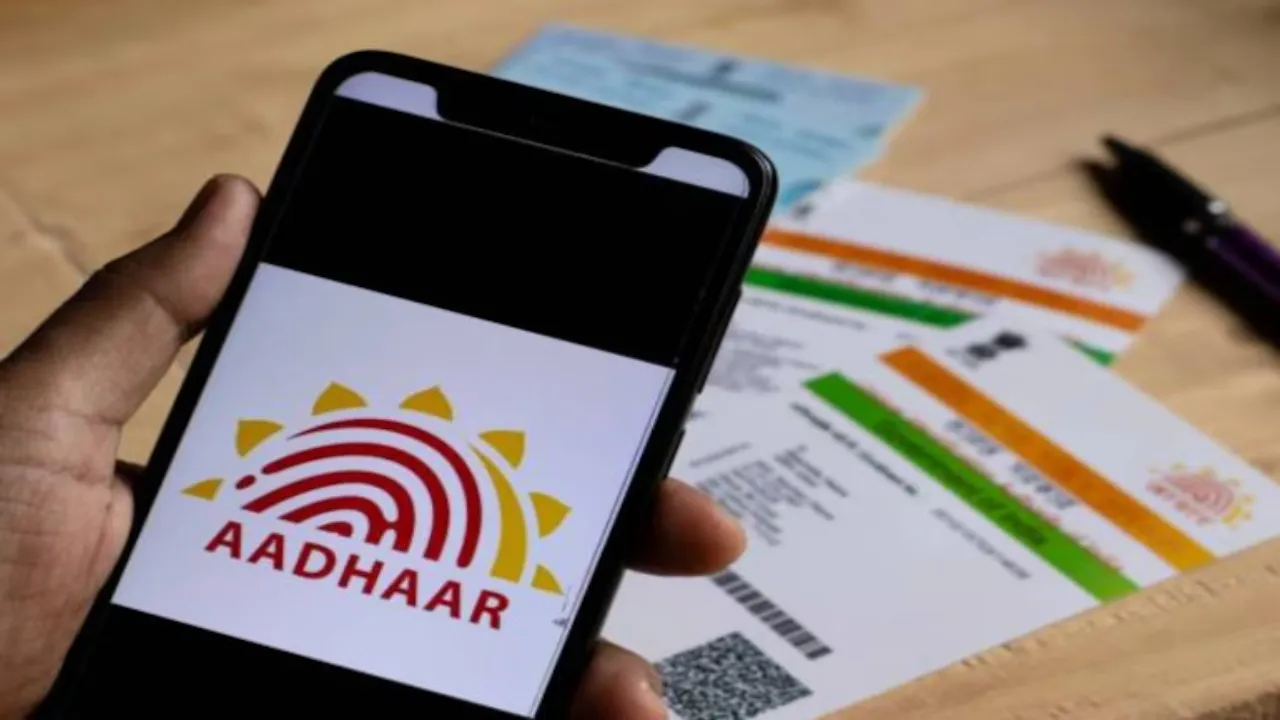
Aadhaar update: From government schemes to banking services, Aadhaar has now become a mandatory document everywhere. For this reason, UIDAI repeatedly advises people to update their Aadhaar information periodically. Linking Aadhaar with PAN CARD is also mandatory, with the deadline set for December 31, 2025. UIDAI has made many Aadhaar update services easy online, allowing people to update their information within minutes from the comfort of their homes.
How to update Aadhaar details online?
If you want to update your address in Aadhaar , you can do this work online sitting at home.
Step 1: Visit the website myaadhaar.uidai.gov.in and login through OTP by entering your Aadhaar number.
Step 2: After login, your identity and address details will be displayed on the screen.
Step 3: If the information is correct then click on I verify that the above details are correct .
Step 4: If you want to change the address, click on the Address icon and select Proceed to Update Aadhaar .
Step 5: The new screen will display your current address. Enter your new address below it and upload a valid address proof ( JPEG/PNG/PDF – up to 2MB ).
Step 6: Before submitting, verify your details and then click on I verify that the above details are correct .
UIDAI had earlier kept this service paid, but now this online facility is available for free till 14 June 2026.
How to download e-Aadhaar?
Step 1: Visit the UIDAI website and select the Download Aadhaar option.
Step 2: Choose either Aadhaar Number, Enrollment ID (EID) or Virtual ID (VID) .
Step 3: Enter the required details and captcha.
Step 4: Click on Send OTP and enter the OTP received on your mobile.
Step 5: After verification, your e-Aadhaar PDF will be downloaded.
Step 6: Password to open PDF – First 4 letters of name (in CAPS ) + year of birth.
How to link PAN with Aadhaar?
Linking PAN and Aadhaar is very easy on the Income Tax portal.
Step 1: Visit incometax.gov.in .
Step 2: Select Link Aadhaar from Quick Links .
Step 3: Enter PAN, Aadhaar number and name as per Aadhaar .
Step 4: Check the details and proceed further.
Step 5: If there is a fee for linking, make the payment through net banking, UPI or card.
Step 6: After submitting the request, you will receive verification of successful linking.
How to update mobile number, email or biometrics?
To update your mobile number, email address, fingerprint, iris, or photo, you’ll need to visit your nearest Aadhaar Enrollment/Update Center . These updates will incur a fixed fee.