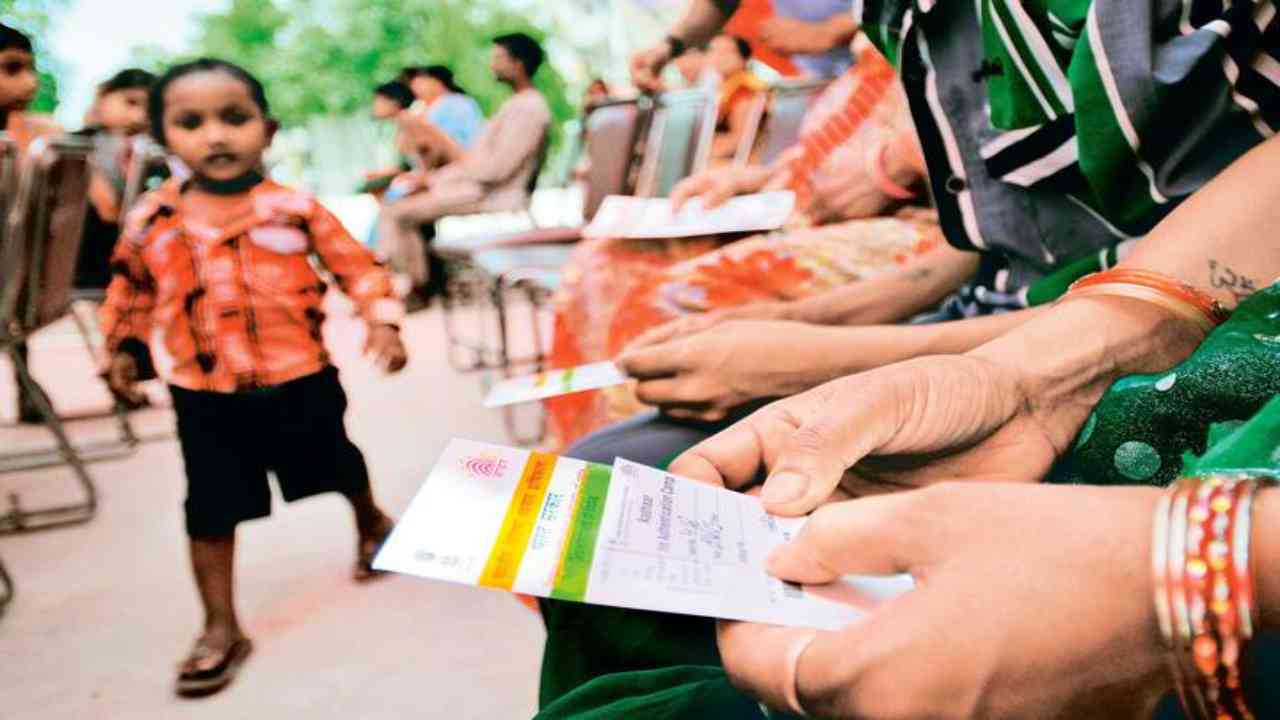
Aadhaar Card Update : Today, Aadhaar card is not just an identity card, but has become the key to banking, mobile, UPI, government schemes and many digital services. In such a situation, it is very important that the mobile number linked to Aadhaar is correct and active. But till now, to change the mobile number, people had to go to Aadhaar Seva Kendra or CSC Centre, where long queues and time constraints were common. Now UIDAI has made a major update in the Aadhaar app.
Through this new update, users will get the facility to change the mobile number linked to Aadhaar while sitting at home. This means that now there is no need to go to the centre again and again, nor is there a long wait.
Is your Aadhaar number incorrect or disabled?
If your old mobile number is closed, then do this work. This move by UIDAI is being considered a major effort towards advancing Digital India. This facility will prove especially beneficial for those whose old mobile number has been discontinued or who now have a new one. In this article, we will explain how to change your mobile number through the Aadhaar app, the necessary requirements, and the important points to keep in mind.
Step-by-Step Process to Change Mobile Number from Aadhaar Sitting at Home
Step 1: Download/Update the Aadhaar App and Log In: First, download the official UIDAI Aadhaar App on your smartphone or update it if you already have one. Open the app and log in using your Aadhaar number or Virtual ID (VID). Login will be processed through an OTP verification.
Step 2: Select the Update Aadhaar section. Click on the “Update Aadhaar” or “Update Mobile Number” option provided in the app. Now enter your new mobile number that you want to link to Aadhaar
Step 3: OTP verification and submit the request
An OTP will be sent to your new mobile number. Enter the OTP to verify the number. After OTP verification, your request will be sent to UIDAI. In some cases, you may need to visit your nearest Aadhaar service center for final verification.
In how much time will the mobile number be updated?
According to UIDAI, it may take 7 to 10 business days for your mobile number to be updated. You will receive an SMS notification once the update is complete. If your mobile number isn’t linked to your Aadhaar card, you may face numerous problems. The biggest disadvantage is that you won’t be able to use OTP-based services, such as Aadhaar updates, e-KYC, various bank-related services, and benefits from government schemes. Furthermore, digital services like the UMANG app, mAadhaar app, and DigiLocker won’t function properly.
All important alerts and security messages are sent to the mobile number linked to Aadhaar. Therefore, not linking the number can increase the risk of fraud or misuse. Processes related to bank accounts, PAN-Aadhaar linking, SIM verification, and subsidies can also be disrupted. Overall, a lack of mobile number linking disables most online Aadhaar services, forcing you to visit the Aadhaar center for even the smallest tasks.