

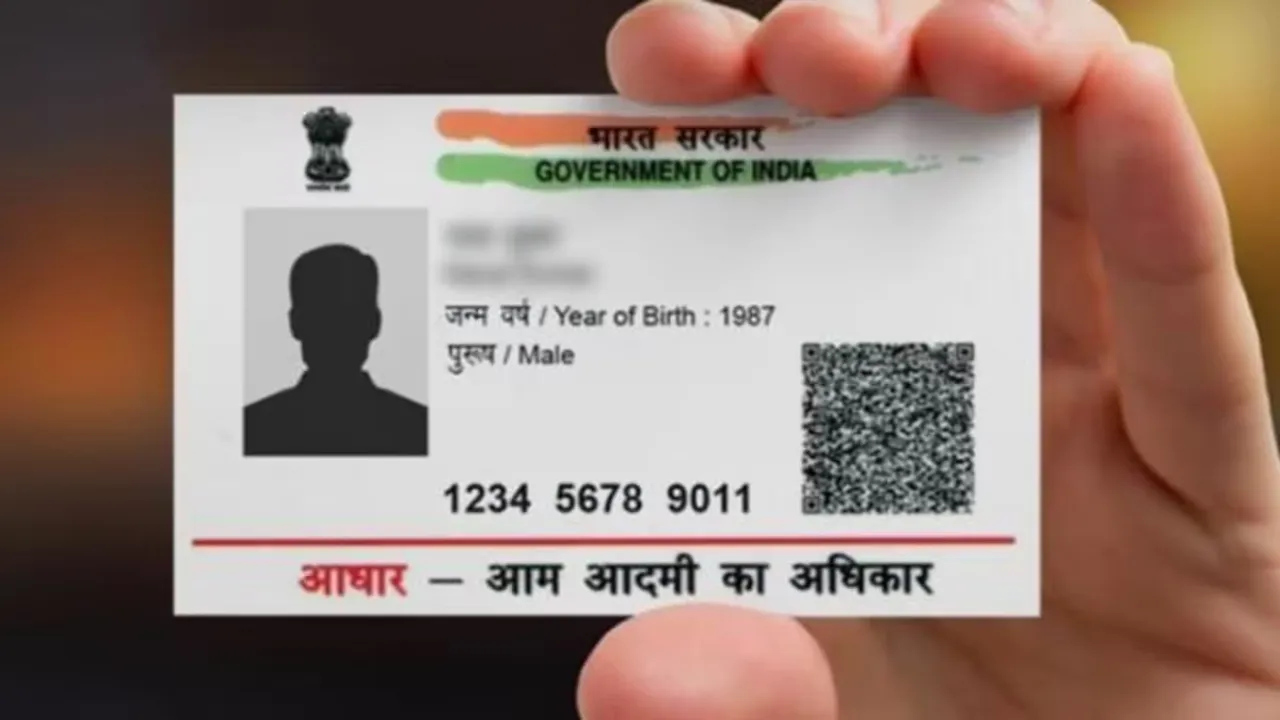
The Aadhaar card is now one of the most essential documents for the public in India. You will need it everywhere – from opening a bank account to getting a mobile SIM. However, there are times when you may forget or lose your Aadhaar card or enrolment ID. When this happens, it is not something to panic about. They have made it easy to retrieve your Aadhaar number.
Yes, you can retrieve your lost Aadhaar number or enrolment ID within a few minutes using a call, SMS or online app. This facility provided by UIDAI is especially useful for residents that cannot find their Aadhaar card in their old documents or have lost their Aadhaar card. Let’s take a look at the complete procedure with step-by-step instructions for retrieving your Aadhaar card or enrolment ID.
Why Aadhaar Number Is Important
Aadhaar card is not just an identity card today; it is your digital identity. It is needed for government schemes, subsidies, banking, tax returns, and SIM cards. If it is lost or you forget the number, many tasks can get stuck. But with UIDAI’s new ‘Aadhaar Recovery’ facility, this problem is now solved.
How to Get Aadhaar Number from UIDAI Helpline 1947
UIDAI has a toll-free helpline number 1947 for citizens. By calling this number, you can get information about your Aadhaar.
Steps:
- Call 1947 from your registered mobile number.
- Select your language (Hindi, English, or other).
- Choose ‘Aadhaar Services’ or ‘Aadhaar Status’.
- Select the option to talk to an agent.
- Give your details like name, date of birth, or pincode to verify your identity.
- After verification, the agent will guide you to get your Enrollment ID (EID) or Aadhaar Number (UID).
- This service is available 24×7 from any network.
How to Retrieve Aadhaar Number Online
You can also get your Aadhaar number or Enrollment ID online via the UIDAI website.
Steps:
- Open UIDAI website
- Go to ‘My Aadhaar’ > Click ‘Retrieve Lost or Forgotten UID/EID’
- Choose either ‘Aadhaar Number’ or ‘Enrollment ID’
- Enter your name, registered mobile number, or email ID
- Fill in the captcha code and click ‘Send OTP’
- Enter the OTP and click ‘Verify OTP’
- After verification, your Aadhaar number or EID will be sent to your mobile via SMS.
How to Retrieve Aadhaar Number Through SMS
If you do not have internet, you can get Aadhaar number or Enrollment ID through SMS.
Steps:
- From your registered mobile, send SMS in this format:
- UID GETUID (to get Aadhaar number)
- UID GETEID (to get Enrollment ID)
- Send the message to 1947
- You will receive your Aadhaar or Enrollment ID on your mobile in a few moments
Retrieve Aadhaar via mAadhaar App
UIDAI’s mAadhaar app is also useful. If you are registered on the app, you can retrieve your UID or EID:
- Open the app and log in
- Select ‘Retrieve UID/EID’
- Complete OTP verification
- Your number will be displayed in the app
Latest News
- Weather warning – Heavy Rain, thunderstorms, lightning Alerts for 13 States Over Next 3 Days

- UP TGT Exam City Slip 2026 Released – Download at upessc.up.gov.in, Exam June 3-4

- ATM Alert: एटीएम में फंस जाए डेबिट कार्ड तो घबराएं नहीं, फटाफट यह काम करने से होगा समाधान

- Post Office Scheme – 7.5% Interest Rate, ₹5 Lakh Becomes ₹7,24,974 in 5 Years, Start with Just ₹1,000

- Best AI Video Editing Laptops Under 60,000 INR: Top Picks Her

- Best CNG Cars: पेट्रोल के बढ़ते दाम के बीच ये सीएनजी गाड़ी खरीदकर खर्च करें कम, माइलेज भी जबरदस्त

- Samsung Stable One UI 8.5 Update to Galaxy Tab S10 FE and Tab S10 FE+

- बुढ़ापे की लाठी बनेंगी ये तीन स्कीम्स, निवेश से पहले जानिए कितना मिल रहा ब्याज

- OnePlus Nord CE 6 vs Samsung Galaxy A57: Which Mid-Range 5G Phone Wins?

- Lenovo LOQ 15 Gen 11 Review: Best Budget Gaming Laptop?
