Deprecated: mb_convert_encoding(): Handling HTML entities via mbstring is deprecated; use htmlspecialchars, htmlentities, or mb_encode_numericentity/mb_decode_numericentity instead in /var/www/prod/timesbull/wp-content/plugins/super-cool-ad-inserter/inc/scaip-shortcode-inserter.php on line 37
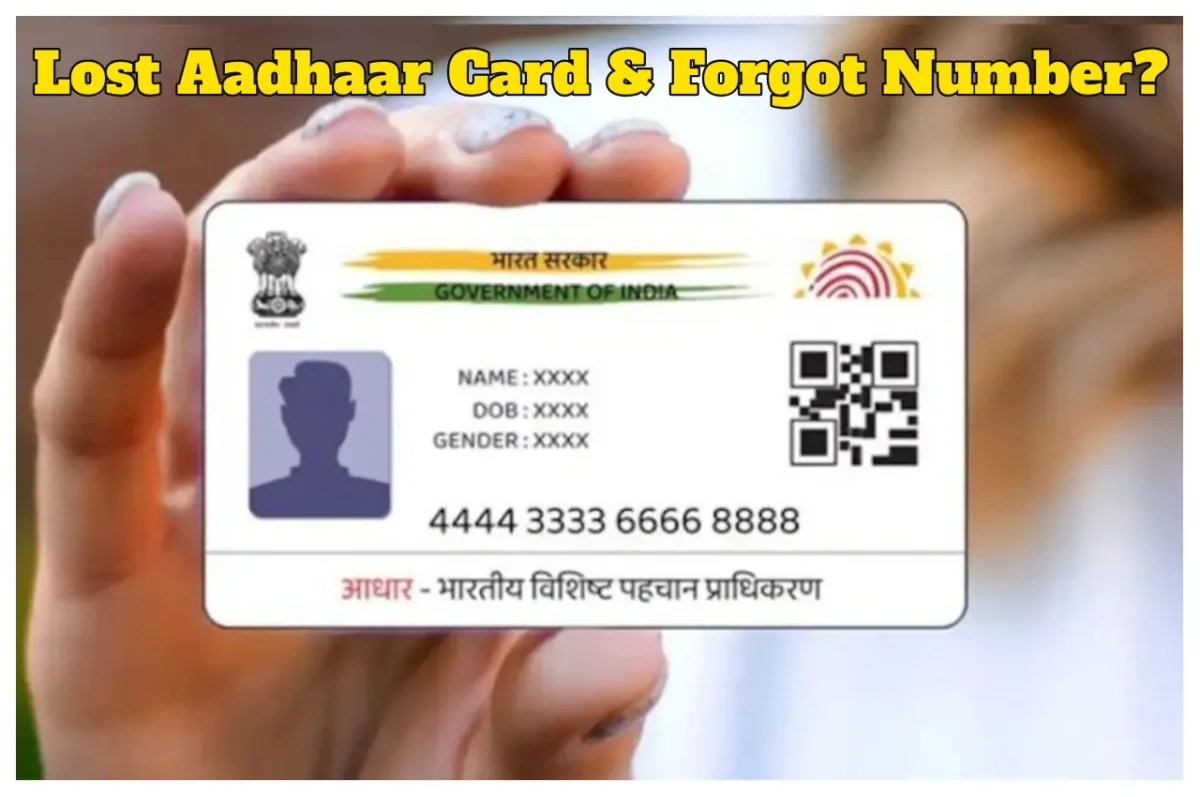
Aadhaar Card: In today’s world, many essential tasks simply cannot be accomplished without an Aadhaar card. Nowadays, an Aadhaar card is required for almost every important activity, as it serves as proof of our identity. The utility of the Aadhaar card ranges from banking transactions to passport issuance. Consequently, if someone accidentally misplaces their Aadhaar card, it can cause them a great deal of anxiety.
This situation becomes even more perplexing if you do not even remember your Aadhaar number. However, there is no longer any need to make repeated trips to government offices. The government’s UIDAI website has now provided a solution to this predicament.
In such a situation, one can seek assistance from UIDAI. While a lost or stolen Aadhaar card can typically be recovered using the Aadhaar number itself, today we will learn how to recover one without it.
How to Retrieve Your Aadhaar Number?
**Step 1: First, you must call the UIDAI helpline number: 1947.
Step 2: The representative will ask you for certain details, such as your name, address, and date of birth. They will then provide you with your EID (Enrollment ID) number.
Step 3: Now, using this EID number, you can retrieve your Aadhaar number details either through the IVRS system or via the website.
How to Recover Your Aadhaar Number via the Website
First, visit the official UIDAI website.
Next, locate the ‘My Aadhaar’ section.
Click on ‘Retrieve EID/Aadhaar’ within that section.
You will then be required to enter your name and your registered mobile number.
After that, you must enter the Captcha code displayed on the screen; you will then receive a One-Time Password (OTP) on your mobile phone.
As soon as you enter the OTP, your Aadhaar number will appear on your screen.
What to Do If Your Mobile Number Is Not Linked?
If your mobile number is not linked to your Aadhaar card and you misplace it, what steps should you take? In this scenario, you will need to visit your nearest Aadhaar Centre. Your request will be processed there through biometric verification.
Latest News
- HTET 2026 Exam Date ANNOUNCED- Exam on June 13-14, Check bseh.org.in for Updates

- FD vs Special FD, Know Which is Better Option For You

- Vivo S60 Launching on May 29 with Flagship Upgrades and 7,200mAh Battery
- Aadhaar Card – How to Recover Aadhaar Number with No Mobile Linked & Lost Aadhaar Card?
- MacBook Air M5 Price Drop in India: Apple’s AI-Powered Laptop Gets Discount on 16GB Variant

- Savings Schemes- Best 3 Savings Schemes for Salaried Employees, Know Key Benefits

- Shreyas Iyer Dominates: Most Runs by Non-Openers in IPL Since 2025

- Explosions in Iran: US Launches ‘Self-Defence’ Strikes Near Key Strait, but Peace Talks Continue

- Gold Price Down- Gold Falls ₹337 & Silver Drops ₹2,711 on MCX, Check 24K & 22K City – Wise Rates

- SBI Strike Update- Employees call off strike, Big relief for customers