


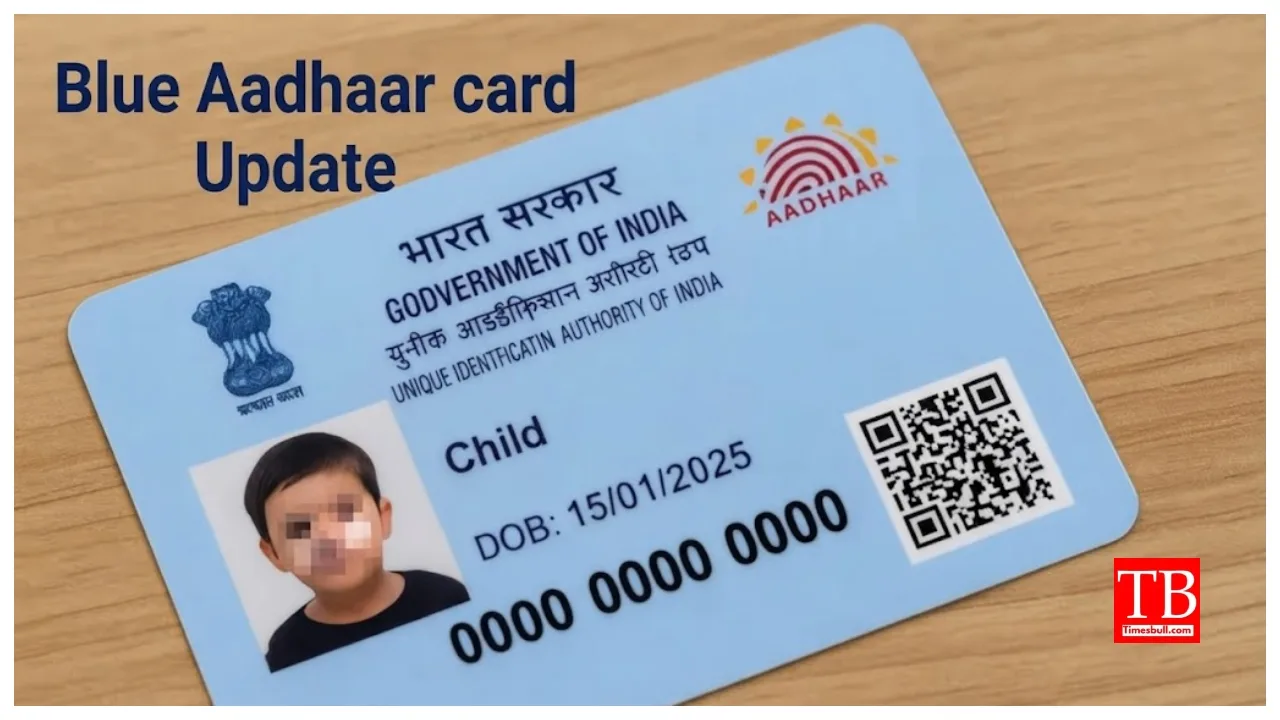
Blue Aadhaar Card Update: The Aadhaar card has become an essential document in today’s times. It is required for various government-related tasks—ranging from school and college admissions to opening bank accounts and applying for a passport. Did you know that, in addition to the regular Aadhaar card, there is also a ‘Blue Aadhaar’ card? If you haven’t heard of the Blue Aadhaar card, don’t worry. Let us explain what it is in detail and for whom the UIDAI issues this specific card.
You will find that approximately 90 per cent of the country’s population possesses an Aadhaar card. However, most people may not be aware that there are two types of Aadhaar cards: the standard Aadhaar card and the Blue Aadhaar card. Let’s find out what the Blue Aadhaar card is.
What is the Blue Aadhaar card?
According to the UIDAI, the Blue Aadhaar card is issued for children under the age of five. It is used for purposes such as school admissions and other government-related activities. This card is unique because it does not require fingerprint or biometric scanning; it only requires demographic details and a photograph of the child. The validity of this card is limited to five years; once the child turns five, a new Aadhaar card must be obtained.
How to download the Blue Aadhaar?
Just like the regular Aadhaar card, you can download the Blue Aadhaar card using three methods: the UIDAI website, the new Aadhaar app, or the DigiLocker app.
What is the application process?
must first visit the official UIDAI website at www.uidai.gov.in
You will see a link for the Aadhaar card here.
Open a new tab where you enter the child’s name, phone number, and email ID.
Enter the name of the place where the child was born and the full address. After that, submit the form.
you will need to visit a nearby UIDAI centre.
You will be able to get an appointment online.
There is no charge for the Blue Aadhaar card.
How to download using the Aadhaar app?
You must log in to your profile.
Go to the profile section and select ‘Add Profile’.
Create a 4-digit PIN for the new profile.
Enter the Blue Aadhaar card number and the parent’s registered mobile number.
Enter the OTP once received.
After verification is complete, you will be able to download the Aadhaar card.
How to download from the UIDAI website.
First, visit the UIDAI website: myaadhaar.uidai.gov.in.
Find the option to download the Aadhaar card.
Enter the Blue Aadhaar card details, registered mobile number, etc.
Enter the OTP.
After verification, you can download the Aadhaar card.
How to download the Aadhaar card using the DigiLocker app?
Log in to the DigiLocker app.
Click the option to download the Aadhaar card in the search tab.
Grant permission to access the card and fill in the details.
Click on ‘Get Document’ and verify the OTP.
Next, go to the ‘Issued Documents’ section.
You can download the Aadhaar card from there.