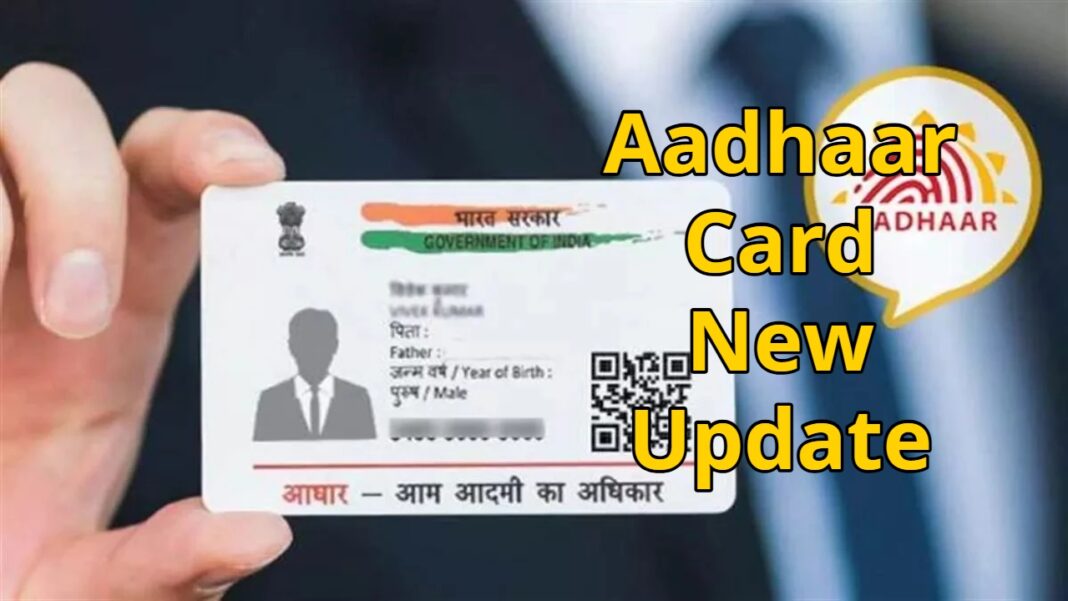
Aadhaar Card New Update: The Aadhaar card has become an extremely important document in India. If you don’t have an Aadhaar card, this news could be very important for you. The UIDAI, the organization that issues Aadhaar cards, has launched a new facility for Aadhaar cardholders. Often, people lose their Aadhaar cards, leading to many problems. Now, people won’t need to visit the UIDAI website or open the DigiLocker app separately.
Read Here: Nitin Nabin Files Nomination for BJP National President Post, Unopposed Election Likely
With this new facility, the Aadhaar card can now be downloaded directly on the social media platform WhatsApp. This facility is available through the official MyGov Helpdesk WhatsApp chatbot. WhatsApp has made this process much easier, as most people use this app daily.
Keep these things in mind
According to the new facility, you need to know some important information before availing of the service. You must have a mobile number linked to your Aadhaar. You must have an active DigiLocker account, and you need to save the official MyGov Helpdesk WhatsApp number +91-9013151515 on your mobile phone.
Read Here: ICAI CA Inter Group 2 Postponed – Check Revised Timings and Admit Card Update
Follow these easy steps
First, save the number +91-9013151515 on your mobile phone.
Then, open WhatsApp and send “Hello” to this number.
Now, you will see a menu from the chatbot; select DigiLocker.
Now, confirm your DigiLocker account.
After this, enter your 12-digit Aadhaar number.
An OTP will be sent to your registered mobile number; enter it for verification.
After successful verification, a list of documents will appear.
Select Aadhaar, and your Aadhaar card PDF will be downloaded on WhatsApp.