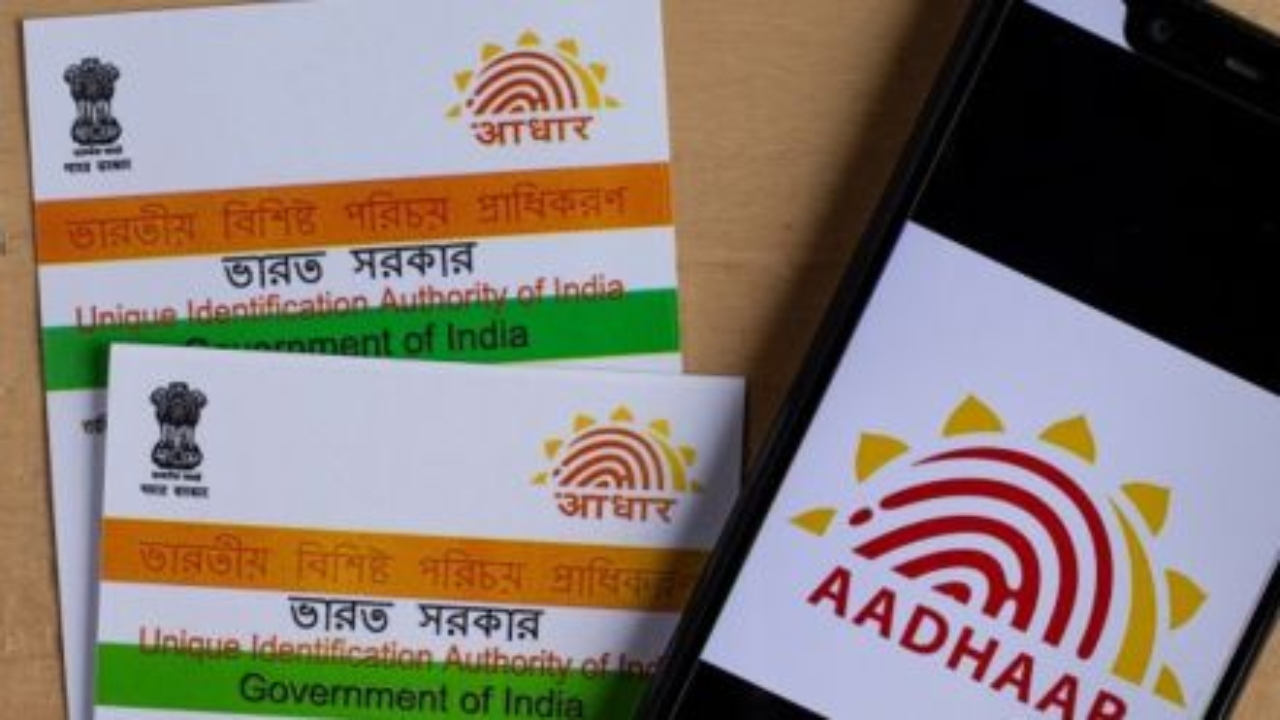
Aadhaar Card Address change : Aadhaar card is India’s most important identification card, used for government services, banking, telecom, and many other purposes. Since it’s linked to your mobile number, PAN, and financial services, it’s crucial to keep the information on it accurate and up-to-date.
If you’ve recently moved to a new home or address, you can change your Aadhaar address online. You don’t need to visit an Aadhaar service center. The Unique Identification Authority of India (UIDAI) offers this feature on its official website.
How to change address in Aadhaar online?
You can change your address through the UIDAI Self Service Portal. The steps are as follows:
Visit the official website of UIDAI uidai.gov.in .
Go to “My Aadhaar” section and click on Update Your Aadhaar.
Select Update Aadhaar Online and login with your Aadhaar number and OTP received on your registered mobile number.
Select the Address Update option.
Enter the new address correctly.
Upload proof of new address (like electricity bill, rental agreement, bank statement etc.).
Check all the information and submit the request.
These documents will be needed
UIDAI accepts several documents as valid, such as:
Electricity/Water bill (not older than 3 months)
property tax receipt
Passport
Bank passbook/statement
Ration card
Rent agreement (with landlord’s signature)
Driving License
Voter ID card
How much time does it take to change the address in Aadhaar?
After submitting the online request, UIDAI verifies your documents and information.
This process is usually completed within 7 to 10 working days.
After submitting, you will get URN (Update Request Number), through which you can check the status.
Once the request is approved, you can download the new e-Aadhaar from the UIDAI portal.