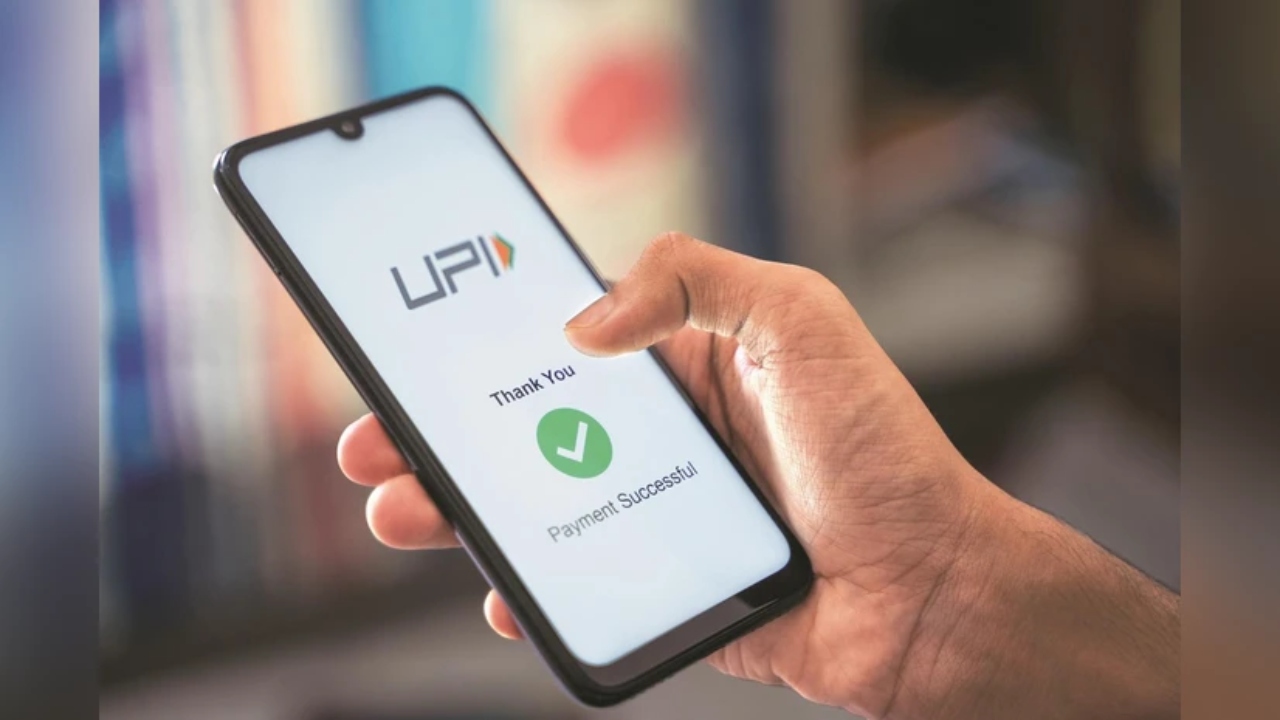
UPI PIN: Major update for UPI users. The Unified Payments Interface (UPI) has completely transformed the digital payments landscape in India. Sending and receiving money is now easier, safer, and faster than ever before. But creating a strong UPI PIN is crucial to keeping your hard-earned money safe. This article explains what a UPI PIN is and how to set or change it.
What is UPI PIN?
A UPI PIN (Unified Payments Interface Personal Identification Number) is a 4- or 6-digit secret code that you set in the UPI app linked to your bank account. Whenever you make a UPI transaction, you must enter this PIN to confirm the payment. This PIN protects your bank account from unauthorized transactions and ensures that only you can make payments.
How to set UPI PIN?
Step 1: First of all download any UPI app – like BHIM, Google Pay, PhonePe or Bajaj Finserv app.
Step 2: Open the app and link your bank account. You’ll need to enter the last 6 digits of your debit card and its expiry date.
Step 3: Now go inside the app and go to the ‘UPI PIN’ or ‘Payment Settings’ section.
Step 4: Here you will get the option to set UPI PIN.
Enter the last 6 digits of your debit card and the expiry date.
An OTP (One Time Password) will come on your mobile.
Enter the OTP and set your new UPI PIN.
Enter the same PIN again and confirm.
Now your UPI PIN is set, and you are ready to make payments with UPI.
How to change UPI PIN?
If you want to change your old UPI PIN, follow these simple steps:
Step 1: Open your UPI app (like Google Pay, BHIM, PhonePe etc.).
Step 2: Go to the app and go to the ‘UPI Settings’ or ‘Send Money’ section and select your bank account.
Step 3: Now select the ‘Change PIN’ option.
Step 4: Here you have to enter the last 6 digits of your debit card, expiry date and current UPI PIN.
Step 5: Now enter the new UPI PIN and confirm it by entering the same PIN again. Your new UPI PIN will be successfully updated, and you will receive a confirmation message.