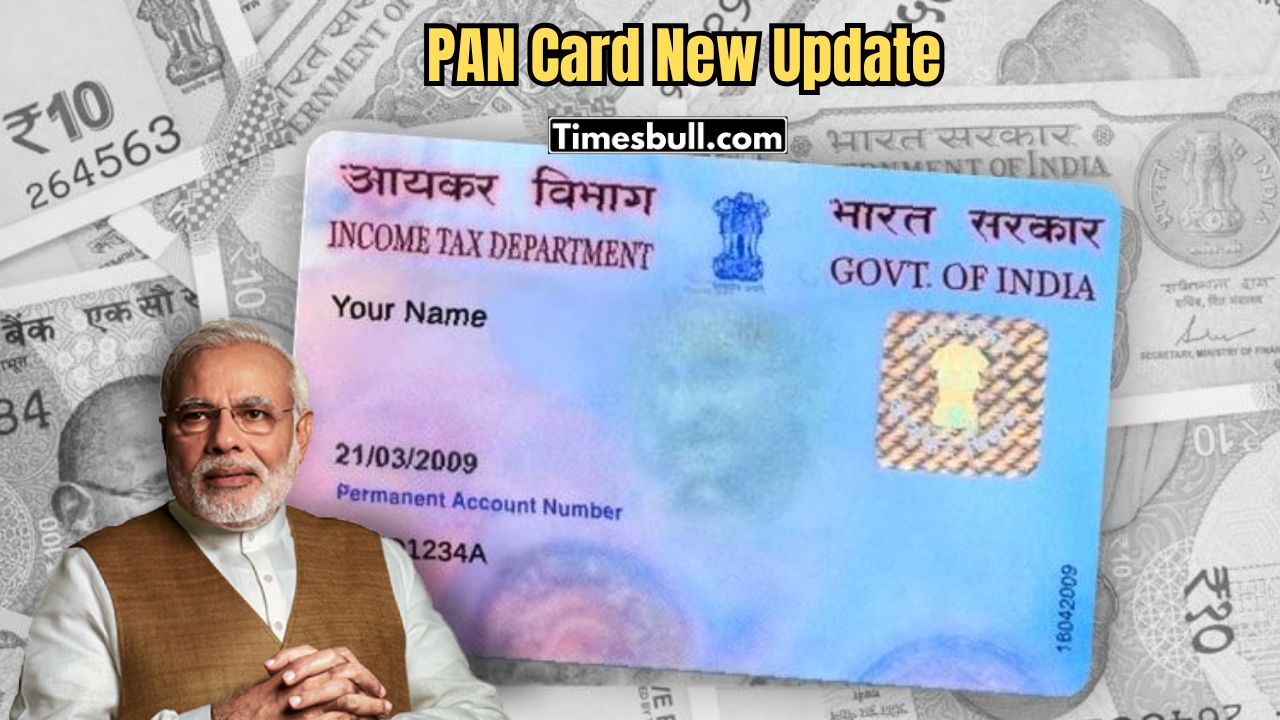
In India, the Permanent Account Number (PAN) card is an important ID. You need it to open a bank account, do big financial transactions, and file income tax returns. Your tax records and details are associated with your PAN number. The PAN card is issued by the government to Indian citizens, Non-Resident Indians (NRI), and even foreigners.
If you have applied for a new PAN card online, or for a reprint of an existing one, it is simple to check the status.
You can check your PAN card application status through either National Securities Depository Limited (NSDL) or UTI Infrastructure Technology and Services Limited (UTIITSL) online. This is how to check the status of your PAN card application step by step.
How to Check Your PAN Card Status Online Through NSDL
- First, go to the NSDL PAN application status tracking page.
- Select the application type as PAN – New / Change Request.
- Enter the acknowledgment number you received from NSDL.
- Type the captcha code for verification and click Submit.
- You will then see the current status of your PAN card application or reprint request.
How to Check Your PAN Card Status Online Through UTIITSL
- First, go to the UTIITSL PAN card application status page.
- Enter the application coupon number you received from UTIITSL by email.
- You can also check by entering your PAN number.
- Type the captcha code for verification and click Submit.
You will see a status update showing whether your PAN card has been issued, reprinted, or is still being processed. Once your application is approved, your new or reprinted PAN card will be sent to your registered address.