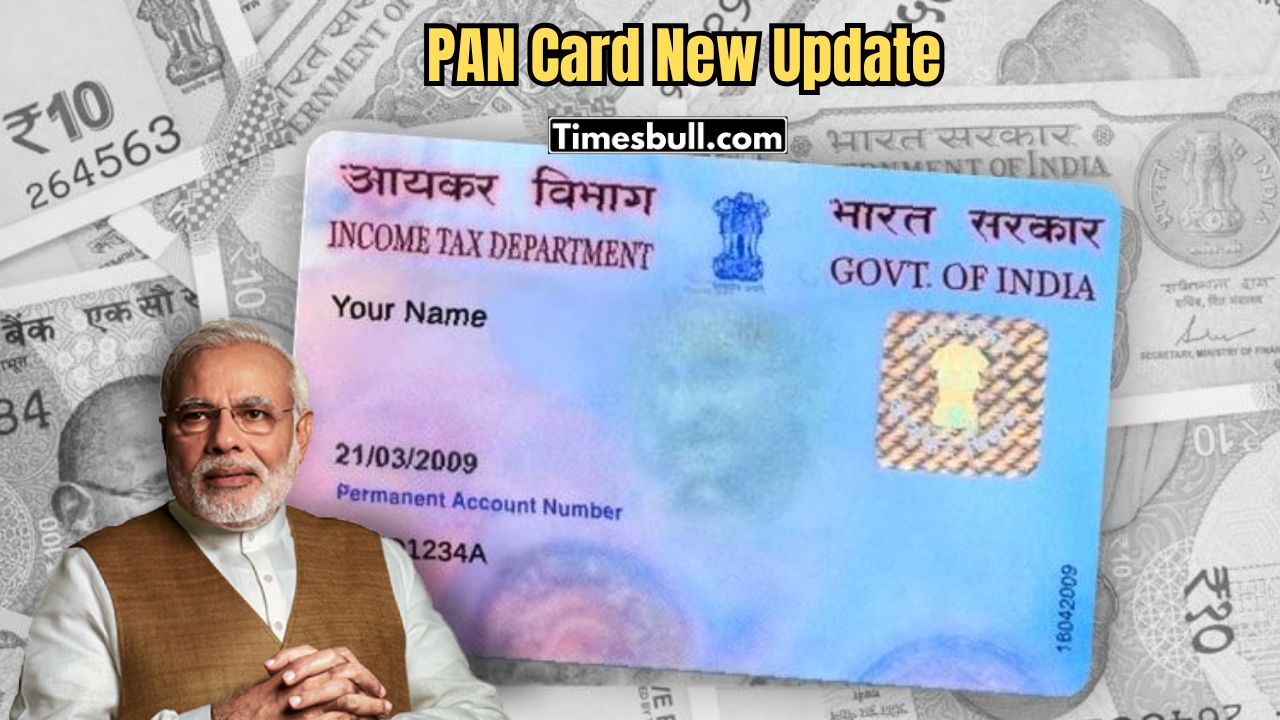
A PAN card is needed for many things. You need it to open a bank account or file income tax. Sometimes, the PAN card gets old, damaged, or needs change. People think it is hard to update.
Now, with the internet, renewing a PAN card is easy and fast. If you have internet and some basic knowledge, you can apply from home in a few minutes. Soon, you will get a new PAN card. Here is how to renew it.
Steps to Renew Your PAN Card Online
Visit the Correct Website
To renew your PAN card, first go to the official website of NSDL or UTIITSL. These are government websites for all PAN card services, like new applications, duplicate applications, updates, or renewals.
Fill the Correct Form
- Form 49A: For Indian citizens
- Form 49AA: For foreign citizens
Enter your name, date of birth, address, and other details. Be careful, as even one mistake can delay your application.
Upload Documents
You need valid identity and address proof. You can use Aadhaar card, voter ID, or passport. For address proof, you can use electricity bill, bank statement, or other valid documents. Scan them clearly and upload.
Make Online Payment
After uploading documents, pay the fee online. For Indian address, it is around ₹110. You can pay by net banking, debit card, or credit card. After payment, you get an Acknowledgement Number. Keep it safe, as it is needed for tracking your application.
Check Status and Delivery
You can check your application status using the Acknowledgement Number on the website. After approval, your PAN card is sent to your address by post. It usually comes in a few weeks. You can also check the delivery status with the postal tracking number.