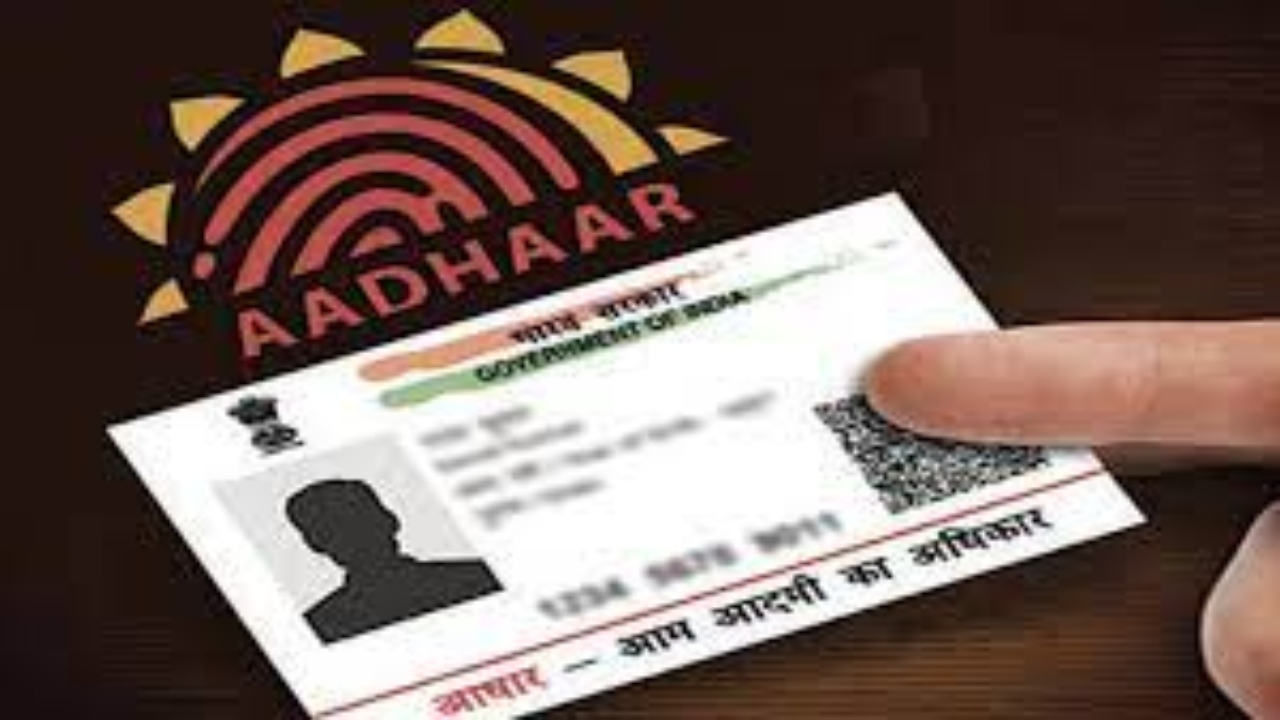
Aadhaar Card Lock- Be it a government or private institution, Aadhaar card is used for every work nowadays. Even for booking a room in a hotel, people give Aadhaar card as ID. In such a situation, many times people’s Aadhaar card information is misused and they become victims of fraud.
First of all, know that it is not necessary to give Aadhaar card everywhere, you can also show other documents like driving license and voter ID as ID. Even if you have to give Aadhaar card, then you should give a masked Aadhaar card. Biometric details are present in your Aadhaar card, it is very sensitive. In such a situation, you can use Aadhaar card even by locking this detail. Let’s know how.
What is Aadhaar locking?
You can lock the biometric details of your Aadhaar. It contains information like fingerprint, iris scan and face data. These are security features. If these details are locked, no one will be able to do ID verification, financial transaction or issue SIM card without your permission. This way you will be saved from fraud. To lock the biometric details of your Aadhaar, first of all you have to log in to the official website of UIDAI and generate a virtual ID from the ‘VID Generator’ option.
Know the process
For biometric lock on UIDAI myAadhaar portal, visit https://resident.uidai.gov.in/bio-lock .
Now click on the option of ‘Lock/Unlock Aadhaar’ below.
In the first step, generate Virtual ID by clicking on ‘Click Here to Generate VID’.
Once the virtual ID is generated, come back to the same page again.
Now click on the ‘Next’ option. Here select the locked Aadhaar and enter the requested details.
Now verify the OTP by clicking on Send OTP.
After verification your Aadhaar biometric will be locked.
Lock it like this with mAadhaar app
Download the mAadhaar app by visiting Google Play Store or Apple App Store.
Now log in to the app with your registered mobile number.
After this click on ‘my aadhaar’ icon.
Enter your Aadhaar number, captcha code and complete OTP verification.
To lock your Aadhaar biometrics, click on the ‘Biometric Lock’ option. This will lock your Aadhaar.
You can also lock biometrics through SMS
Send a [GETOTP (space) aadhaar Last 4 digits] message to 1947 from your Aadhaar linked mobile number.
If your phone number is linked to multiple Aadhaar numbers, use the last 8 digits instead of the last 4.
Verify OTP via SMS.
With this your biometric will be locked.

Sweta Mitra
Working in the media for last 7 years. The journey started in the year 2018. For the past few years, my working experience has been in Bengali media. Currently working at Timesbull.com. Here I write like Business, National, and Utility News. My favorite hobbies are listening to music, traveling, food,...
Related Stories
 Business
 Business
 Business
 Business
 Business
 Business
 Business
 Business
 Business
 Business