
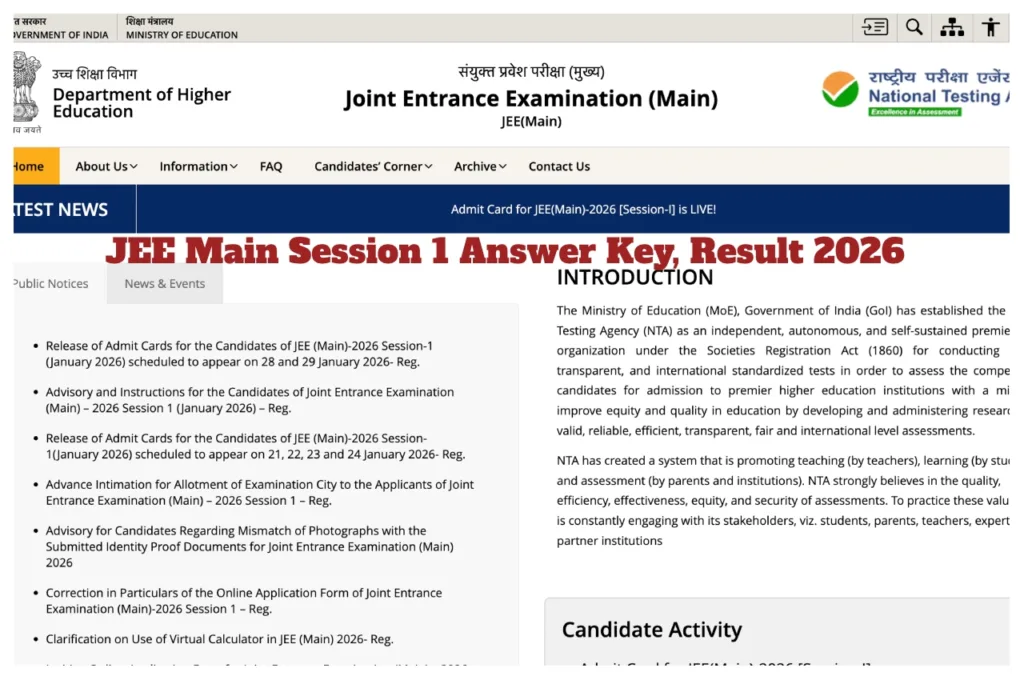
JEE Main Session 1 Answer Key,Result 2026: Big news is coming for candidates who appeared in the JEE Main Session 1 exam. Candidates are eagerly awaiting the JEE Main Session 1 Answer Key,which the National Testing Agency will release on February 4th. Candidates will have until February 5th to raise objections. The JEE Main Session 1 result is expected to be released by February 12th. After the JEE Main Session 1 Answer Key is released,candidates can download it from the official website and check their results once they are announced. To check and download the result,candidates will need to enter their registration number and password.
JEE Main Session 2 exam Date
The application process for JEE Main Session 2 is starting today,February 1st. The last date to apply is February 25th,2026. According to the official website,the exam will be conducted between April 2nd and April 9th,2026.
JEE Main Session 1 Answer Key 2026: How to download online
First,go to jeemain.nta.nic.in
Click on the JEE Main Session 1 Answer Key 2026 Download link.
Enter your registration number and password.
The answer key will be displayed on your screen.
Now download the answer key and take a printout for future use.
Read More:- JEE Main 2026 Session 2 – Registration Link Active from Feb 1 at jeemain.nta.nic.in
Read More:- Budget 2026 Expectations – Will Salaries up to ₹13 Lakh Become Tax-Free? 5 Big Announcements Today
JEE Main Session 1 Result 2026 Date:
The Joint Entrance Examination Session 1 result is expected to be released by February 12th. After the results are announced,candidates can check their scores through the official website.
JEE Main Session 1 Result 2026: How to Download score online
Visit jeemain.nta.nic.in
Click on the JEE Main Session 1 Result 2026 link on the homepage.
Enter your registration number and password.
Your result will be displayed on your screen.
Click on the download below to save the scorecard on your laptop
How to apply for JEE Main 2026 Session 2
1. Visit the official website jeemain.nta.nic.in
2. Register and create an application ID and password.
3. Log in and fill in your personal and academic details.
4. Now select your preferred exam centres.
5. Upload your recent passport-size photograph and signature.
6. Pay the application fee.
7. Submit the form and download the confirmation page.
Required Documents and Application Fee
During the application process,students will need to upload certain essential documents,including:
Recent passport-sized photograph
Signature
Required academic details
The application fee can be paid through debit card,credit card,net banking,or UPI. The NTA has clarified that application forms will not be considered valid unless the fee is paid.