


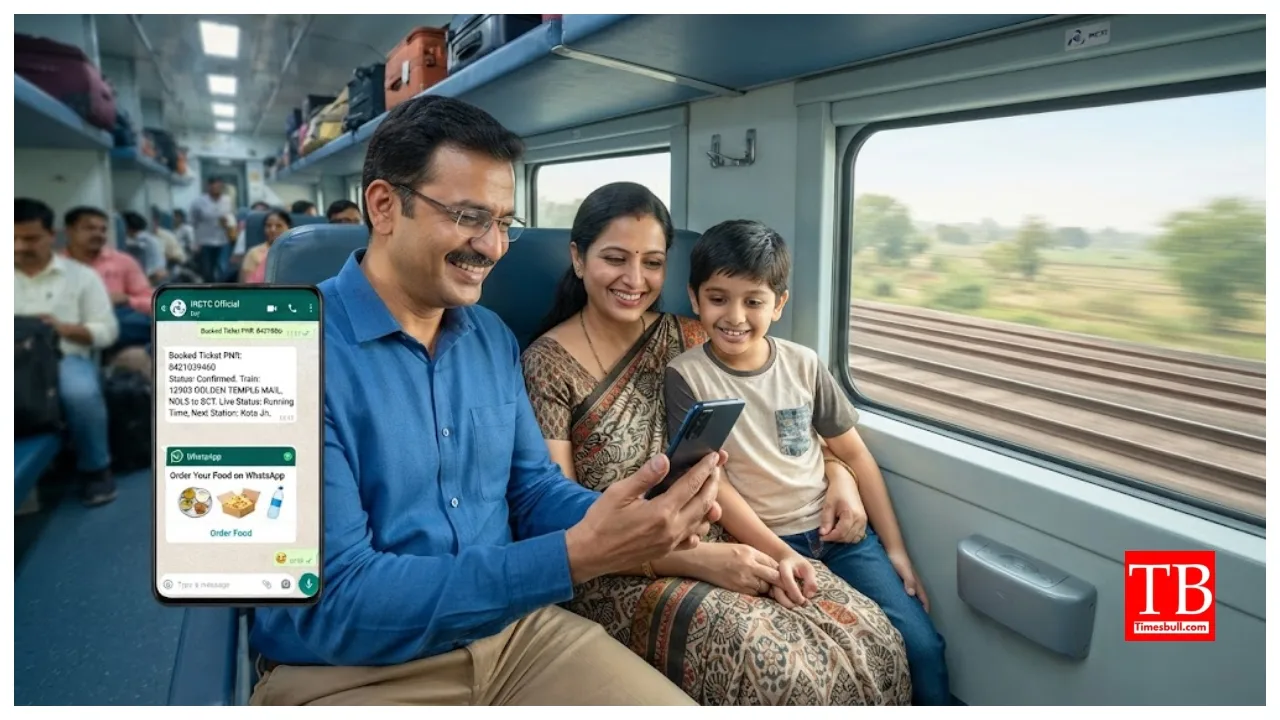
WhatsApp PNR Status: Indian Railways offers various facilities to passengers, covering everything from ticket booking to checking PNR status. New services are continuously being introduced for travellers. Passengers can now check their PNR status and get real-time train location updates via WhatsApp. IRCTC has developed a WhatsApp chatbot to facilitate these tasks, allowing passengers to track all such information easily. Here, we explain how you can track your PNR and live train location using WhatsApp.
Through the WhatsApp chatbot, passengers can check PNR status, live train status, details about upcoming and previous stations, and other journey-related information. To do so, simply enter your 10-digit PNR number into the WhatsApp chatbot, and it will display the full details. Additionally, passengers can dial 139 to check live train status.
How to check PNR status on WhatsApp?
To receive Indian Railways PNR and live train status updates on WhatsApp, users need to save the Railofy WhatsApp chatbot number (+91-9881193322) in their mobile phones. After saving the number, refresh your WhatsApp contact list. Then, open the Railofy chat and enter your 10-digit PNR number. The Railofy chatbot will provide all PNR-related details and real-time train information. You can also access journey-related information using your PNR number before commencing your trip.
How to order food on the train
IRCTC has introduced an app that allows passengers to order food during their train journey. Passengers can order food online using Zoop, an IRCTC-affiliated service. To order food, save the number +91 7042062070 on your mobile phone and then open the Zoop chatbot on WhatsApp.
After saving the number, open the Zoop chatbot in WhatsApp. Next, enter your 10-digit PNR number. To place an order, select the upcoming station. You will then see a list of available restaurants; choose one to place your order and complete the payment. You can also track your order through this chatbot.