


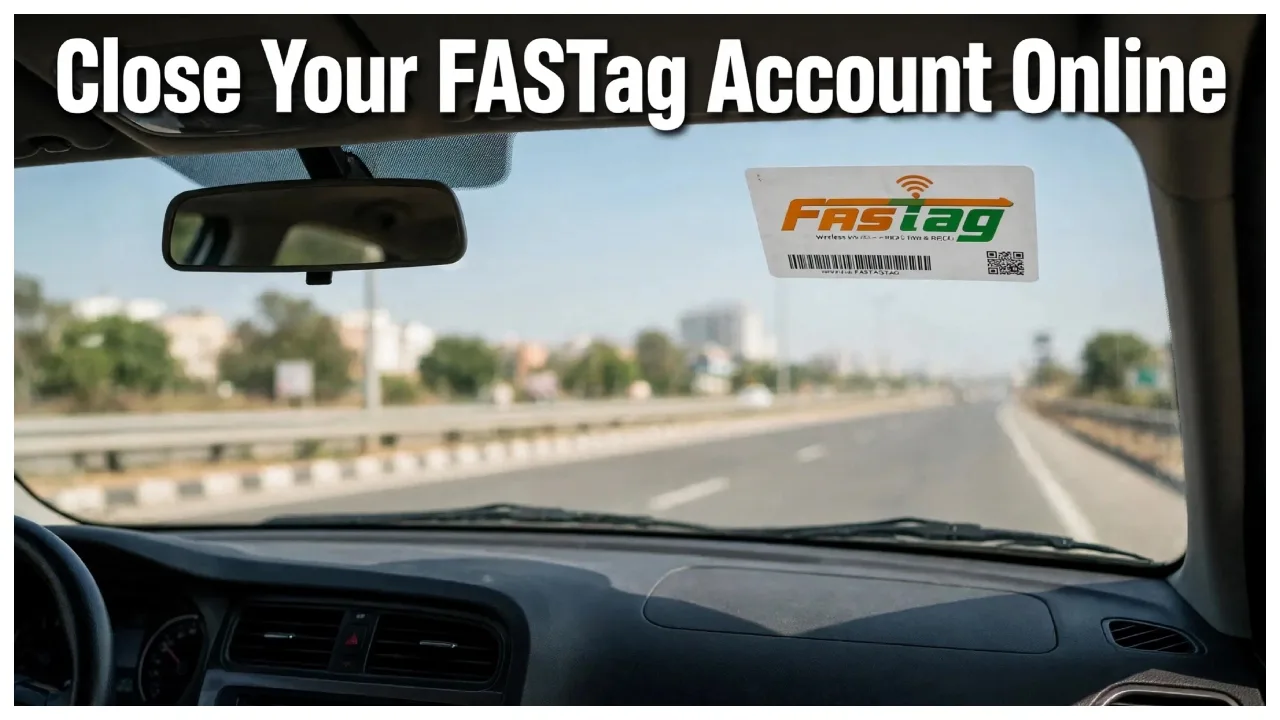
FASTag: If you wish to create a new FASTag account or close an existing one, but are unsure how to proceed with the deactivation, there is no need to worry. Many people want to close their FASTag account after selling their vehicle but are unaware of the process. Closing your FASTag account prevents unauthorised toll deductions and keeps any remaining balance in your account secure.
How to deactivate a FASTag?
If you are selling your car, it is best to remove the FASTag. If you are unable to deactivate the FASTag using your registered mobile number, you can call the toll-free number 1800-120-4210. Alternatively, you can contact the entity through which you originally activated the FASTag. You will then receive a link on your mobile device where you will need to enter the vehicle’s registration number and the FASTag serial number to complete the deactivation process.
How to close a FASTag account online?
First, log in to your bank’s official website or the NETC portal.
Navigate to the account settings and select the ‘Account Closure’ or ‘Close FASTag Account’ option.
Provide the reason for closing the account and upload the required documents, such as the vehicle’s Registration Certificate (RC) and an identity proof.
Submit your request; this will initiate the account closure, and any remaining balance will be refunded to your linked bank account.
How to close an offline FASTag account?
– Visit the nearest branch of the bank from which you obtained your FASTag.
– Fill out the form to close the FASTag and submit the required documents to the bank.
– Obtain a receipt after submitting the form; any remaining balance will be transferred to your bank account within a few days.
Please note that if any violation or offence is recorded against your vehicle, law enforcement agencies may blacklist your FASTag. Furthermore, using a FASTag purchased for a private vehicle on a commercial vehicle is a violation of the law. In such cases, law enforcement agencies may ask your tag issuer to add your tag ID to a blacklist.