


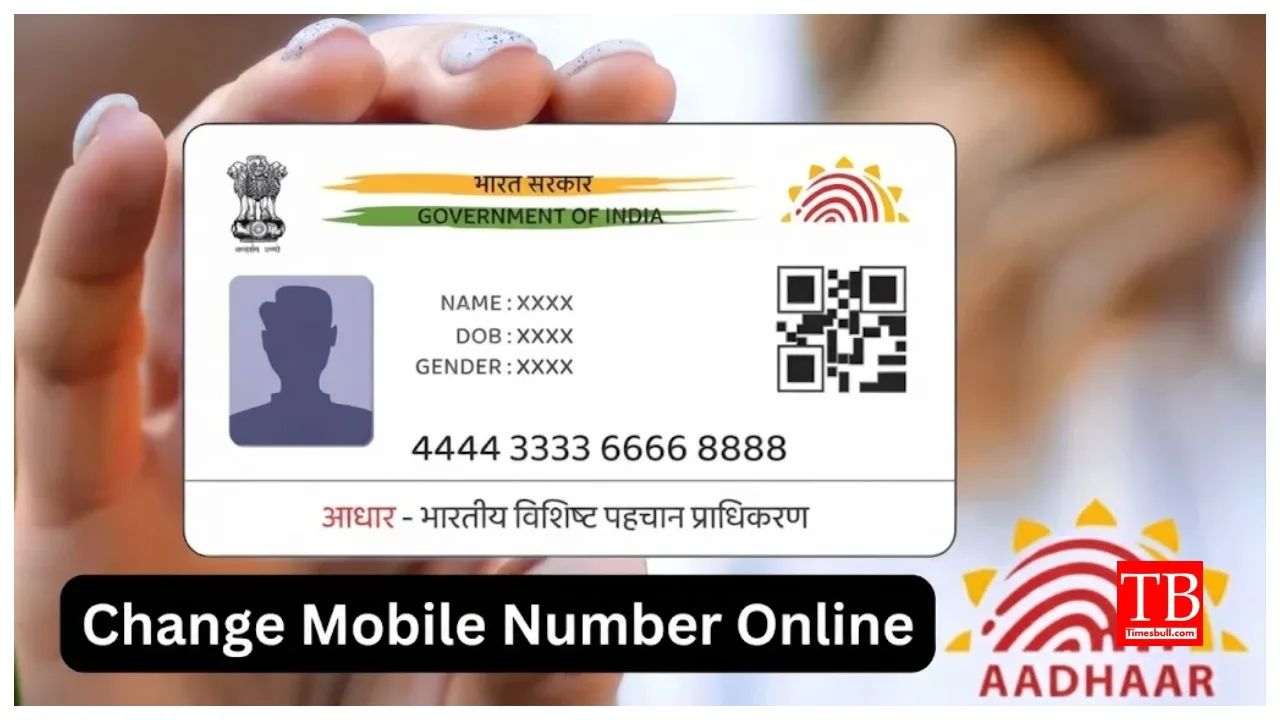
Aadhaar Card Update: The Aadhaar card is not merely an identity document; it has become an essential document for almost all government-related tasks. Consequently, if your mobile number changes, it is crucial to update this information in your Aadhaar records. Many people wonder how often they can update details like their name, address, mobile number, or date of birth in Aadhaar. Fortunately, the UIDAI has established clear guidelines, allowing people to update their information easily when needed without facing any hassle.
The UIDAI recently launched the full-fledged version of the new Aadhaar app. This app enables users to update their mobile numbers linked to Aadhaar online. Previously, one had to visit an enrolment centre to change a mobile number or address, but the process is now entirely digital, thanks to OTP verification and face authentication.
How to update your mobile number?
You can update your mobile number multiple times if necessary. To do so, you can visit the nearest Aadhaar Seva Kendra. The facility to update the mobile number is also available via the UIDAI Aadhaar app. After entering the new number, you must complete OTP verification and authentication. Once updated, all Aadhaar-related alerts will be sent to the new number.
What are the limits for changing your name and date of birth?
According to UIDAI rules, the name in Aadhaar can be updated only twice. In contrast, changes to gender and date of birth are permitted only once. Providing incorrect information can lead to complications later.
Important points to consider before updating your mobile number:
Your internet connection must be stable and fast.
The old mobile number linked to Aadhaar must be active.
A clear background is required for face authentication.
Face authentication will not be possible if the biometric lock is enabled in the app.
How to update your mobile number:
Step 1 – Navigate to the ‘Update Aadhaar Online’ option.
Step 2- You will be asked to complete verification via a face scan or OTP; please complete this process.
Step 3- Once verification is complete, you can enter your new mobile number.
Step 4- Finally, pay the required charges and submit the form.
Required Documents
Passport
Bank statement
Ration card
Voter ID
Disability card
MNREGA/NREGA job card
Electricity bill, water bill, gas connection document, landline telephone bill, postpaid mobile bill