


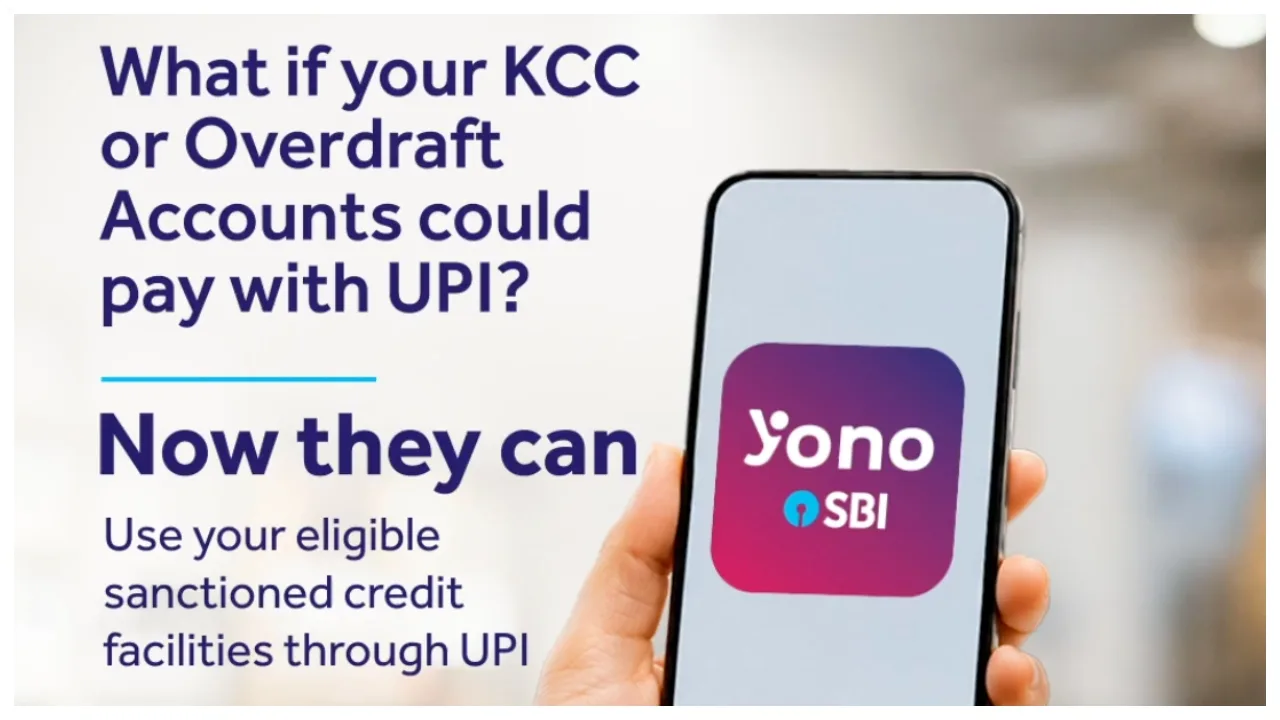
SBI UPI Payment: The country’s largest public sector bank, SBI, frequently introduces new features for its customers. Currently, the bank has launched a new facility designed to make digital payments even more convenient. Through this feature, customers can make UPI payments using their assigned credit limits. This includes facilities such as the Kisan Credit Card (KCC), Mudra loans, and overdraft accounts.
With this feature, customers no longer need to withdraw cash or transfer funds from their bank accounts for every transaction; instead, they can make direct UPI payments to shopkeepers or merchants. This service can be managed via the YONO SBI app. Let’s explore how this feature works and how it can be activated.
Read More:- EPFO Update – Wage Ceiling Now RS 25,000, What Do EPF, EPS and EDLI Offer?
Read More:- Zerodha Increases Instant Withdrawal Limit to Rs 5 Lakh, Big Relief for Users
Read More:- Gold Silver Price Today: Gold Down ₹54,000, Silver ₹2.42 Lakh
Making UPI Payments via KCC and Mudra Loans
Traditionally, UPI payments were made using funds deposited in a bank account. Under this new SBI facility, eligible customers can link their credit limits to UPI to make payments. For instance, if a farmer has an active Kisan Credit Card (KCC) limit, they can use that limit to make direct UPI payments to merchants. Similarly, eligible credit facilities linked to Mudra loans or overdraft accounts can also be used. Please note that this facility does not apply to all types of accounts.
You can now use your eligible sanctioned credit facilities through UPI—bringing unmatched convenience to your KCC, Mudra Loan and Overdraft accounts.
Make payments instantly, smoothly, and securely using the YONO SBI app. https://t.co/vmbl3cHZiq
“>October 29, 2026
What are the benefits for customers?
This special SBI facility offers significant convenience. Customers are no longer required to withdraw cash from an ATM for every payment; instead, they can make direct UPI payments to shopkeepers or merchants. Furthermore, eligible customers can use their existing credit facilities for payments. The YONO SBI app provides the option to link these credit lines to UPI.
How to link a credit line in the YONO SBI app?
If you are an SBI customer and wish to link your credit facility to UPI, you can complete this process through the YONO SBI app.
First, open the YONO SBI app on your mobile phone.
Next, log in using your user ID and password.
Navigate to the ‘Profile’ section in the app.
Click on ‘Manage My Accounts’.
Select the ‘Manage My UPI’ option.
Choose your eligible credit facility and follow the on-screen instructions.
Once the necessary steps are completed, your eligible credit line will be linked to UPI.