


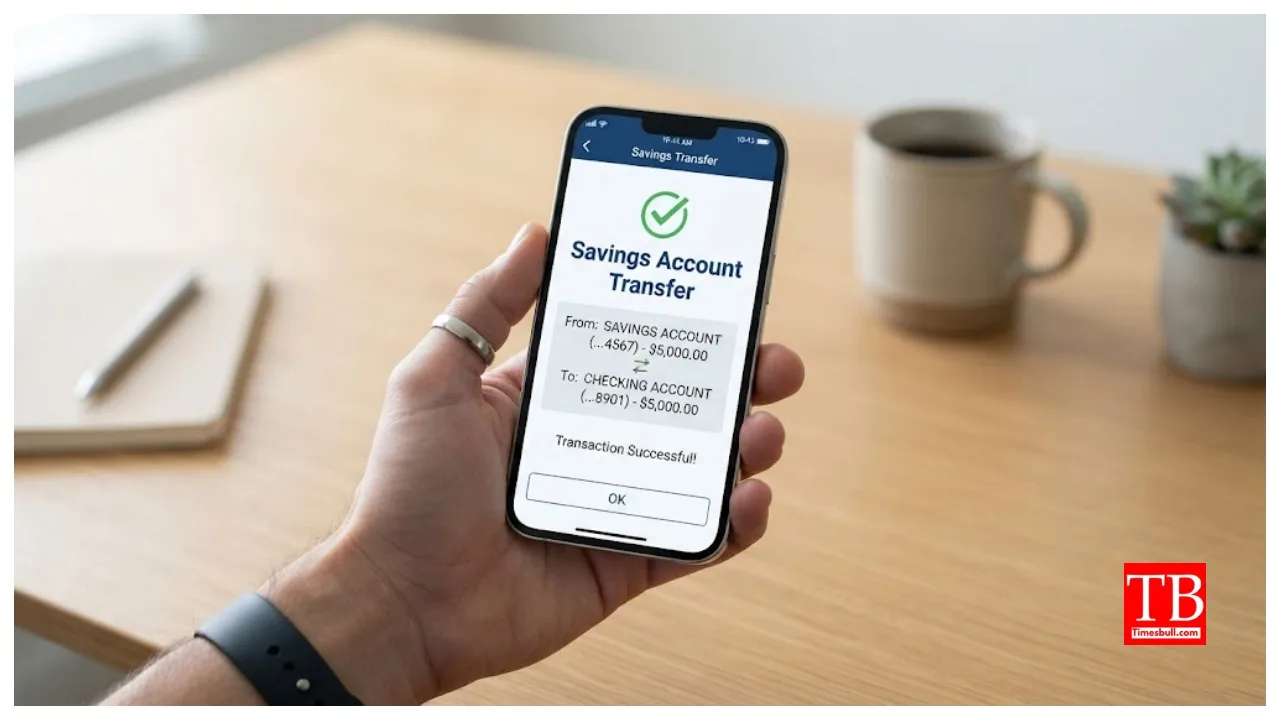
Savings Account Transfer: If you are considering transferring your account from one branch to another, this information may be useful. Please note that this process involves changing the IFSC code. The IFSC code is an 11-digit code unique to every bank branch in India. While banks like Kotak Mahindra Bank, HDFC Bank, ICICI Bank, and SBI offer customers the facility to transfer their account branch online (to a different location or city), those who prefer an offline method can visit their branch, fill out a transfer request form, and submit it.
Which savings accounts are eligible for branch transfer?
While any account holder can apply to transfer their account, this facility is not available for certain accounts. Accounts where the KYC process has not been completed cannot be transferred. Similarly, bank accounts that have remained inactive (with no transactions) for two years or more cannot be transferred.
Things to know before transferring your account
If you plan to move your account to another branch, consider these important points. Your account must be fully KYC-compliant. Also, update all identity and address documents to avoid interruptions during the transfer process. If you have any outstanding loans or overdrafts linked to your account, settle them first to avoid delays. Issues or service deactivations related to pending chequebooks, debit cards, or other services could also affect the transfer process.
Step-by-step process
First, log in to the bank’s official website or mobile app using your user ID and password. Next, click on options such as ‘Service Request,’ ‘e-Services,’ or ‘Account Services.’ Then, select the option to ‘Change Home Branch’ or ‘Transfer Account.’ Finally, enter the IFSC code or the name of the branch you wish to transfer to. After that, confirm the details and click ‘Submit’. You will then receive a message or email confirming the successful request. The account transfer takes 2 to 5 days to complete.
How to transfer your account offline
If you can’t transfer your account online, you can do so offline. You can easily transfer your account by visiting your bank branch.
Step-by-step process
First, visit your current branch. Next, apply for the account transfer. You will need to enter the names and codes of both the old and new branches in the application form. Then, attach photocopies of your Aadhaar card, PAN card, and passbook as proof of identity. After submitting the application form, you will receive an acknowledgement slip from the bank. Once the transfer is complete, visit the new branch to update your passbook. The account transfer process is completed within 5 to 7 working days.
The process is now easier than before
Transferring a savings account has become much easier than it used to be. You can complete this process from the comfort of your home using net banking or a mobile app. Alternatively, you can visit the bank and apply offline. Both methods ensure a safe transfer of your account to the new branch.