


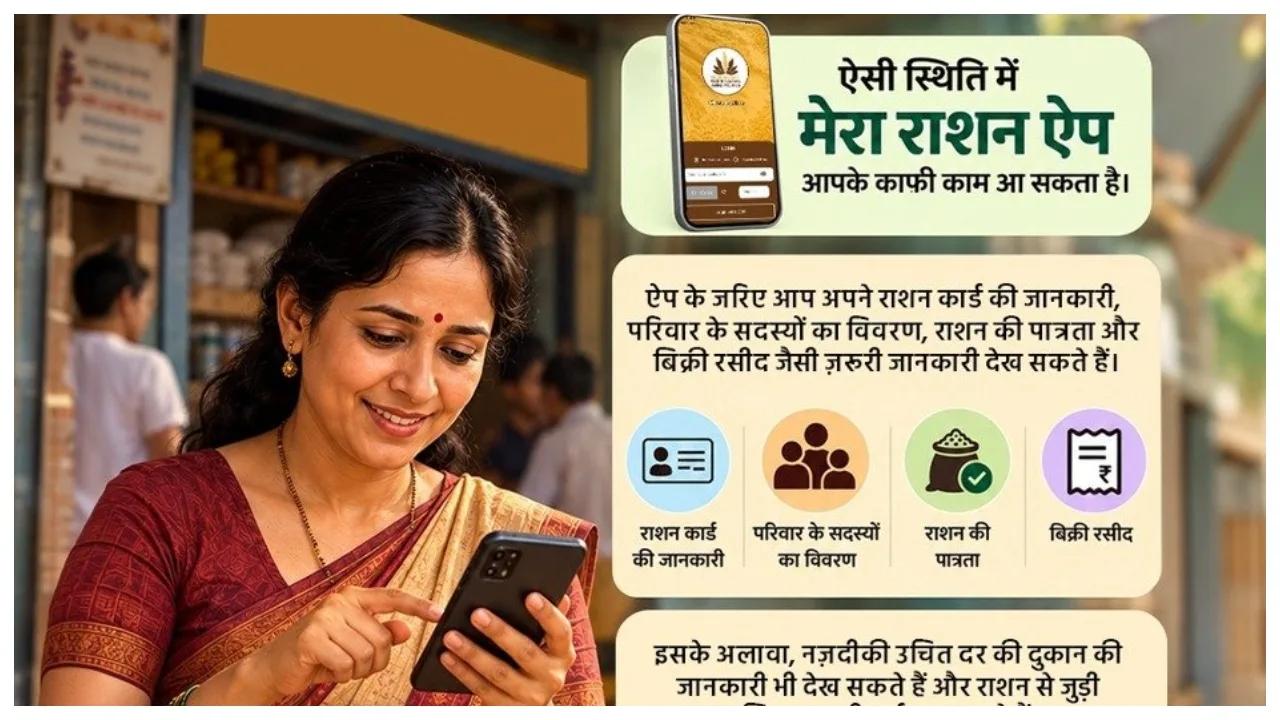
Ration Card Facility: If you are a ration card holder, this news could be very significant for you. Cardholders can now access information related to their ration directly on their mobile phones. To facilitate these changes, the Government of India has launched the ‘Mera Ration’ app, which has proven highly useful for ration card holders.
Through this app, you can view your digital ration card, check details of your monthly ration entitlement, and review records of past ration distributions. The primary objective of this government app is to provide services related to ration cards, sparing cardholders the need to make repeated visits to government offices for minor enquiries.
What is the ‘Mera Ration 2.0’ app?
‘Mera Ration 2.0’ is an excellent mobile application that allows cardholders to access information regarding their ration and the Public Distribution System (PDS). Beneficiaries can view their ration quota, access a digital copy of their ration card, and retrieve historical records related to their ration. The app also offers several other features.

Benefits of the ‘Mera Ration 2.0’ app
The ‘Mera Ration 2.0’ app allows users to view their digital ration card on their mobile phones. You can check your monthly ration entitlement and review past ration records. Additionally, the app allows you to locate nearby government ration shops, view the number of family members registered under your ration card, and check the status of your Aadhaar and e-KYC. Furthermore, ration card holders can also register complaints related to their ration services through the app.
How to download the ‘Mera Ration 2.0’ app
The ‘Mera Ration 2.0’ app is easy to use; just follow a few simple steps to get started. First, search for the ‘Mera Ration 2.0’ app in the Google Play Store (on Android) or the Apple App Store.
Enter ‘Mera Ration 2.0’ into the search box and perform the search.
Verify the app details and proceed to install it.
Open the app and select your preferred language.
Navigate to the ‘Beneficiary’ section.
Fill in the required information, using either your Aadhaar number or ration card number.
An OTP will be sent to your registered mobile number; enter this OTP to complete the verification process.
Once verified, you can view information related to your ration card and the distribution of rations within the app.