



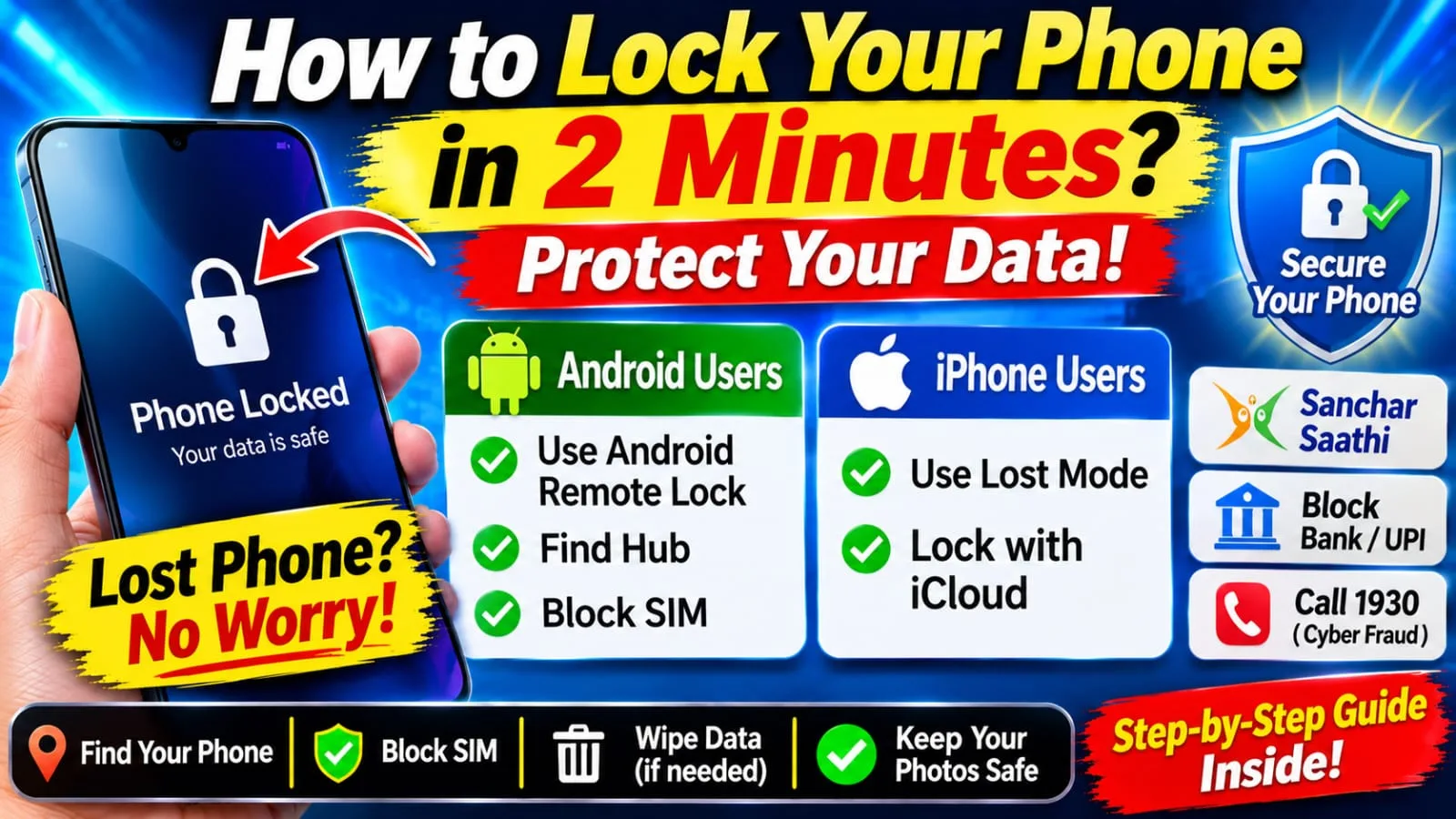
How to lock your phone in 2 minutes:- Whilst the loss of a phone can be worrying, people often become even more concerned about the confidential information that may be stored within it. This can include photographs, WhatsApp and other messaging services and also banking, UPI and password information.Luckily, both Android and iPhone users can lock their phones remotely. In addition, it is possible to block the SIM card and to prevent the phone from working on Indian mobile networks. Below are the steps to follow to protect your phone and data.
Remote locking of Android phones
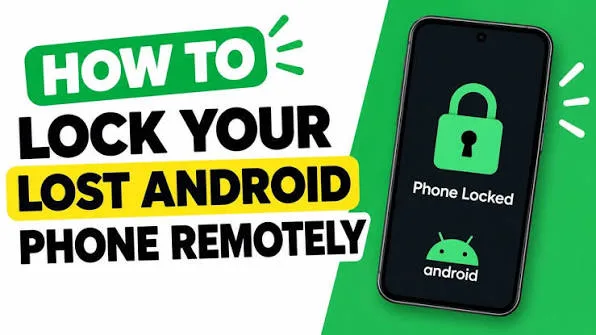
Google has a ‘Remote Lock’ facility which lets users lock their lost Android phone by typing in the mobile number associated with it. Access the ‘Android Remote Lock website’ (https://android.com/lock) on another phone or computer. Then type in the mobile number and go through the validation process. Finally, submit your request.Provided that Remote Lock has been activated and that the phone has a screen lock, a validated mobile number and a working SIM card, together with Find Hub switched on, it should then be locked. Should the phone not be connected to the internet, the request will likely be fulfilled once it is.
iPhone – activating Lost Mode
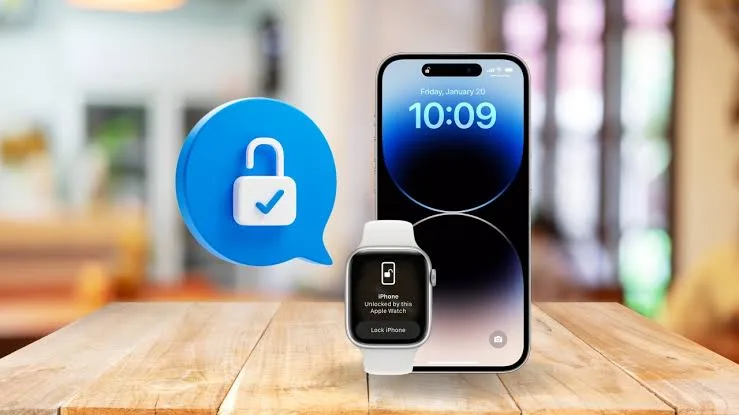
Like Android, Apple has a ‘Lost Mode’. This can be accessed via ‘iCloud Find Devices’ (https://icloud.com/find). Log into your Apple Account and then click on your lost iPhone. Click ‘Mark as Lost’ to activate this function.Lost Mode locks your phone and blocks payment cards and Apple Pay. It can also show a message and contact number on the phone screen to encourage its return.
SIM card and bank account blocking
Alongside locking your phone remotely, it is advisable to notify your mobile network provider so that they can block the SIM card. You can then obtain a new SIM card, but with the same mobile number.
Furthermore, it is important that you secure your bank and UPI accounts. Inform your bank that you wish to temporarily block mobile banking or UPI facilities associated with your lost phone. Where applicable, also secure your Google Pay, PhonePe, Paytm and other payment accounts.
Blocking your phone using Sanchar Saathi
India’s government also runs a valuable service known as CEIR (Central Equipment Identity Register), which can be accessed via the ‘Sanchar Saathi portal’ (https://www.sancharsaathi.gov.in/). This enables users to block their lost or stolen phone by entering its IMEI number.
Having reported your phone to the police, log onto the Sanchar Saathi portal. Click on the ‘block lost/stolen mobile’ button. Usually, you will need to provide police report information, a new SIM card (for OTP validation) and identity documentation. Following submission of your blocking request, ensure that you record the Request ID so that you can monitor the progress of your application.
Can you also protect your photographs and data?
As previously explained, remote phone locking can assist in protecting your data, such as photographs and messaging, as well as apps. However, there are no assurances that all of your data will necessarily be protected and retrieved.
Should you be unable to retrieve your phone and are concerned about your data, it may be advisable to remotely wipe it using either Google’s Find Hub or Apple’s Find My. Nevertheless, please note that local phone data is irreversibly deleted during a remote wipe. Therefore, it is important to confirm whether your photographs and key data are stored in a cloud service, such as Google Photos or iCloud.
Closing Comments
Rather than attempting to yourself recover your lost phone, respond swiftly to its loss. Lock it remotely, notify your mobile network provider to block your SIM card and secure your bank accounts. In addition, you can utilise the Sanchar Saathi portal to block your phone from Indian mobile networks.Pre-emptively activating Android’s Theft Protection or Apple’s Stolen Device Protection can also be beneficial in securing your data should your phone be unlawfully obtained.