



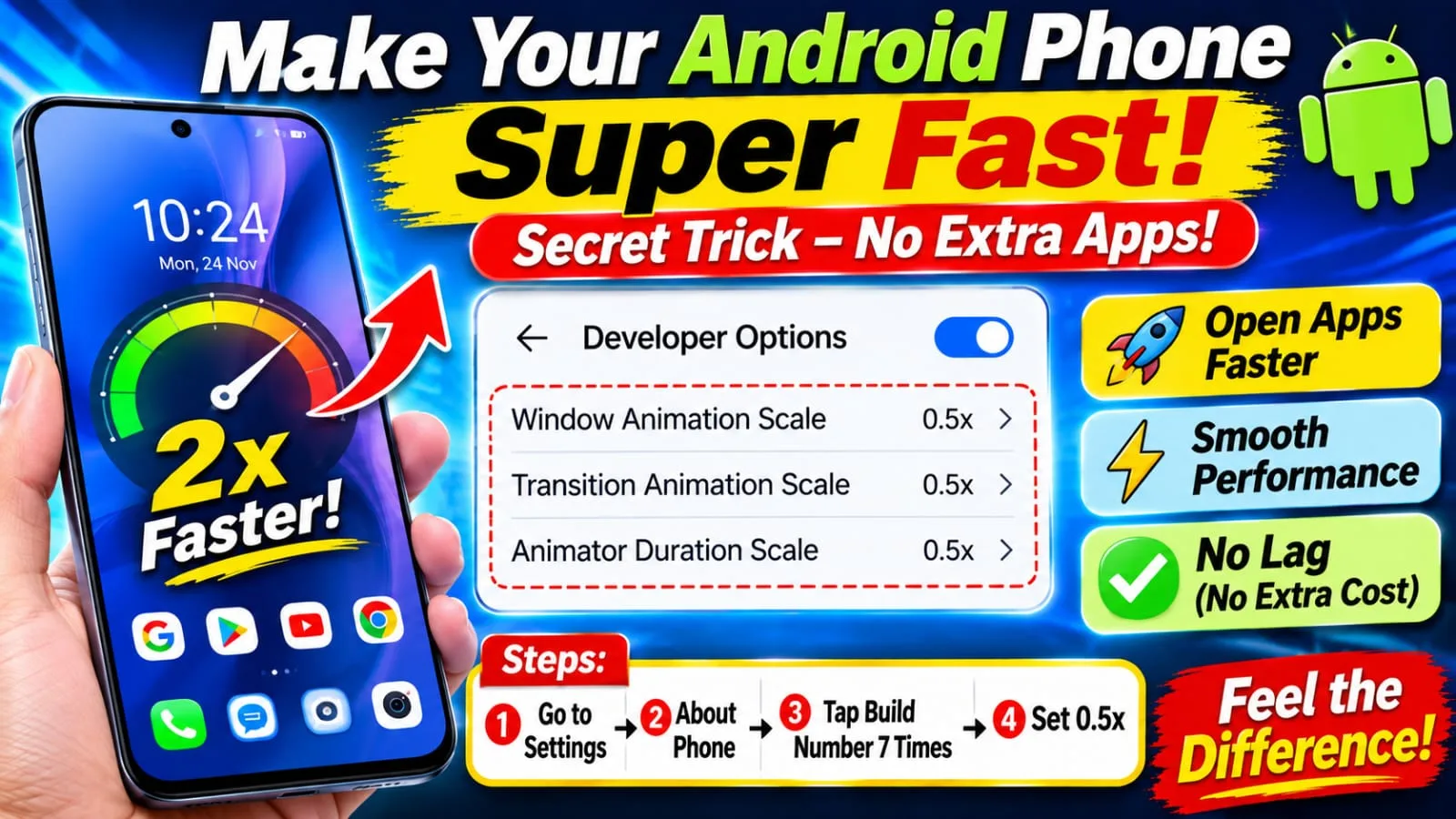
Phone Running Slow?:- Is your phone becoming slow and finding it difficult to load and/or move between different apps or features? You do not always need to purchase a new phone to enhance performance and there is a secret method on Android phones that can effectively boost speed.Whilst this can be applied to most Android phones (for example Samsung, Vivo, OPPO, Realme, Xiaomi and Motorola), it involves adjusting the animation speed within the Developer Options menu. Below are the steps for doing so.
Animation Scale – 0.5x
Android provides animated features such as app loading, movement between different pages and the display of menus. Although this gives a more aesthetically pleasing interface, it can cause a phone to appear slower, especially on more inexpensive models.By decreasing the animation speed to 0.5x, these animated functions can be completed in a shorter amount of time. Thus, apps can be opened and moved between, as well as menus accessed, more swiftly.
Activating Developer Options
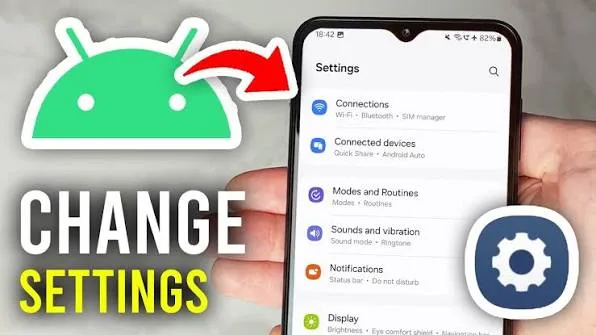
Developer Options are initially concealed on the majority of Android phones.
1. Access Settings.
2. Select About Phone.
3. Look for Build Number. On Samsung phones this is often found in the Software Information menu.
4. Click on Build Number repeatedly – a total of seven times.
5. Input your phone’s PIN or password where prompted.
6. Head back to Settings and select Developer Options.
Scroll down and locate the following options:
Window Animation Scale
Transition Animation Scale
Animator Duration Scale
By default, these are typically all shown at 1x. Adjust them all to 0.5x instead.
Your phone should then operate more swiftly when moving between windows, apps and menus.
Does This Really Boost Speed?
Altering the animation speeds has no effect on either RAM or the processor – and does not cause high demanding games to run at an increased frame rate. Google describes these options as tools to alter the speed at which animations are displayed.Whilst for many people, this slight alteration can indeed give the impression of a swifter operating phone, if you regularly experience problems such as your phone freezing, apps force closing and/or lagging in games, then issues are likely to stem from elsewhere and cannot solely be rectified by manipulating the animation speeds.
Continued Problems
Investigate the amount of free storage space on your phone. Google cautions that Android phones can begin to encounter difficulties when free space falls below 10%.In addition, ensure that your phone, as well as your apps, are up-to-date. It is also advisable to reboot your phone. Should problems occur after downloading a specific app, consider whether this may be the source of the issue.
Conclusion
By reducing the three animation speeds to 0.5x, it is easily achievable to enhance the perceived performance of an Android phone. No extra apps must be downloaded and the modification can be undone at any point by reversion to the original 1x settings.Nevertheless, this technique should not magically convert an older or significantly worn phone into a state-of-the-art model. The technique only affects how the phone operates, rather than optimising its hardware.