


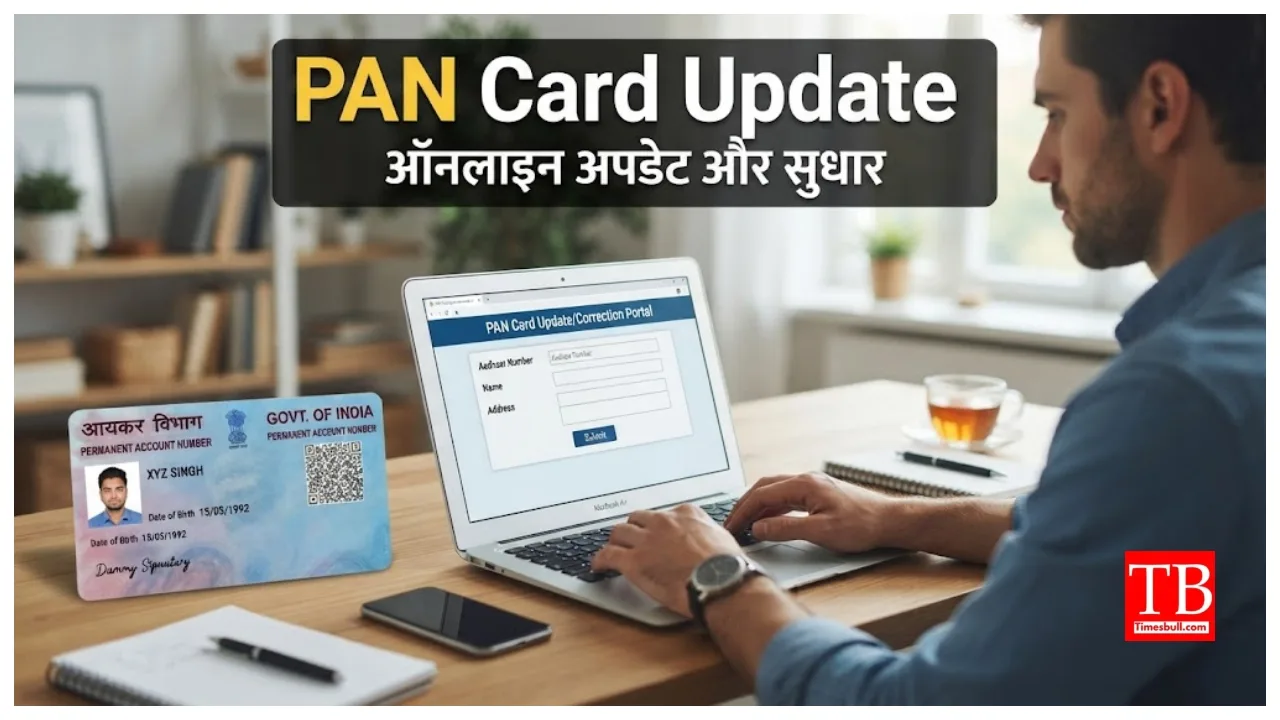
Apply for a PAN Card Online: If you are planning to get a PAN card made, this news could be critical for you. Please note that the Aadhaar card is an essential document for obtaining a PAN card. Carrying out various tasks becomes difficult without a PAN card, and it is required to avail the benefits of many government schemes. If you do not have a PAN card yet, you can get one made from the comfort of your home.
To get a PAN card, certain documents are mandatory. An Aadhaar card is required, and it must be linked to your mobile number. This is because you need to verify your identity via Aadhaar during the application process. Other necessary documents are also required; let us look at the details.
Know which documents are required.
For proof of identity, you need documents such as an Aadhaar card or voter ID card. For proof of address, you can submit an electricity or water bill. Additionally, a birth certificate can be submitted as proof of your date of birth.
How to get a PAN card made from home?
First, visit the e-filing portal.
On the home page, look for the ‘Instant e-PAN’ option under ‘Quick Links’ and click on it.
Enter your 12-digit Aadhaar number. You will see various details displayed; confirm them and click to proceed.
Accept the terms and conditions and proceed to the OTP verification page.
You will receive an OTP on the mobile number linked to your Aadhaar; enter this OTP.
Accept the Aadhaar details and proceed.
Finally, after submitting the application, you will see the PAN number. You will also receive a message confirming that your PAN card has been generated.
Applicable Fees
If you are applying for a new PAN card, the fee is ₹1,011 (inclusive of GST). The fee for updating details on your PAN card is ₹1,020 (inclusive of GST). For an e-PAN card, the fee is ₹66 (inclusive of GST).
How to Link a PAN Card with Aadhaar
If you have a PAN card but have not linked it to your Aadhaar, you can easily do so.
First, visit the tax e-filing website.
Next, locate and click on the ‘Link Aadhaar’ option.
Enter your PAN and Aadhaar numbers.
Enter the mobile number you used during the registration for both documents.
Click on the option. “I agree to validate my Aadhaar details with UIDAI.”
Finally, a message confirming the PAN-Aadhaar linking will appear on your screen.