


MPESB Group 2 Sub-Group 4 Patwari Admit Card: Big news has emerged for young people preparing for government jobs in Madhya Pradesh. The Madhya Pradesh Employees Selection Board (MPESB) has released the admit card for the recruitment of Patwaris and other posts in Group 2 Sub-Group 4. The exam is scheduled to be held next week, on September 22.
Candidates now have very little time left to prepare for the exam; at this final stage, they are advised to focus solely on revision. Candidates who applied for this exam can download their hall tickets from esb.mp.gov.in. Let us find out how to download the admit card.
When did the application process begin?
The online application process for this recruitment began on August 4, 2026. Interested and eligible candidates had the opportunity to apply until August 21, 2026, which was also the deadline for fee submission. Subsequently, an opportunity to correct the application form was provided on August 23. The admit card has now been released.
Candidates can download the MP Patwari Admit Card 2026 via the official website. To download the admit card, candidates must visit the official website and enter their required login details. After logging in, the MP Patwari Hall Ticket 2026 will appear on the screen. Candidates should download the PDF of the admit card and take a printout. It is mandatory to carry the admit card on the day of the exam; without it, you will not be allowed to sit for the exam at the centre.
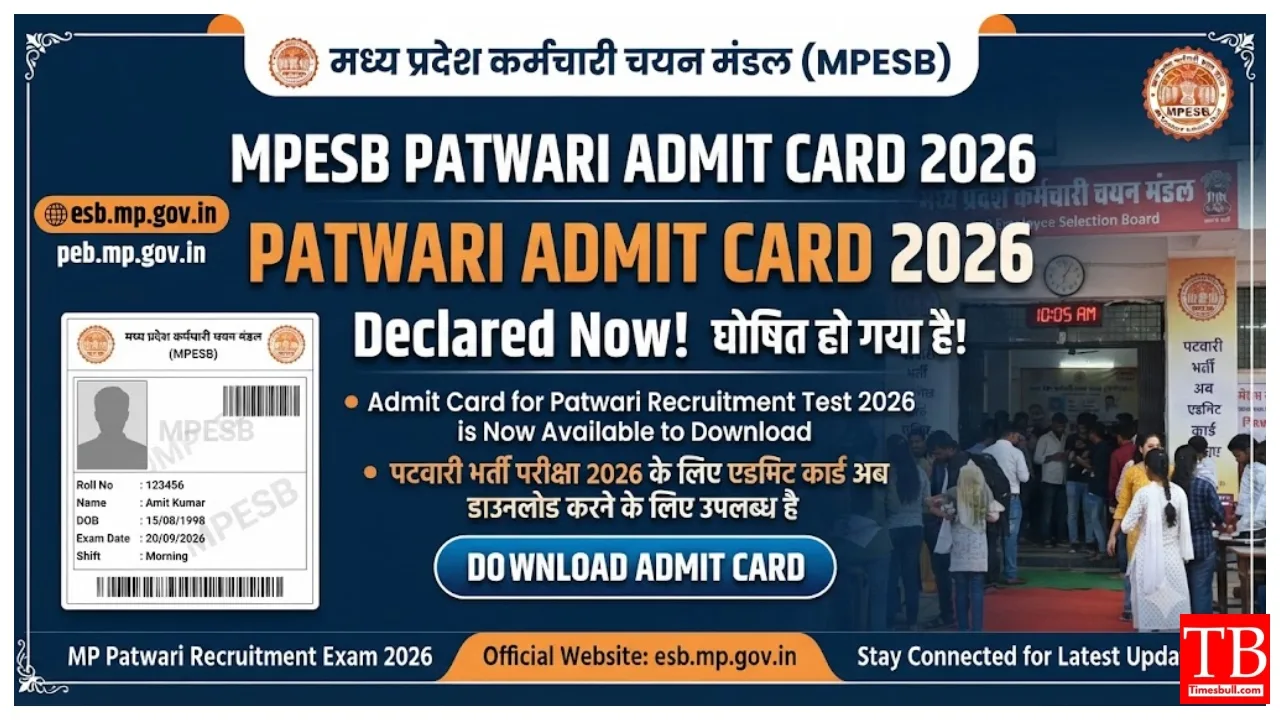
How to download the MP Patwari Admit Card 2026?
Step 1: First, go to the official website of the Madhya Pradesh Employees Selection Board at esb.mp.gov.in.
Step 2: On the home page, click on the ‘Test Admit Card’ link or the admit card link for the ‘Group-2 Sub Group-4 Combined Recruitment Test 2026’.
Step 3: Now, select the relevant recruitment exam from the list displayed on the screen. Step 4: Enter the required information, such as your application number, date of birth, or other necessary details.
Step 5: After entering the details, click on the ‘Search’ or ‘Submit’ button. Your MP Patwari Admit Card will appear on the screen.
Step 6: Finally, download the admit card and take a printout for future use.
What NOT to carry to the MP Patwari exam centre?
Mobile phones, smartphones, and earphones
Smartwatches or other electronic gadgets
Calculators (if not permitted in the exam)
Books, notes, papers, or study material
Bluetooth devices or other communication equipment
Cameras or recording devices
What should I carry to the MP Patwari exam centre?
Printed copy of the MP Patwari Admit Card 2026
Valid photo identity proof
Other necessary documents specified in the admit card
Passport-sized photograph (if mentioned in the admit card)