


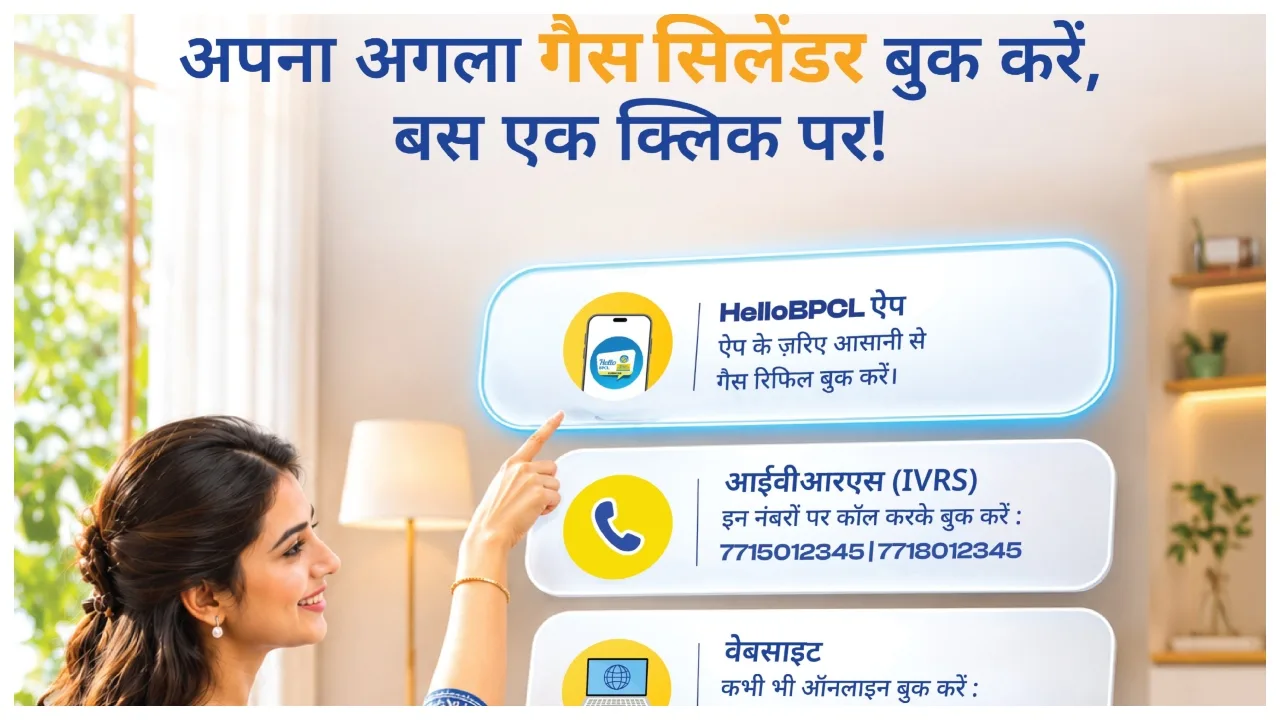
Bharatgas Cylinder Booking: If you are an LPG consumer, this news could be very useful for you. As a Bharatgas consumer, you will no longer need to visit the gas agency as often; you can now book your gas cylinder from the comfort of your home using your mobile phone. You can take advantage of various facilities provided by Bharatgas, including WhatsApp, missed calls, a mobile app, and their official website, to book your gas cylinder without leaving your house.
How to book a cylinder via WhatsApp
If you use WhatsApp, you can send a message from your registered mobile number to 1800 22 4344. Simply type “Hi” in the chat and send it, then follow the provided instructions to complete the refill booking process. Please note that your mobile number must be registered with your gas connection.
Booking via a missed call
If you prefer to book your gas cylinder without sending a message, you can use the missed call facility. Simply give a missed call to 7710955555 from your registered mobile number. The call will disconnect automatically, and you will subsequently receive a confirmation message regarding your booking. Follow any further instructions provided.

Booking via ‘HelloBPCL’
You can also book your cylinder using the ‘HelloBPCL’ mobile app from Bharat Petroleum.
Download the app onto your mobile phone.
Log in to the app.
Select your Bharatgas connection details.
Choose the option for LPG refill booking.
Once the booking process is complete, you can make an online payment if required.
How to book a cylinder via the website?
Visit the official Bharatgas website.
Log in to your account.
Select the option for LPG refill booking. Now, you need to verify the necessary information and submit the booking.
Once the booking is confirmed, please ensure to keep the reference number in a safe place.