

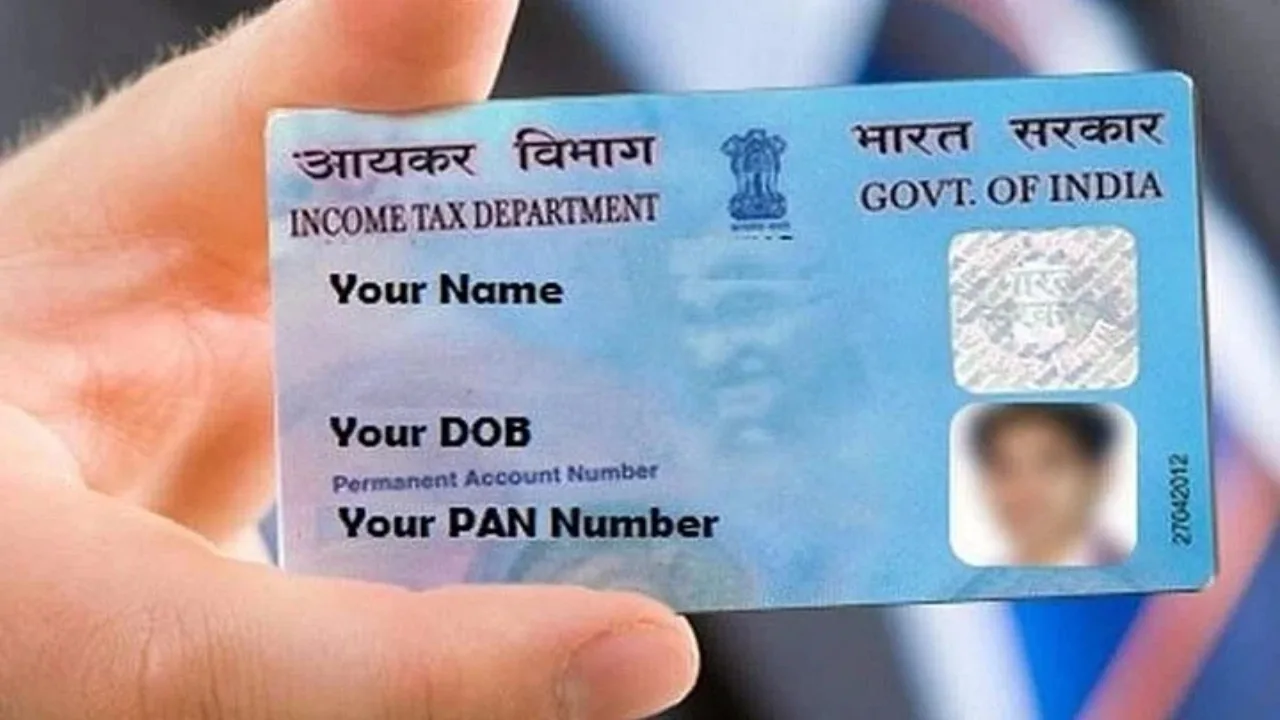
PAN Card: Major update for PAN Card holders. Similar to the Aadhaar card, the PAN card has become crucial in today’s world. It’s impossible to carry out any financial tasks without it. Whether you’re dealing with income tax or making any financial transactions at a bank, the PAN card is a must-have everywhere.
Moreover, if you’re applying for a job, it’s likely that you’ll need to present your PAN card. Providing incorrect information can lead to significant issues. There’s also a chance that you might not be able to use your PAN card at all. If you need to correct this mistake, you can do so by following the steps outlined below. Make sure to read and adhere to each step carefully.
Know Step-by-step process
First, visit the NSDL or UTIITSL website.
Next, log in, and if this is your first time on the site, you’ll need to register.
Once logged in, select the option for Changes/Correction in PAN.
Then, enter the necessary details such as your PAN number, name, date of birth, and email address.
Now, generate a 15-digit token number.
Finally, choose the details you wish to change and make the corrections.
After that, upload documents like proof of address, proof of date of birth, and a photo.
Lastly, pay the required fees and submit the form.
Finally, download the Acknowledgement slip. This slip will allow you to check the status in the future.
What if it still doesn’t work?
If your issue remains unresolved, you can visit a nearby CSC center for assistance. They will be able to help you. Just remember to inquire about the fees before making any corrections. Since they are government-affiliated, their charges will be lower than those of cyber cafes. However, they do charge a fee for their services. Also, ensure you bring the necessary documents with you.
How to apply for PAN Card?
Step 1- First of all you have to go to NSDL or UTIITSL.
Step 2- Now click on the option Request for New Pan Card and select the option Indian Citizen.
Step 3- After this you have to select Individual in the category.
Step 4- Now enter the required basic details like name, email, mobile number etc.
Step 5: If any documents are requested, submit them as well. You can click a photo, paste it into the document and submit it.
Step 6- Now you have to enter the requested payment amount.
Step 7: Finally, you will be given a status tracking number. This will allow you to check your status.