

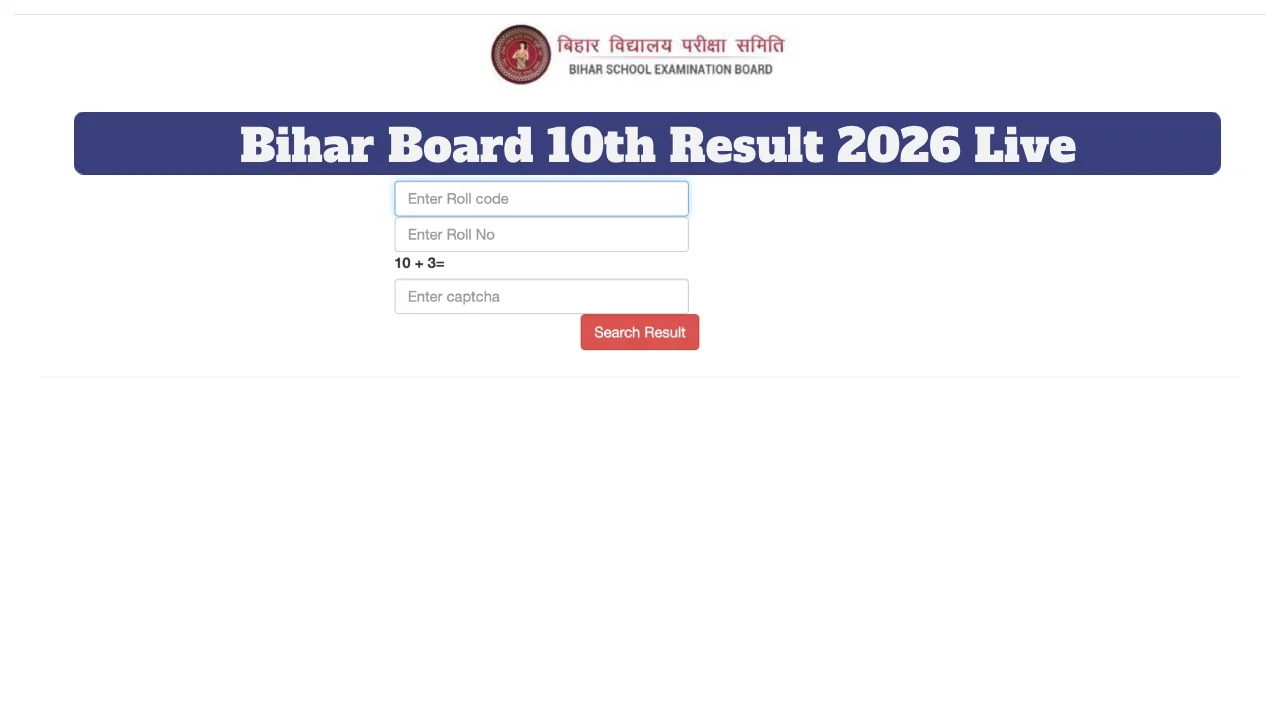
BSEB Bihar Board Matric 10th Result 2026 LIVE Update: Students who appeared for the Bihar Board Matric (10th) Examination 2026 are eagerly awaiting their results. It is anticipated that the Bihar Board results may be released very soon. Students can check their results by visiting biharboardonline.com and entering their Roll Code and Roll Number.
According to media reports, there is a strong possibility that the Class 10 results will be released in the last week of March. Last year, the Class 10 results were released on March 31st. The Bihar Board will first release the Intermediate (Class 12) results, followed by the Matric (Class 10) results.
Toppers’Verification Process Completed
The Bihar Board has completed the verification process for the toppers. The Board is now fully prepared to release the examination results. A notification regarding the result date is expected to be issued by the Board very shortly.
When will the Class 10 results be released?
The Matric results will be released after the Bihar Board releases the Intermediate results. There is a high probability that the Bihar Board Matric results will be declared between March 25th and March 31st. Students can check their results by visiting biharboardonline.com and entering their Roll Code and Roll Number.
How to Check Bihar Board Matric Results 2026?
Step 1: First, visit the official website at biharboardonline.com
Step 2: Candidates should click on the ‘Matric Result 2026’ link.
Step 3: Enter your Roll Code and Roll Number.
Step 4: Upon submission, your result will appear on the screen.
Step 5: Download the result and take a printout for future reference.
Websites to Check Bihar Board Results
secondary.biharboardonline.com
How to Check Bihar Board Class 10 Results 2026 via SMS?
1- First, open the messaging app (SMS) on your mobile phone. 2- Type a new message: (BIHAR10 ROLL-NUMBER)
3- Send this message to the number 56263.
4- You will receive your result via SMS soon.
How to Check the Class 10 Result 2026 via the UMANG App?
Open the UMANG app.
Sign in using your login credentials.
Select the “Education” section.
Now, Click on “Bihar Board”.
Select Class 10.
The result will appear on the screen.
Download the result and take a printout for future use.