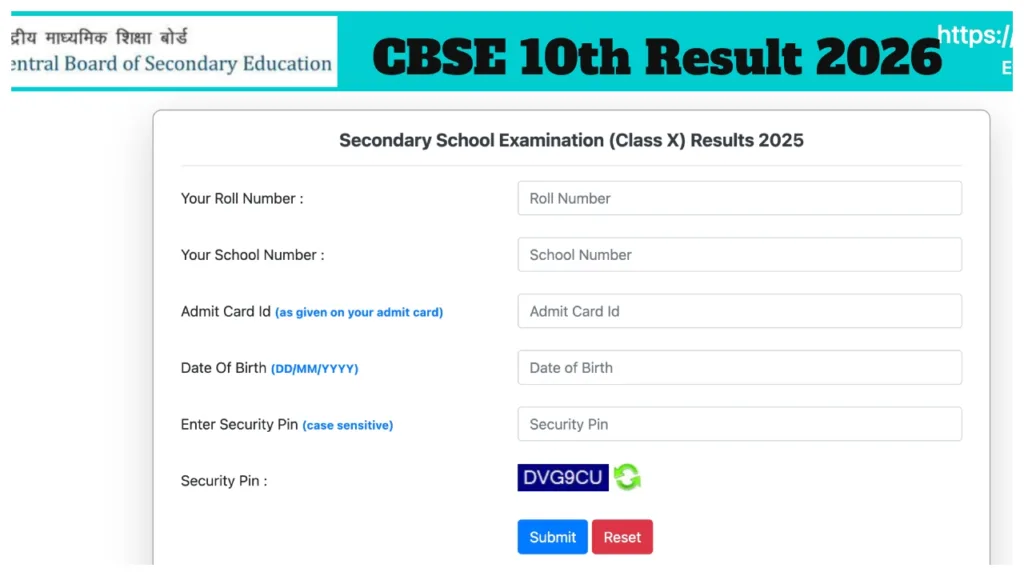
CBSE 10th Result 2026: The Central Board of Secondary Education (CBSE) is expected to release the Class 10 results by April 2026. Candidates who appeared for the examination can check their CBSE Class 10 results via the official website once they are released. The CBSE Class 10 and 12 board examinations commenced on February 17. The CBSE board exams began at 10:30 AM. This extensive examination cycle, which started with the Mathematics paper on February 17, concluded with the French paper on March 10.
This year, approximately 2.5 million students across the country participated in the board examinations, comprising 1.4 million boys and 1.09 million girls. Now, all eyes are fixed on the result declaration date. The date and time for the announcement of the CBSE board results are typically notified in advance of the actual result release. Looking at past trends, in both 2025 and 2024, the board released the results on May 13.
Where and How to Check Results Once Released?
cbse.gov.in
results.nic.in
results.digilocker.gov.in
umang.gov.in
How to Check CBSE Class 10 Results 2026 Online?
Step 1: Visit the official CBSE website at cbse.gov.in.
Step 2: Click on the ‘CBSE Result’ link located on the website’s homepage.
Step 3: Log in by entering your CBSE Class 10 roll number, school code, and date of birth.
Step 4: Your CBSE marksheet will be displayed on your screen.
Step 5: Download the online marksheet for future reference.
How to Check CBSE Board Results via DigiLocker?
Log in to digilocker.gov.in or access the DigiLocker mobile app.
Select the ‘CBSE’ section and click on either the ‘Class 10 Marksheet’ or ‘Class 12 Marksheet’ option.
Enter your roll number and provide any other required information.
Enter the One-Time Password (OTP) sent to your registered mobile number to complete the verification process. You will see your marksheet on the screen.
How to check class 10 and 12 results via SMS
Step 1: Open the messaging app.
Step-2: Type: cbse10/ cbse12
Step-3: Send to 7738299899 Number
Step 4: Get your result via SMS.