


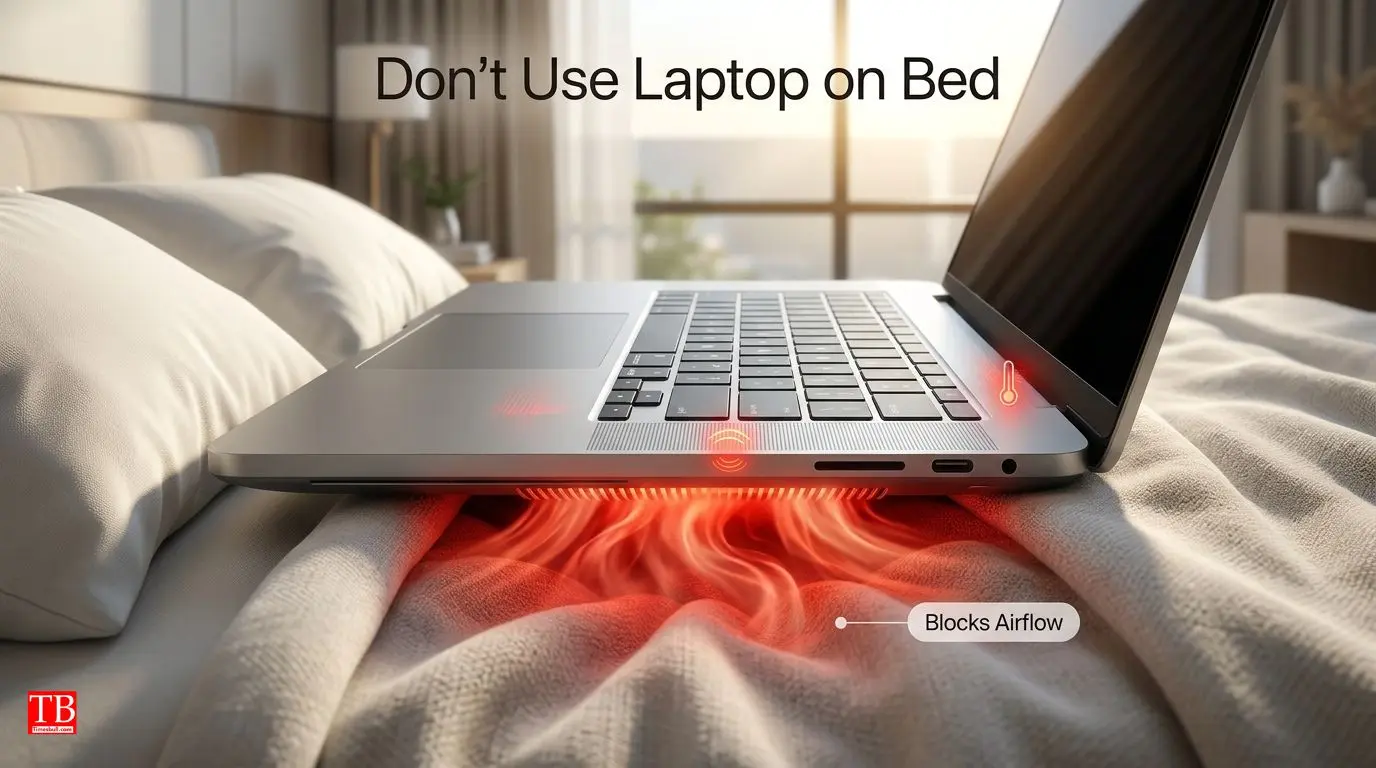
Laptop on the bed or pillow.
Do you use your laptop on a bed, pillow or blanket to work comfortably? If so, that's your biggest mistake.
When you place the laptop on a soft surface, the air vents below it close. Hot air has no place to escape and the laptop starts heating up quickly. Continuous overheating adversely affects the internal components of the laptop such as the processor, motherboard and battery.
what to do?
Always keep the laptop on a hard and flat surface. If you must work in bed, use a laptop stand or tray to ensure proper air circulation.
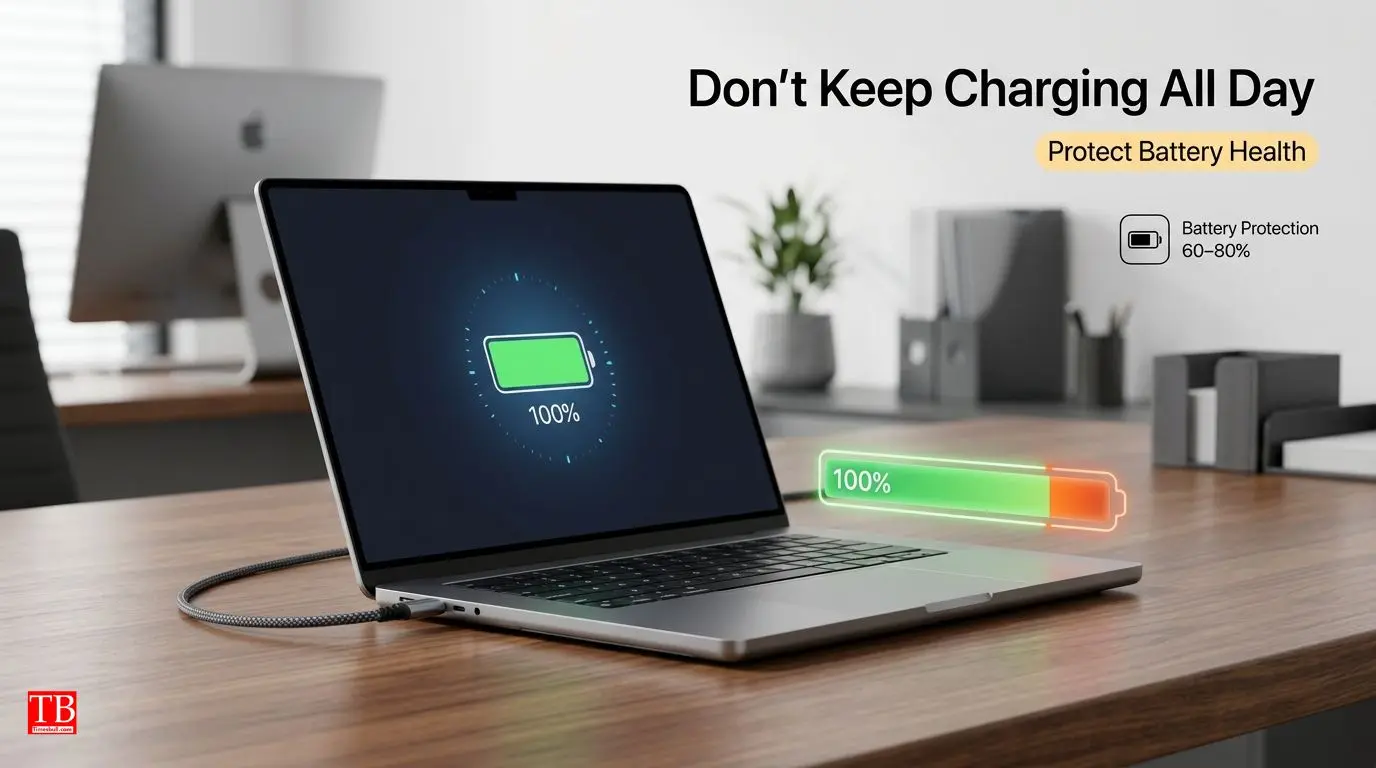
Always keep the charger with you.
Many people keep the laptop on charging all day, whether the battery is 100% or not. Do you do that too?
New laptops have battery safety features, but keeping them on full charge all the time can reduce battery capacity in the long run. Continuous charging increases the pressure on the battery cells and they begin to deteriorate prematurely.
what to do?
If your laptop has the option of Battery Protection or Smart Charging, turn it on. This stops the battery from charging at 60-80%, which is better for battery life. It is also a good habit to remove the charger when the need is met
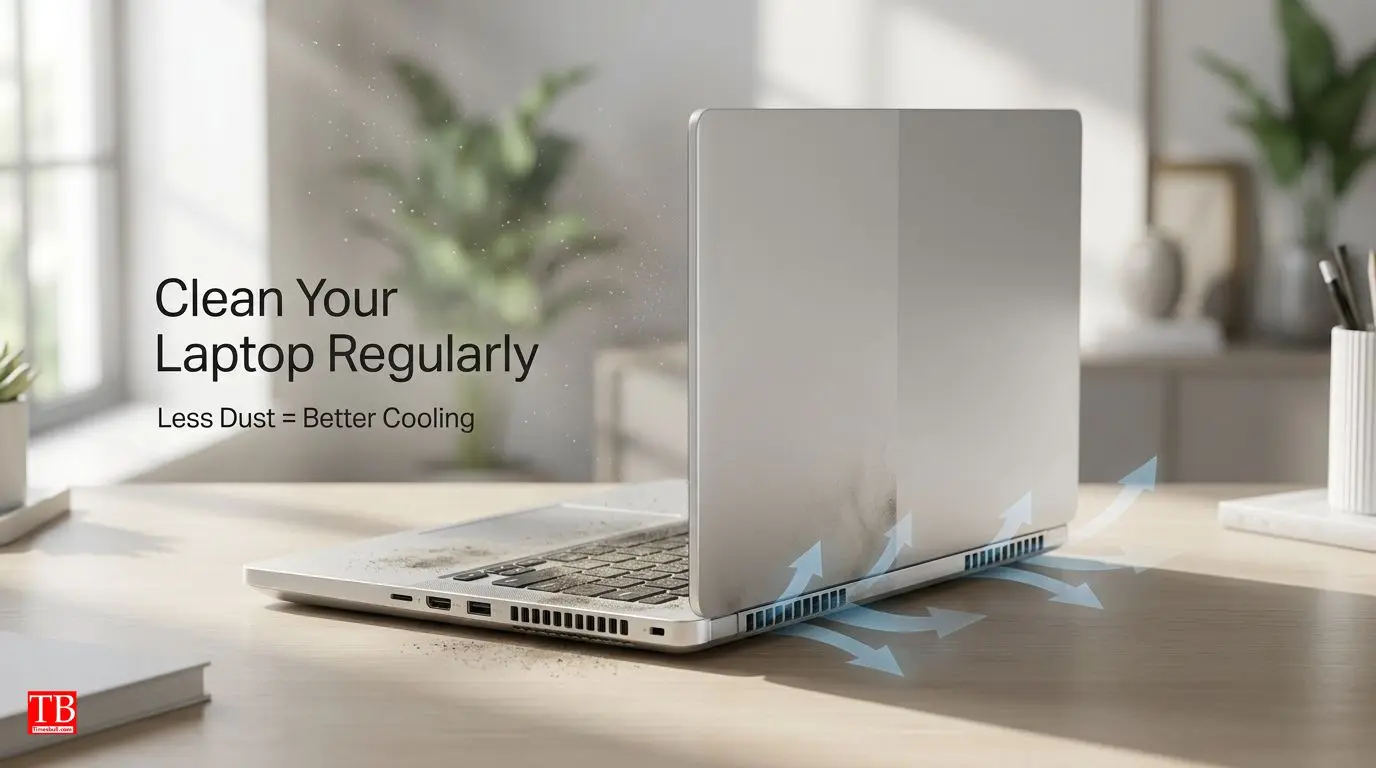
Don't clean your computer
Dust starts accumulating slowly on the screen, keyboard and air vents of the laptop. 90% of people ignore it.
Due to the accumulation of dust, the fan does not work properly and the laptop starts to overheat. The dirt can also clog the keyboard buttons and cause scratches on the screen.
what to do?
Clean the screen and body with a microfiber cloth every few days. Clean the air vents carefully. If too much dust has accumulated in the air vents, get it serviced by a professional once a year.

Open multiple apps and tabs at the same time.
If you are running 20-30 browser tabs, videos, games or heavy software at the same time, it puts more pressure on your laptop.
The laptop's RAM and processor are overloaded, which causes the system to slow down, hang and the battery also runs out quickly. The laptop also heats up due to excessive work.
what to do?
Close tabs or apps that aren't needed. Once you're done, close the apps and restart the system once a week. This clears the RAM and makes the system run faster.

Ignoring software updates
Many people don't update Windows or other software for months. They think it's a waste of time, but it's not.
Software updates come not just for new features, but also for security patches and bug fixes. Old software can increase the risk of viruses or hacking and the system also does not run as smooth as before.
what to do?
Don't ignore Windows Update and other important software updates. Turn on automatic update settings so you don't have to remember.
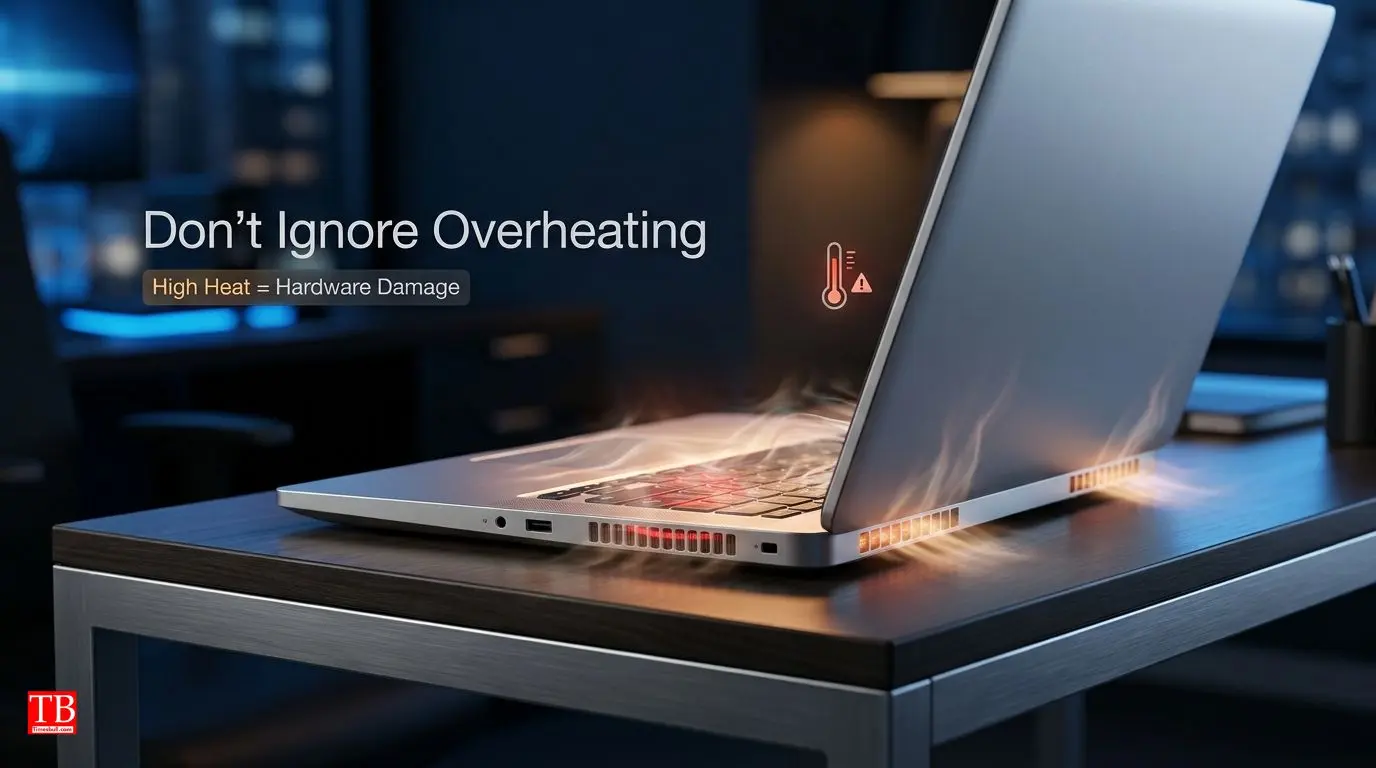
Let the computer warm up
If your laptop is getting too hot over and over again, ignoring it can be dangerous.
Continuous heating can cause the internal parts of the laptop to deteriorate quickly. The temperature of the laptop increases especially while gaming, video editing or working for a long time. If not taken care of in time, the motherboard or processor can burn.
what to do?
Give the laptop some rest in between while gaming or doing heavy work. Use a cooling pad if needed to keep the temperature under control. If the laptop is heating up without any work, then definitely go to the service center.

Using cheap or counterfeit chargers
If the original charger of the laptop is damaged, many people buy a cheap or local charger. This habit is the most dangerous for the laptop.
A poor quality charger does not deliver the right voltage, which can damage the battery, charging port, and even the motherboard. A cheap charger can make the entire laptop useless.
what to do?
Always use the company's original or certified (power delivery) charger. If the original charger is expensive, buy a certified charger of a trusted brand.
Tips to extend the life of your laptop
In addition to these 7 mistakes, there are a few other things you can do to extend the life of your laptop:
Always keep the laptop in a bag or cover to protect it from scratches and dust.
Avoid eating and drinking on the keyboard. Dropped items can damage the keyboard.
Install a screen protector to prevent scratches on the screen
Restart the system in between... This refreshes the system.

Frequently Asked Questions (FAQs)
Q: Why does the laptop heat up so quickly?
A: Clogging of air vents, accumulation of dust, running too many apps or poor air circulation are the main reasons for a laptop getting hot.
Q: Is it right to keep the laptop on charging all the time?
A: No, keeping it on charging all the time can reduce the battery life. Turn on the Smart Charging feature and remove the charger when the need arises.
Q: How often do you need to clean your computer?
A: Clean the screen and body once a week. Air vents and fans should be cleaned once a year.
Q: Is the Cooling Pad useful for a laptop?
A: Yes, the Cooling Pad helps in lowering the temperature of the laptop for gaming or heavy work.

Conclusion
Laptops have become a necessity in today's time. From office work to studies, gaming and entertainment - everything depends on the laptop. But do you know that some small mistakes can halve the age of your laptop?
Today we told you about 7 common mistakes that 90% of people make. Running the laptop in bed, always putting the charger, not cleaning, not opening more apps, not updating, ignoring the heat and using a cheap charger - all these habits are slowly spoiling your laptop.
If you want your laptop to run faster and safer for a long time, improve these habits today. A little care can save you from repairing or buying a new laptop worth thousands of rupees.
Are you making any of these mistakes? Let us know in the comments which of these tips you found the most useful!
Stay tuned to timesbull.com for more such helpful information related to technology, gadgets and daily life tips. You will get to learn something new every day.