


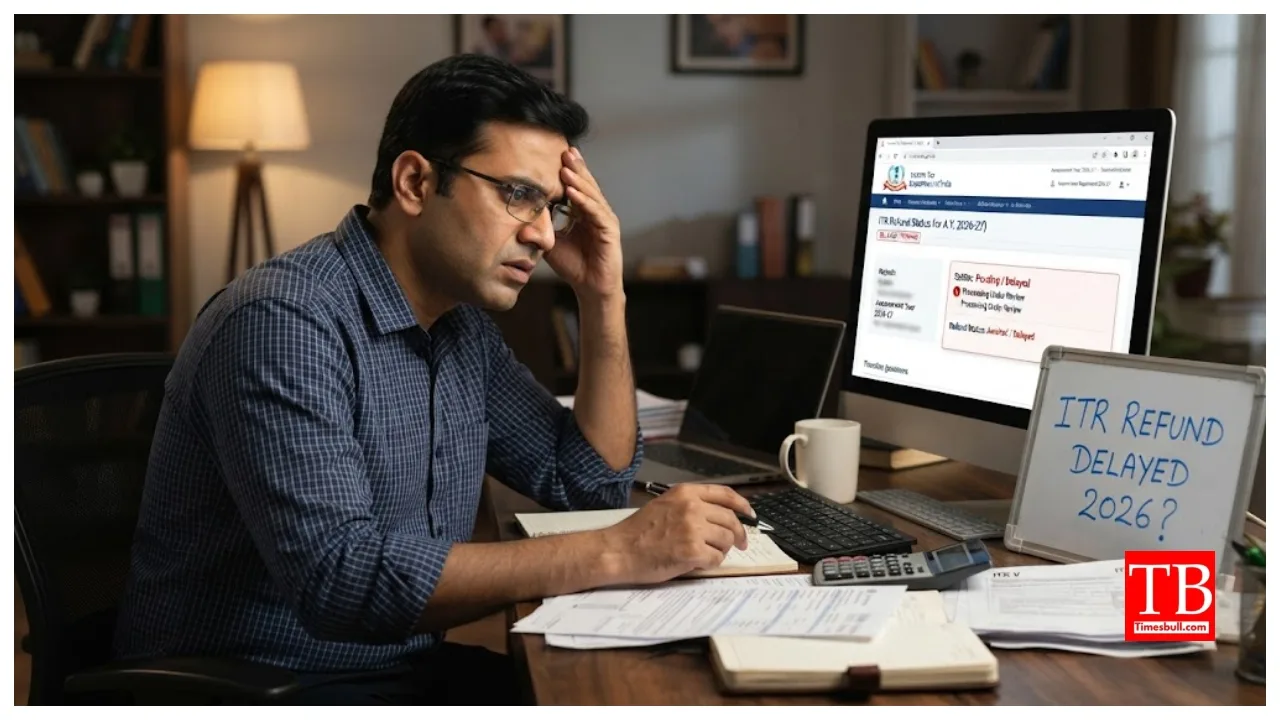
ITR Refund: If you are an income taxpayer, this news could be critical for you. If you haven’t received your refund money in your account after filing your return, do not simply assume it is a delay; the refund could be held up for reasons ranging from the failure to link your PAN with Aadhaar to incorrect bank account details.
Therefore, it is essential to check the status of your PAN-Aadhaar linking and your income tax return refund. According to the Income Tax Department, for those required to link their PAN with Aadhaar, the PAN may become inactive if the linking is not completed. If the PAN card is inactive, the tax refund will not be issued.
How to check if PAN and Aadhaar are linked:
You do not necessarily need to log in to the income tax e-filing portal for this purpose.
Instead, visit the official website of the Income Tax Department.
Next, go to the ‘Quick Links’ section on the home page.
Select the option for ‘Link Aadhaar’, ‘View Status’, or ‘Link Aadhaar Status’.
Enter your PAN number.
Then, enter your Aadhaar number.
Click on ‘View Link Aadhaar Status’.
The screen will clearly show whether your PAN and Aadhaar are linked or not.
Reasons apart from PAN-Aadhaar linking:
It is worth noting that a lack of PAN-Aadhaar linking is not the only reason for delayed refunds; even a minor discrepancy related to your bank account can hold up your money. According to the Income Tax Department, issues with bank account validation can also cause refund delays. This includes mismatches between the name on the bank account and the PAN card, incorrect IFSC codes, or errors in the bank account details provided in the ITR. Therefore, if you do not receive your refund, be sure to verify your bank account details alongside your PAN-Aadhaar status.
Verifying the ITR is essential:
Merely filing the ITR does not complete the process; it is also mandatory to verify the return within the stipulated timeframe. According to the Income Tax Department, the process of e-verification, or submitting the ITR-V, must be completed within 30 days of filing the Income Tax Return. Failure to verify within the stipulated time may render the return invalid. Therefore, if you have not received your refund, check whether your ITR has been properly verified.
How to check refund status
First, log in to the Income Tax e-filing portal.
Navigate to the ‘e-File’ section.
Click on ‘Income Tax Return’.
Select the ‘View Filed Returns’ option.
Click on ‘View Details’ for the specific assessment year for which you want to check the refund status.
The current status of your refund will be displayed here.
What to do if the refund fails?
If the Income Tax Department has issued the refund but the money has not reached your account, there is no need to worry. The Income Tax e-filing portal provides a facility to request a refund re-issuance. Through this, you can select a correct and validated bank account to request that the refund be issued again.
How to request a refund re-issuance
First, log in to the Income Tax e-filing portal.
Next, navigate to the ‘Services’ section.
Select the ‘Refund Re-issue’ option.
Select the ‘Create Refund Re-issue Request’.
Select the record for the refund for which you wish to make a new request.
Click on ‘Continue’.
Select a validated bank account to receive the refund.
Click on ‘Proceed to Verification’.
Please e-verify the request using the available options.
Upon successful verification, the refund re-issuance request will be submitted. An active bank account alone is not enough. A key point to note here is that for a refund, it is not sufficient for the bank account to merely be active; it must also be validated on the Income Tax e-filing portal. If the bank account is not valid, you must validate it before applying for the refund.