


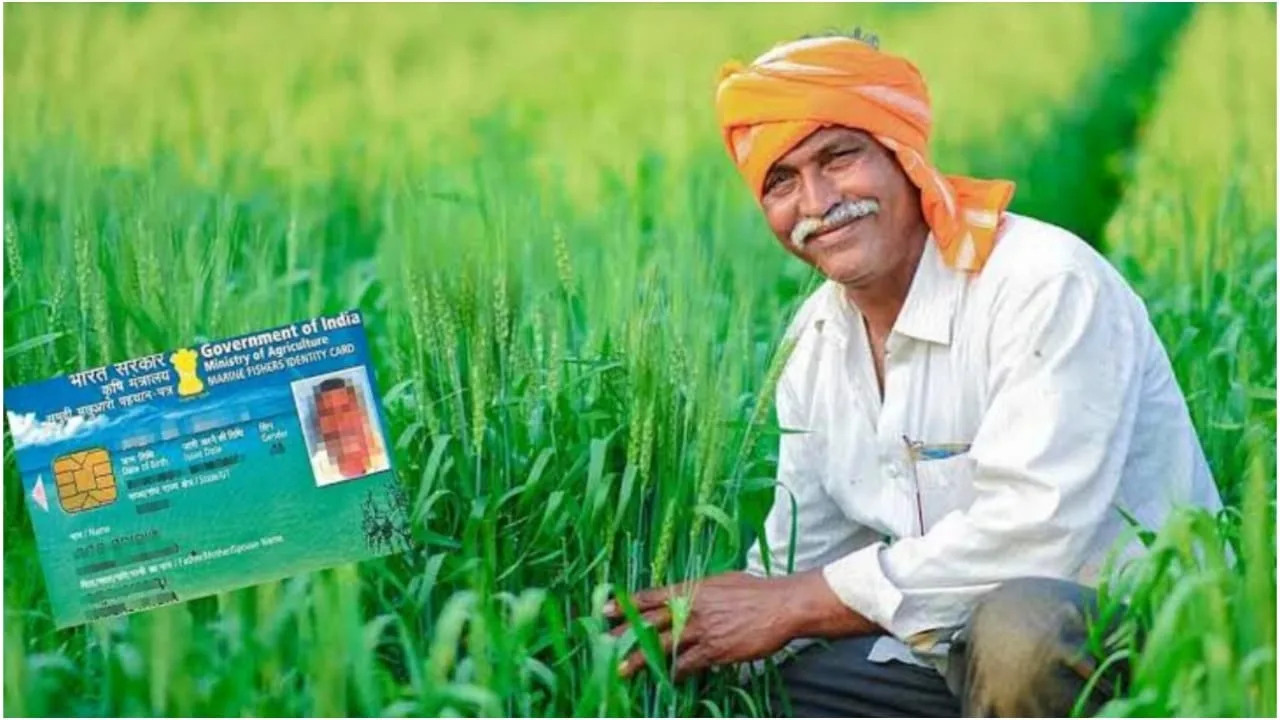
Farmer ID for PM Kisan: The government has made Farmer ID mandatory to receive benefits under the Pradhan Mantri Kisan Samman Nidhi Yojana. This move is part of the Agri Stack project, which is creating a digital identity for farmers across India. If a farmer does not have a Farmer ID, PM Kisan instalments may get delayed or stopped. Additionally, access to benefits such as fertilisers, seeds, crop insurance, and other government schemes may be affected.
To ensure transparency and prevent misuse, several states and districts have accelerated the Farmer ID registration process. The aim is to create a verified digital database of farmers to ensure government benefits reach the intended beneficiaries directly.
What Is Farmer ID and Why Itmatters?
Farmer ID is being developed as a digital identity for farmers. It includes details on land ownership, crops grown, fertiliser use, livestock, and income. With this ID, farmers will be able to receive PM Kisan benefits smoothly, get fertilisers and subsidies in the correct quantity, and ensure transparency in crop insurance claims. It will also help stop fake farmer registrations and reduce fraud in agricultural schemes.
Documents Required for Farmer ID
To create a Farmer ID, certain documents are required. These include the Aadhaar card, the mobile number linked to the Aadhaar, land-related documents, and, where applicable, the Family ID or ration card. As per government instructions, camps are also being organised at the panchayat level to enable farmers to complete their registrations.
How to Create a User ID on the Agri Stack Portal?
To begin the online process, farmers need to create a user ID on their respective state’s Agri Stack portal. After visiting the portal, they must select the “Create New User” option and enter their Aadhaar number. The KYC process needs to be completed by verifying the OTP sent to the Aadhaar-linked mobile number. Once verified, farmers have to set a password and save it. This completes the user ID and password creation process.
How to Register for Farmer ID Online?
After creating the user ID, farmers need to log in to the portal using their credentials. Once logged in, they must enter their account details and select “Owner” under farmer type. By clicking on “Fetch Land Details,” farmers can enter their Khasra number and land-related information. If a farmer owns more than one field, details of all plots must be added.
After verification, farmers need to open the Social Registry tab and enter Family ID or ration card details. In the department approval section, select the Revenue Department. Finally, farmers must provide consent and complete the digital signature process to apply.
Why You Should Apply Without Delay?
If you want uninterrupted benefits under PM Kisan or other agricultural schemes, it is essential to get your Farmer ID created as soon as possible. Providing accurate information and complete documents will ensure your instalments and scheme benefits are credited on time without issues.