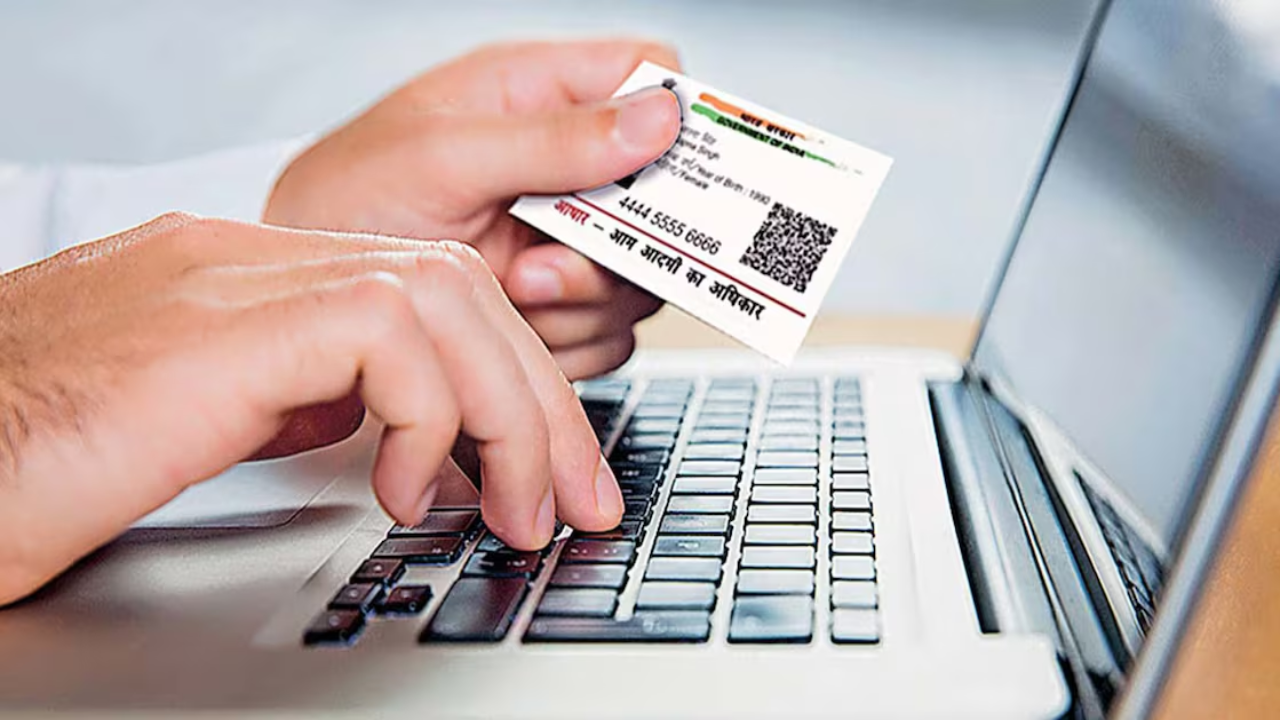
Aadhaar Card Update: A new update has been released concerning the Aadhaar card. According to a recent directive from the Unique Identification Authority of India (UIDAI), the Aadhaar card will no longer serve as proof of your date of birth. The organization has issued a letter to confirm this change. As per the new guidelines, while the Aadhaar card will still be recognized as proof of identity, it will not be accepted as evidence of your date of birth, even if the date is printed on it.
Aadhaar is no longer a proof of age
In response to this decision, the UIDAI explained that the primary function of Aadhaar is to establish identity through authentication, rather than to provide an individual’s date of birth. They also mentioned that the date of birth listed on Aadhaar cards is derived from the information supplied by users during the enrollment or update process.
Aadhaar is solely a proof of identity
The UIDAI has made it clear that the Aadhaar card only confirms that the individual presenting it is indeed the person who received the Aadhaar card. The authentication process involves comparing biometric data and other registered details against a central database. Successful authentication confirms the individual’s identity but does not validate other details such as date of birth.
Furthermore, UIDAI indicated that Authentication User Agencies (AUAs) and KYC User Agencies (KUAs) have the option to decide whether to utilize Aadhaar for determining date of birth or age-related information. The decision to use Aadhaar for welfare programs, subsidies, or other governmental purposes rests with the relevant central ministries, state governments, and other agencies.
Aadhaar valid as proof of identity and address
UIDAI reiterated that all forms of Aadhaar—physical Aadhaar card, e-Aadhaar, masked Aadhaar, offline XML, and QR code—can be used as proof of identity and address, subject to certain conditions. However, UIDAI clarified that Aadhaar card itself is not proof of date of birth.
Google’s new feature for Indian users
US tech giant Google on Tuesday announced that Indian users will now be able to securely save their Aadhaar-verified credentials directly in Google Wallet. This feature will give users a secure, digital-first option for identity and age verification in everyday tasks.
What should you do if your update request gets rejected?
UIDAI has made it clear that if your request to update your date of birth (DOB) is turned down, there’s no reason to freak out. You can simply call the UIDAI helpline at 1947 or shoot an email to help@uidai.gov.in for help. Below, we’ll break down what steps to take if your DOB update is denied, the reasons behind it, and the right way to go about it.
Is your date of birth wrong and your Aadhaar card update isn’t going through? This method will guide you on how to file your complaint from the comfort of your home.3/7
Why might your DOB update be rejected?
To change your date of birth in Aadhaar, it’s crucial to submit the right documents. If the documents you provide are incorrect or don’t match the information, your request could be denied. Sometimes, the document might be unclear, there could be a mismatch between the name and DOB, or you might have selected the wrong category for the update. In these situations, the system will reject your request.
When you reach out to UIDAI via email, make sure to clearly explain your issue. Include your Aadhaar number (either full or masked), your name, and a detailed description of the problem. Don’t forget to attach the necessary documents so that your issue can be quickly understood and resolved.
Filing a Complaint Like This
- First, head over to the official UIDAI website and navigate to the “My Aadhaar” section. There, you’ll see the “Update Your Aadhaar” option. Enter your 12-digit Aadhaar number and complete the captcha. You’ll then get an OTP sent to your registered mobile number. Enter that to log in.
- Once you’re logged in, click on “Update Aadhaar Online.” You’ll find the option to update various details, including your Date of Birth (DOB). Now, input your correct DOB. Remember, the DOB you enter must match exactly with what’s on your documents.
- To update your DOB, you’ll need to upload a valid document, like your birth certificate, 10th-grade marksheet, or passport. The document has to be clear and legible; otherwise, your request might get rejected. After that, you’ll need to pay a small fee (usually around Rs 50) online for the update. You can make the payment using UPI, a debit card, or net banking.