



What is AIS and what does it consist of?
AIS is a detailed digital statement available on the website of the Income Tax Department. It contains information about all the major transactions of a financial year related to the taxpayer's PAN. The AIS includes all of this information:
Bank interest
Dividend
Transactions relating to shares
Mutual Fund Transactions
The amount received in the tax payer's account from abroad
Information on TDS and TCS
Huge cash deposits
Property Transactions
This data comes directly from the entities where you have transacted - Banks, companies, mutual fund houses, stock brokers, property registrars and other financial institutions report every major transaction directly to the Income Tax Department, which gets recorded in the AIS.
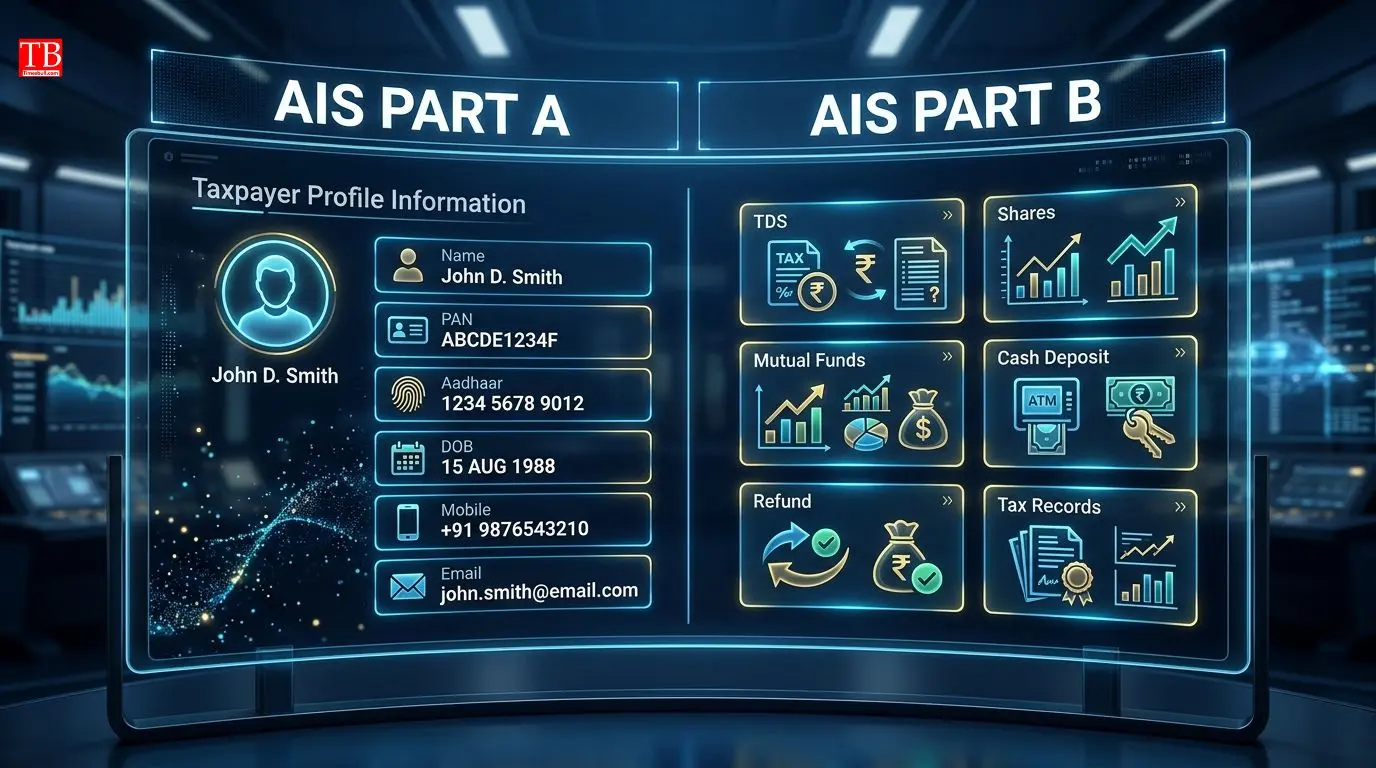
What's happening in AIS? (Part A and Part B)
When you open your AIS, it will appear to you in two parts:
Part A: It contains basic details of the taxpayer such as name, PAN, Aadhaar number, date of birth, mobile number, email ID and registered address.
Part B: This is the main part where the income tax department accounts for your transactions. It includes:
Full details of TDS / TCS
Huge cash deposits
Information on financial transactions of mutual funds, shares, etc.
Details of taxes paid by you
Status of tax demand and refund
Any other important financial information.

How to check your AIS
Before filing ITR, you can check your AIS online in a few minutes sitting at home:
Step 1: Go to the e-filing website of the Income Tax Department and login. If you haven't already, sign up.
Step 2: After logging in, click on the AIS option given on the dashboard.
Step 3: Now select the relevant financial year from the drop-down menu. Your AIS will be in front of you.
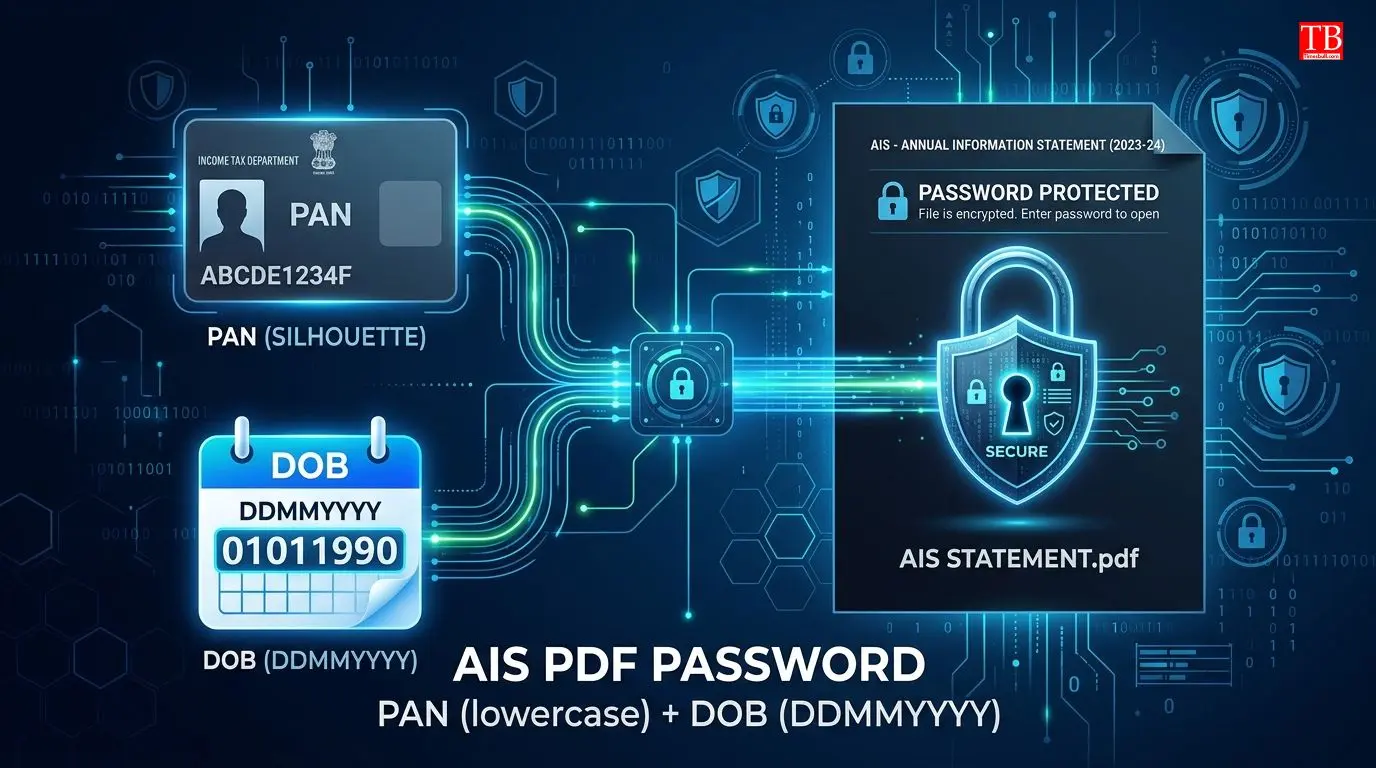
Password of downloaded PDF
You can download the information of your AIS. The downloaded PDF file is password-protected for security reasons. To open it, you have to enter your PAN (in small letters) and date of birth (DDMMYYYYY format) together as a password without any space.
Example: If your PAN is AAAAA1335A and date of birth is 21 January 1991, the PDF password will be: aaaaa1335a21011991
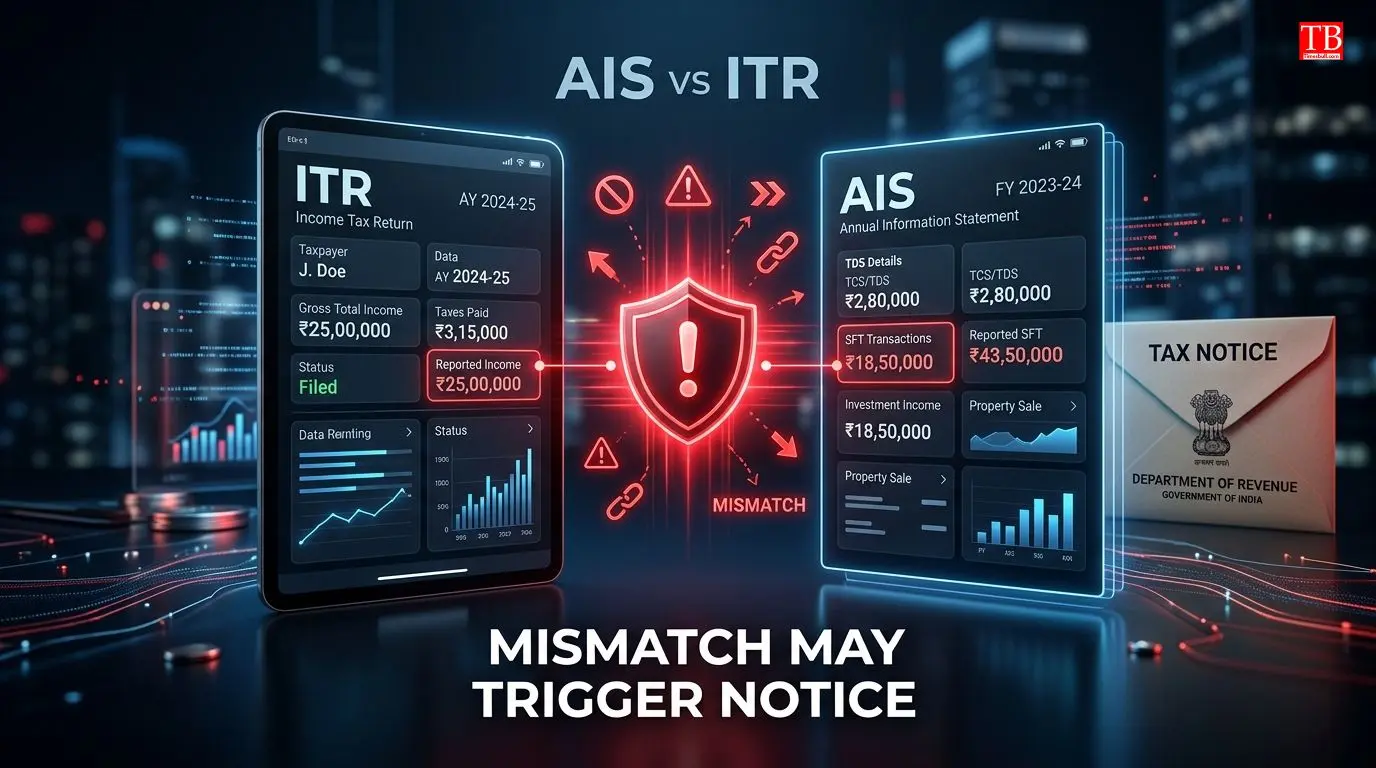
What happens if there is a mismatch between ITR and AIS?
If any mismatch is found in your ITR and AIS, the Income Tax Department can send you a notice. AIS has been further strengthened in the Budget 2025-26, so that all financial transactions can be tracked in a central database.
So check the AIS carefully before filing the ITR and make sure that you have shown all the income correctly. If there is any wrong information in AIS, it can be rectified by giving online feedback.

Conclusion
It is now mandatory to check the AIS before filing the ITR. AIS informs the income tax department of all your financial transactions, so if you don't show any income, a notice may come. You can easily check AIS by logging in to the Income Tax e-filing portal.
Password to download PDF: PAN (lowercase) + Date of Birth (DDMMYYYY). If there is any difference between AIS and ITR, correct it before filling it. Stay tuned to timesbull.com for more such ITR filing tips, tax rules and financial information.