


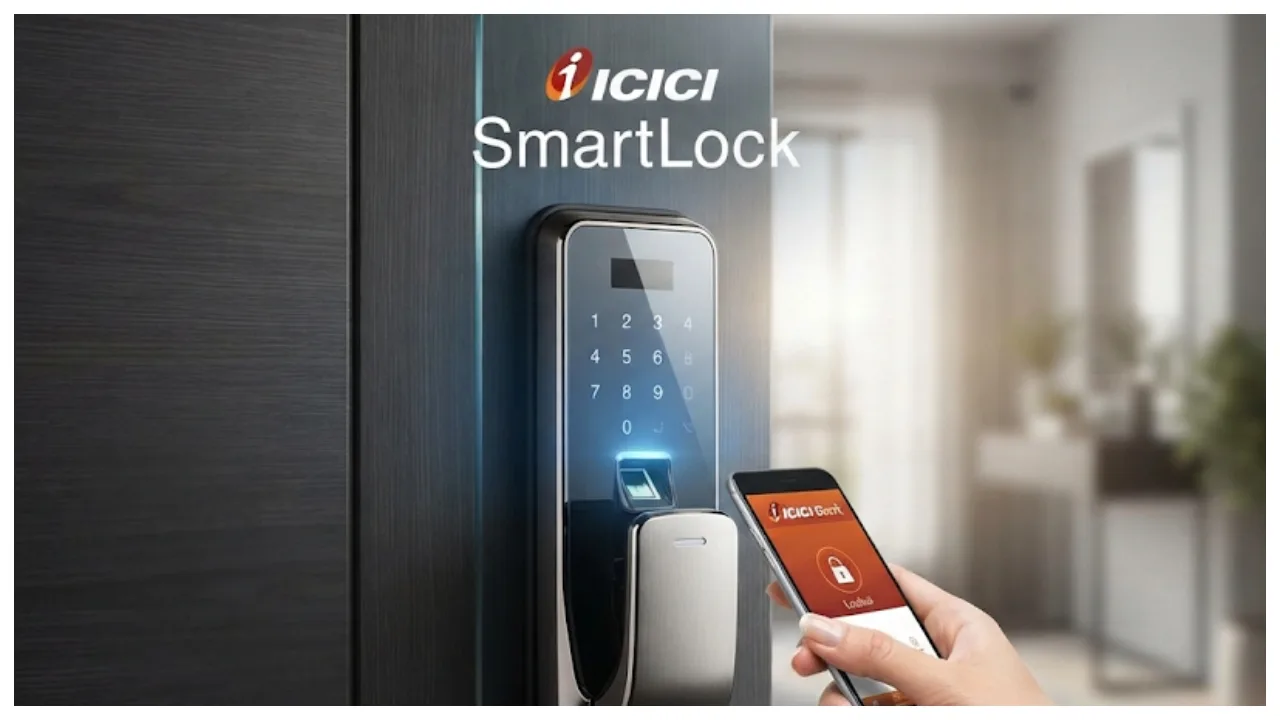
ICICI Bank: If you are an ICICI Bank customer using digital banking, the bank’s ‘SmartLock’ feature could prove to be highly beneficial for you. With this feature, you can instantly lock or unlock various banking services directly through the mobile app. You do not need to call customer care or visit a bank branch to do so.
The SmartLock feature, introduced within ICICI Bank’s ‘iMobile’ app, is specifically designed to enhance the security of digital banking. If you are concerned about the potential misuse of your account or digital payment services, you can immediately lock the relevant services.
What is the SmartLock feature?
SmartLock is a specialised feature available in ICICI Bank’s iMobile app. It allows customers to lock or unlock their digital banking services as needed. This makes it much easier to maintain control over your banking services and enables you to take immediate action for security purposes if you suspect any suspicious activity.
Which services can be locked?
Through ICICI Bank’s SmartLock feature, customers can lock several key services. This includes the ability to lock services within the iMobile app, as well as internet banking services. Additionally, you can lock UPI payment services, which also affects payments made through other UPI-linked apps. You can also lock card services to prevent transactions on your credit and debit cards.
How to use the ICICI Bank SmartLock feature?
If you wish to use ICICI Bank’s SmartLock feature, simply follow these easy steps:
First, open the ICICI Bank iMobile app on your mobile phone and log in. Next, tap on the ‘SmartLock’ option visible on the right side of the app’s home screen.
Now, select the banking services that you wish to lock or unlock.
Follow the on-screen instructions to lock or unlock your chosen services.
Finally, confirm your selection and swipe. The chosen services will then be locked or unlocked.