


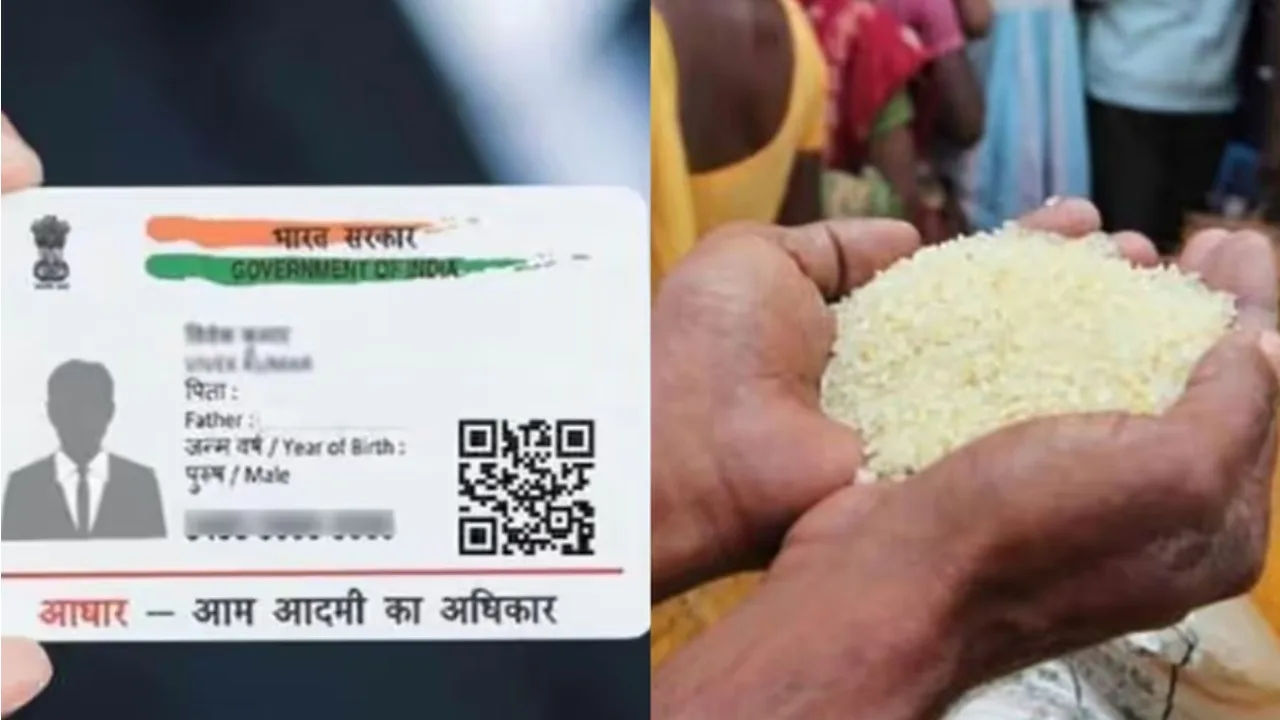
Aadhaar-Ration Card Link: If you have a ration card that hasn’t been connected to Aadhaar yet, it’s a good idea to get this done as soon as possible. Connecting your ration card to Aadhaar makes it easier to identify who should receive benefits and speeds up the distribution of government rations. Plus, you won’t have to make trips to a government office every single time. Several states let you connect your Aadhaar to your ration card through their official Food and Civil Supplies Department website.
That said, there’s no single national online platform for this process. How you link them depends on which state you’re in. Let’s walk through the steps for linking your Aadhaar with your ration card, both online and offline.
How to link Aadhaar with Ration Card online?
Step 1: Start by visiting the official website for your state’s Food and Logistics Department or Public Distribution System (PDS).
Step 2: Look for a link or option on the site labeled ‘Link Aadhaar with Ration Card,’ ‘Aadhaar Seeding,’ or ‘Ration Card e-KYC.’ Different states may use different names for this feature.
Step 3: Type in your ration card number and complete any other information the portal asks for, like details about your family members and your registered phone number.
Step 4: Put in the Aadhaar number for the family member you want to link to the ration card. Depending on your state, you might need to do this linking process for every person in your household.
Step 5: You’ll likely get an OTP sent to the phone number linked to your Aadhaar. Type this code into the box provided to confirm your details. Keep in mind that how OTP verification works can be different from state to state.
Step 6: Verify all the information, including the name on your Aadhaar and ration card, against the details. Then click ‘Submit’ or ‘Verify and Submit.’
Step 7: Save the reference number or confirmation message you receive after submitting your request. Check the status using the feature available on the respective portal. It may take some time for the linking to complete.
What to do if online linking is not happening?
If online facility is not available in your state or you are not able to find the option to link Aadhaar on the website, then you can adopt the offline method.
1. Visit your nearest government ration shop, or fair price shop.
2. Bring your ration card and Aadhaar cards of relevant family members.
3. If needed, provide your Aadhaar-linked mobile number and other relevant documents.
4. Complete the Aadhaar verification or e-KYC process with the help of a ration dealer or authorized employee. Biometric verification may also be required.
5. Keep the receipt or confirmation received after the process is complete.