


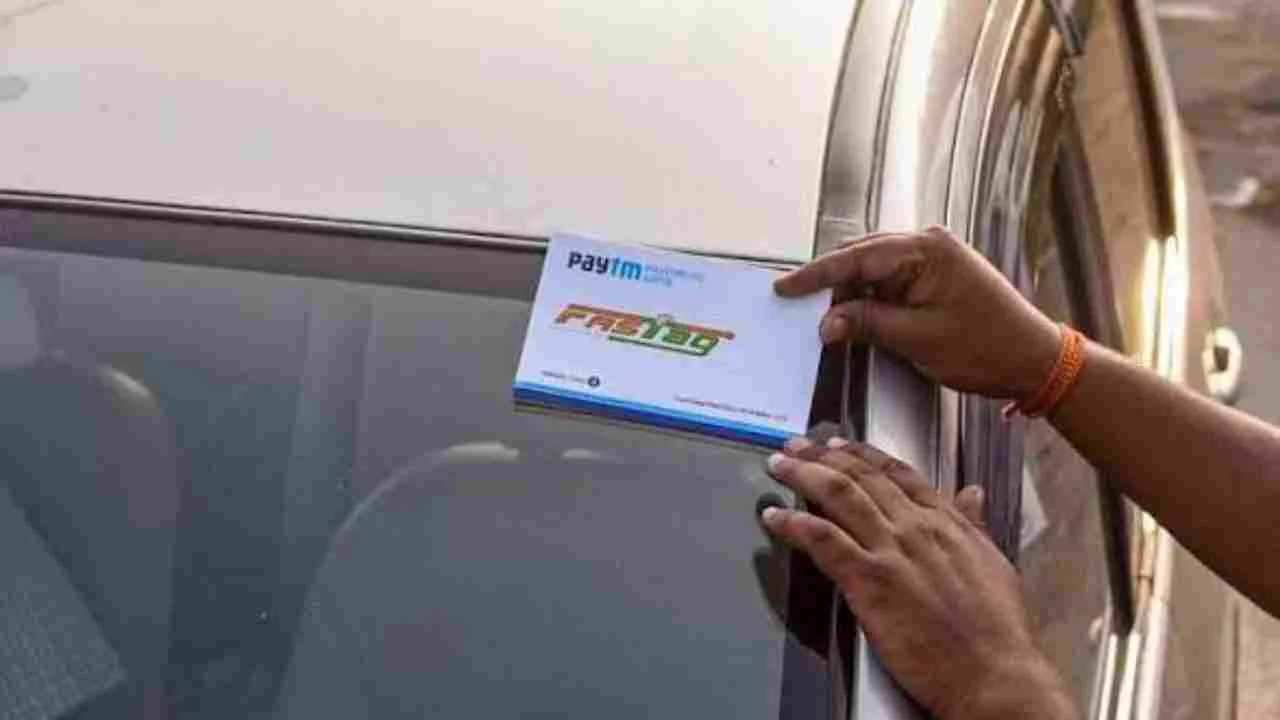
FASTag: FASTag has changed the way we travel on highways. By automating toll payments, it makes journeys more convenient for drivers. The system uses RFID technology so vehicles can pass through toll plazas without stopping or paying with cash.
Although FASTag offers many advantages, you may need to close your account in certain situations—for example, if you sell your vehicle, encounter an account-related issue, or have another reason. This blog explains how to close a FASTag account and request a refund.
Benefits of having a FASTag account
1. Time savings: FASTag transactions are quicker than cash payments, helping reduce travel delays and traffic congestion.
2. Cashless convenience: FASTag lets you pay tolls online, so you don’t need to carry cash. This adds convenience and security.
3. Online management: You can manage your FASTag account online from home, including checking your balance, recharging, reviewing transaction history, and updating your information.
4. Transparency: FASTag records every toll transaction, making it easier to track expenses and confirm that toll charges are accurate.
How to close a FASTag account and get a refund?
You may need to close your FASTag account in situations such as:
Selling your vehicle,
Losing or damaging your FASTag,
or no longer using the vehicle.
Closing the account helps prevent unauthorised toll deductions and protects any remaining balance.
Reasons for account closure
If you have sold or transferred your vehicle to someone else.
If the vehicle has been scrapped or is no longer in use.
If your FASTag card is lost or damaged.
Online FASTag Account Closure Process
- Visit your bank’s official website or NETC (National Electronic Toll Collection) portal and log in using your login details.
- Once signed in, go to the Account Settings or Profile section and find the Account Close or Manage Account option.
- “Close FASTag Account” option and provide the reason for closure. Follow the on-screen instructions. Collect the necessary documents: Some banks require a scanned copy of the vehicle’s RC (Registration Certificate) and ID proof. Prepare these documents in advance. Confirm Close: After submitting all information, submit the request. You will receive a confirmation message via email or SMS.
- The balance amount in the account will be refunded to your linked bank account within a few days (as per bank policy).
Offline FASTag Account Closure Process
Visit a bank branch: Visit the nearest branch of the bank where you purchased the FASTag. Make sure you bring your RC and ID.
Fill out the closure form: Collect the FASTag closure form from the branch and fill in your account details and reasons.
Submit the form and documents: Give the form and documents to the bank official. They may also perform additional verification if necessary. Receipt Confirmation: You will receive a receipt after submission. Be safe. Refund Process: Your account balance will be transferred to your bank account within a few days.
The process may vary slightly depending on the bank or FASTag provider. FASTag account number,
vehicle information,
And an identity document must be presented.
After closing your account, contact your bank or service provider to confirm your refund status.