


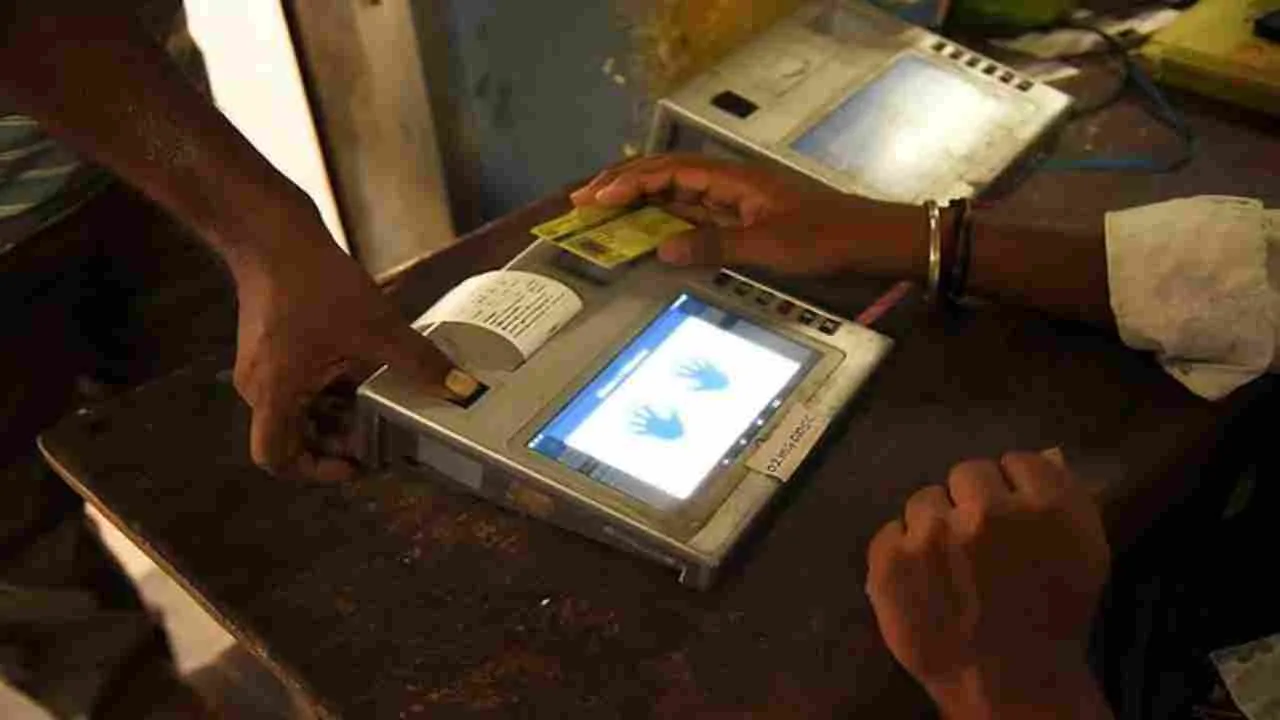
Aadhaar e-KYC: Many individuals encounter OTP-related difficulties when attempting eKYC for their ration cards. At times, the OTP does not arrive on their mobile device even after entering their Aadhaar number, or there may be a delay, or repeated attempts still do not complete the verification process.
Should this issue arise, remain calm. Begin by ensuring the OTP is being sent to the mobile number associated with your Aadhaar. Alternatively, you have the option of visiting a ration shop to ask if your eKYC can be processed via biometric authentication or another available method. This article will cover the steps to take if you are not receiving your Ration Card eKYC OTP, possible reasons for the OTP’s absence, how to confirm which mobile number is registered on your Aadhaar, and ways to finalise eKYC without an OTP.
Reasons you might not get your Ration Card eKYC OTP
Several factors may prevent you from getting an OTP during ration card eKYC. Common causes include:
– The mobile number is not associated with Aadhaar: If your mobile number has not been registered with your Aadhaar card, you will not receive an Aadhaar OTP.
– Aadhaar is linked to an outdated number: If an old mobile number is still registered with Aadhaar, the OTP will not reach your current device.
– Network issues: Weak mobile connectivity or SMS disruptions can result in OTP delivery delays.
– Too many OTP requests: If you generate OTPs repeatedly, UIDAI’s restrictions may temporarily block OTP delivery.
– Technical difficulties: At times, server errors with the Aadhaar Authentication or eKYC portal prevent the OTP from being sent.
– Incorrect Aadhaar number: If you enter the wrong Aadhaar number, the OTP process cannot continue.
Steps to follow if the Ration Card eKYC OTP does not arrive
If the OTP is not arriving during the eKYC process, try the following actions:
1. Verify the mobile number connected to Aadhaar.
First, confirm whether your Aadhaar card has your current mobile number linked to it.
To do this, visit the official UIDAI website:
https://uidai.gov.in/
Navigate to Aadhaar Services and select the Verify Email/Mobile Number option. Enter the necessary details to see if your mobile number is registered.
When your Aadhaar is not connected to your current mobile number, the OTP will not be delivered there.
2. Examine your mobile network.
A weak network can sometimes prevent OTP SMS delivery.
In such cases:
– Check your network connection.
– Disable Aeroplane Mode and reconnect.
– Restart your phone.
– Ensure your SMS inbox is not full.
– Wait briefly, then re-request the OTP.
– Move to a location with stronger network coverage if needed and try again.
3. Avoid excessive OTP requests.
If you keep requesting OTPs but verification fails, pause your attempts for a while.
UIDAI’s OTP guidelines state that requesting five OTPs within 30 minutes without successful verification may show error code 953 on the sixth try, potentially blocking OTP requests for about 30 minutes.
Therefore, rather than making repeated requests, wait a while and then try again.
4. Ensure the Aadhaar number is entered correctly.
During eKYC, take care to input your Aadhaar number accurately.
Double-check the number before generating an OTP. Avoid mistakenly entering someone else’s Aadhaar number from your household.
5. Attempt eKYC again later.
If the linked mobile number and network are both functioning but the OTP still does not appear, there may be a temporary server or portal issue.
In such instances, wait some time and try the process once more. If the issue continues, approach your ration dealer or the local food supply office for assistance.
How to proceed if your mobile number is not registered with Aadhaar?
Should your Aadhaar card lack your current mobile number or if the previous number is no longer active, you must update your contact details.
To update:
– Go to the nearest Aadhaar Seva Kendra or an authorised Aadhaar Enrolment and Update Centre.
– Bring your Aadhaar Card.
– Request a mobile number update there.
– Complete all required formalities.
– Retain the receipt or request number for reference.
UIDAI specifies that in cases where the old number is inaccessible or no number was previously registered, you must visit a Seva Kendra or authorised centre to register or update your mobile number.