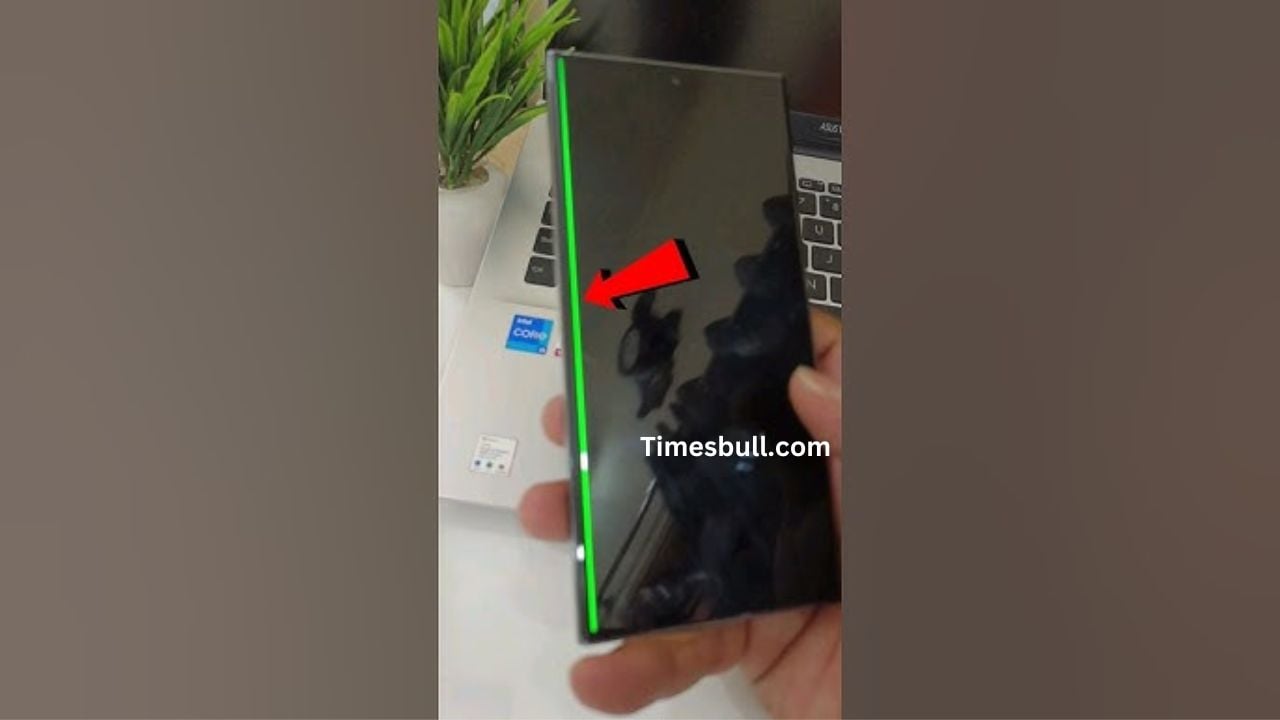
Samsung Phones Affected by the Green Line Issue: Samsung makes some of the best displays in the smartphone industry, but many users have complained about a green line issue appearing on their screens. This is when a thin green or pink line randomly shows up, usually after a software update or over time. While some people think it’s just a bug, others believe it happens due to screen aging or hardware faults. Let’s look at the Samsung phones affected by this problem and what you can do about it.
Read More: Vivo X90 Pro vs Vivo X80 Pro: Best Premium Android?
Read More: Samsung Galaxy Z Fold 5 vs Samsung Galaxy Z Flip 5: Foldable And Flip Phone Showdown
Samsung Galaxy S23 Series
Many users of the Galaxy S23 Ultra, S23+, and S23 have noticed green lines suddenly appearing on their displays. Strangely, this often happens right after a software update. People have shared their experiences on different social media platforms showing pictures of their screens with these unexpected lines.
Samsung Galaxy S22 Series
The Galaxy S22 lineup has faced similar problems. Initially, Samsung didn’t take much action, but after complaints piled up, they offered free screen replacements for affected devices. This issue mostly affects models with Super AMOLED screens, and some lucky users got their screens fixed for free.
Samsung Galaxy S21 FE
Even the Galaxy S21 FE, a popular affordable flagship, has been affected. Some users went to Samsung service centers hoping for a free fix but were told they’d have to pay, making the situation frustrating.
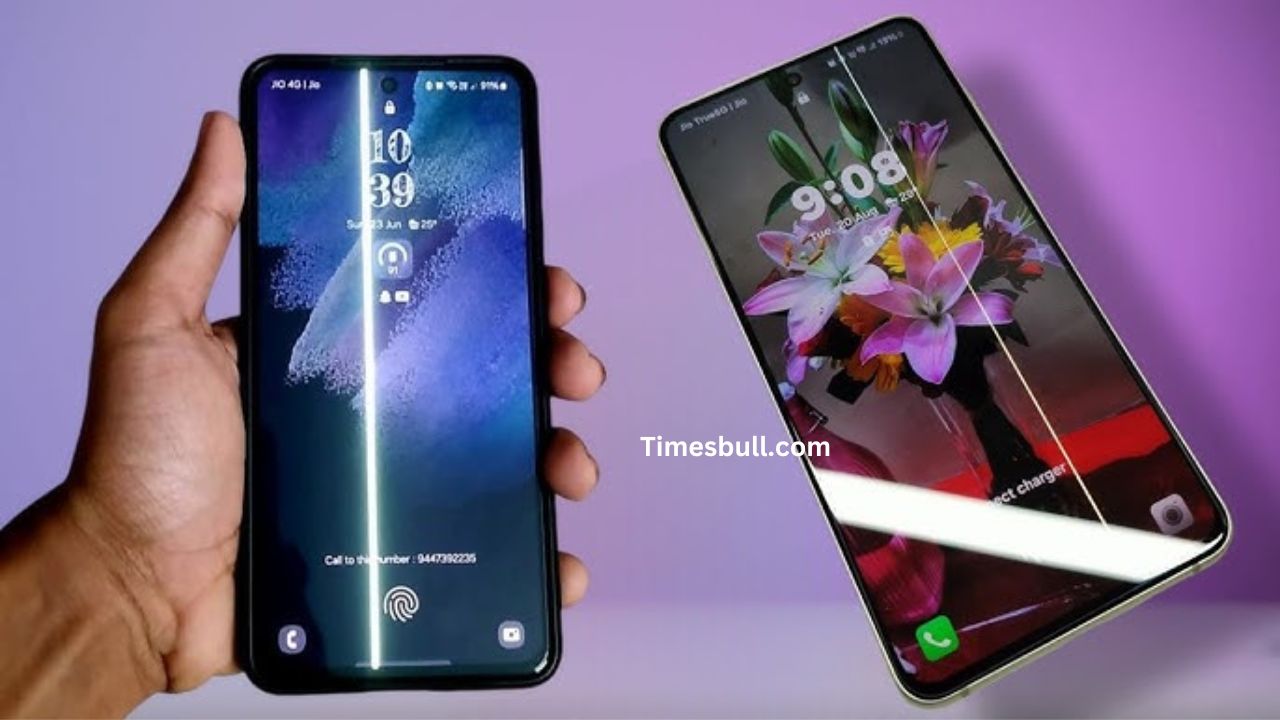
Samsung Galaxy Z Flip 4
Samsung’s foldable phone, the Galaxy Z Flip 4, is also on this list. People reported that green lines appeared just months after buying the phone, even though there was no physical damage. Some users tried claiming warranty repairs but were denied.
Samsung Galaxy Note 20 & Galaxy S20 Series
Older models like the Galaxy Note 20 Ultra and Galaxy S20 series also faced this issue. In some cases, Samsung replaced the screens for free, while others had to pay for repairs. This inconsistent response has frustrated many customers.
What Should You Do?
- Check for software updates – Sometimes, Samsung releases software updates to fix these issues by adjusting screen settings and improving system performance.
- Visit an authorized service center – If your phone is under warranty, you might get a free screen replacement.
- Rollback to a previous software version – If the issue appeared after an update, going back to the previous version might help.
Conclusion
This green line issue is a big concern for Samsung users, especially those with AMOLED displays. If your phone is affected, it’s best to reach out to Samsung support as soon as possible. Until Samsung provides a permanent solution, be careful before installing new updates!
Latest News
- Weather Warning Delhi-NCR – Rain Alert & Dust Storm in Next 2-3 Hours, IMD Issues Yellow Alert

- PM Kisan Samman Nidhi Yojana: नहीं मिल रही 2000 रुपये की किस्त तो किसान तुरंत करवा लें यह काम

- Aadhaar Card Update Rules – How Many Times Can You Change Address, DOB & Number?

- Train Ticket: How to book a confirmed train ticket without an agent? Learn the Easy Steps

- Indian Railways– 155 Trains Express Declared High-Speed, Thousands of Railway Staff to Benefit

- Monsoon Alert – Warning Heavy to Very Heavy Rain alert & thunderstorms in 22 States Over Next 4 Days

- America-Iran War: मिडिल ईस्ट में तनाव होगा खत्म! ईरान ने होर्मुज रास्ते पर कही बड़ी बात

- PM Surya Ghar Yojana 2026: Get Up to Rs 78,000 Subsidy within 6 Easy Steps, Know Here

- Cheapest Available 5G Smartphones in India Under 10000

- UPSC Prelims Answer Key 2026 – How to Download UPSC Prelims Answer Key at upsc.gov.in