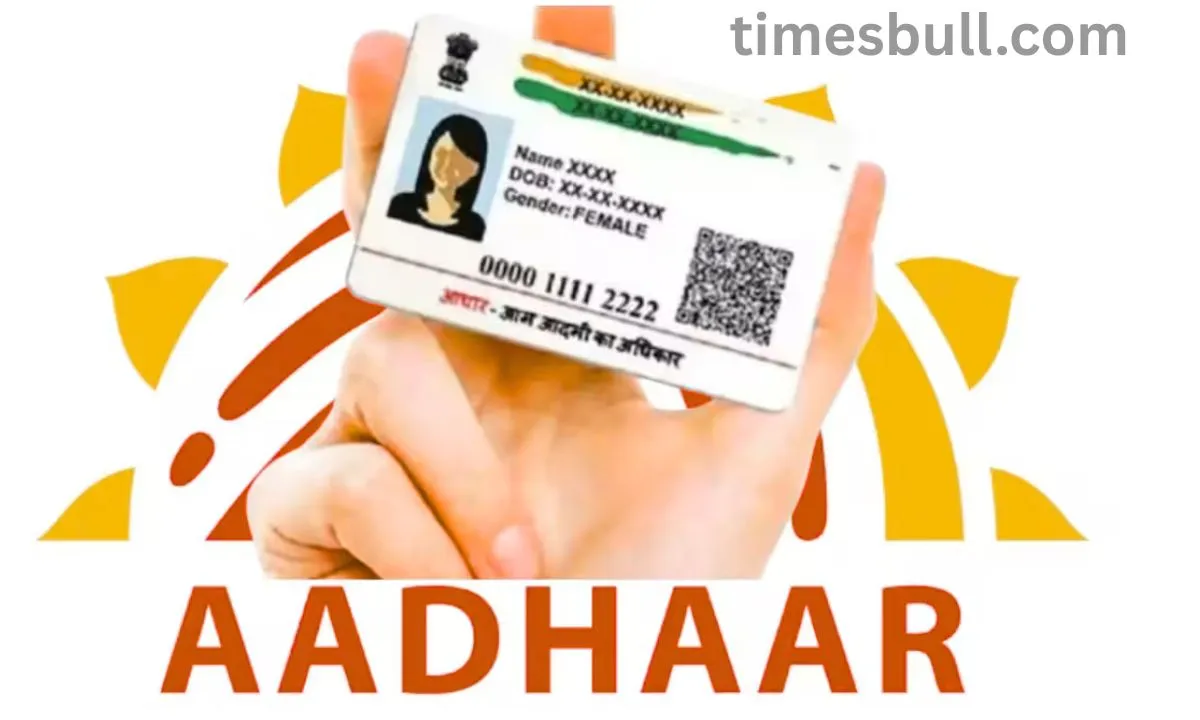
Aadhaar App has been launched; A new Aadhaar App has been launched by UIDAI. Your Aadhaar card may now be safely stored on your phone, shared via facial recognition, and easily presented with a QR code. Discover all of this app’s features.
Launch of the New Aadhaar App
Aadhaar has evolved into our “digital identity” in the current digital era, used for everything from banking to public aid programs. But it can lead to serious issues if your name, address, or birthdate are wrong. UIDAI has released a new Aadhaar app that offers a number of conveniences in order to overcome this problem.
Change Data with a Few Clicks
The days of lengthy lines, center visits, and paperwork are over. With a few clicks, you may safely and precisely change your data. With the use of modern tools like facial ID, QR codes, and digital document uploads, this software will operate safely and conveniently from the comfort of your home.
Why was the new e-Aadhaar app let go and what is it?
As stated by UIDAI, the goal of the e-Aadhaar app is to make it easier to update the demographic data linked to Aadhaar cards, such as name, address, date of birth, and mobile device number. Up until now, getting such updates frequently meant going to Aadhaar service centers, which often led to lengthy wait times and difficult processes. That difficulty will be removed by the new app.
The Key Features of the New Aadhaar App
To make sure you are the same person signing in, the app first takes a picture of your face. You can select whether to disclose information other than your name and photo when you need to share your identify by scanning or displaying the QR code generated by the app. To stop unwanted use, you can lock your biometrics if you would like. Low-network locations will benefit from the app’s features that enable scanning a QR code and verifying Aadhaar even without an internet connection.
How Can I Install the Latest Aadhaar App?
Find and download the Aadhaar app from the Apple App Store or Google Play Store. Verify the OTP from your registered mobile number and enter your Aadhaar number. Observe the rules for SMS preference and facial authentication. If you need to make changes, upload the files you need. Lastly, to keep the app safe, set a passcode.
What Needs Particular Attention?
Your Aadhaar must be connected to your mobile number. Passports, voter ID cards, utility bills, and other documents need to be worded correctly. You will probably need to visit a center if your biometrics (fingerprints or iris) need to be updated. Although the exact launch and availability date of the app is yet unknown, it may happen by the end of 2025.
Make a duplicate Aadhaar card at home now.
You should not be concerned if this has happened to you. These days, it only takes a few minutes to obtain a duplicate Aadhaar card from the convenience of your home. few minutes. UIDAI has launched an online service for public convenience, eliminating the need to visit a government office to obtain a duplicate Aadhaar card.