


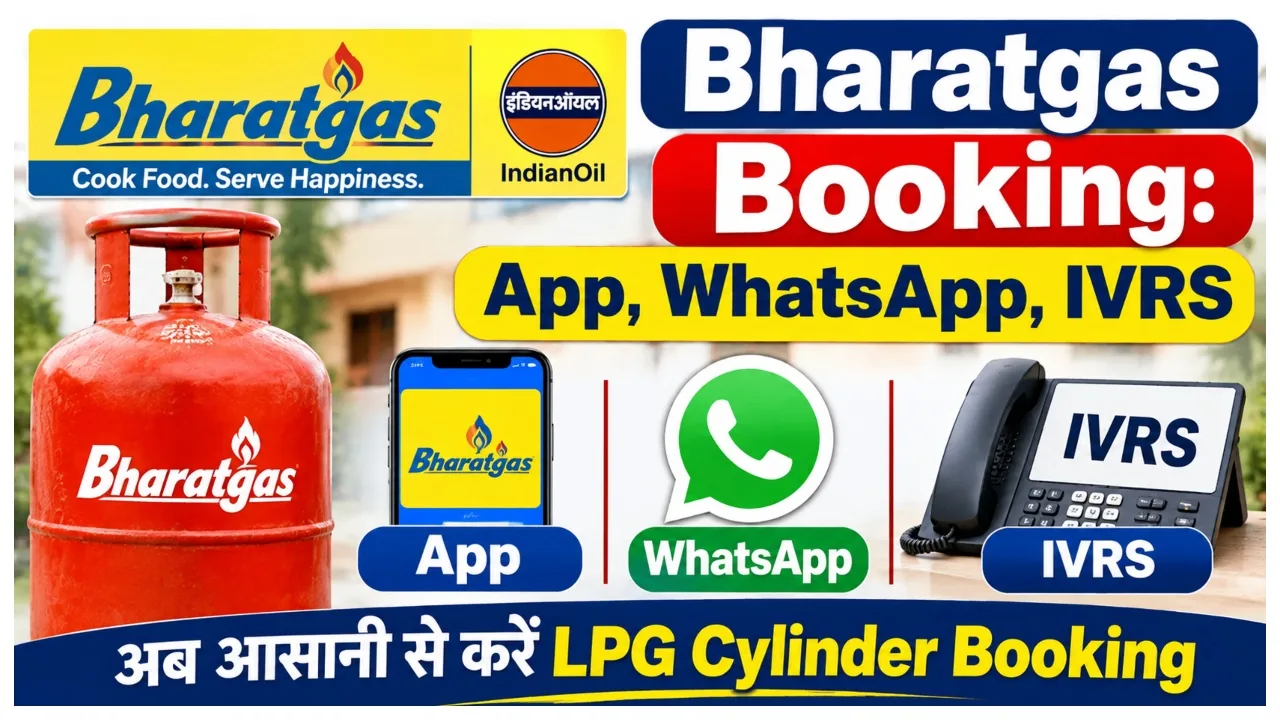
LPG:- If you are a Bharatgas consumer and are thinking of booking a gas cylinder sitting at home, then you do not need to go to the gas agency for this. Let us tell you that Bharat Petroleum, i.e., BPCL, has provided many options for refill booking to the customers. You can easily book the cylinder through the mobile app, WhatsApp, missed call, IVRS, the Umang app and the website. In this article, we will explain everything in detail and in simple language.
How to Book through the HelloBPCL App
To book a Bharatgas cylinder, you have to download the HelloBPCL app.
Open this app and login with your registered mobile number.
Now the option of a Bharatgas connection has to be selected.
After completing this step you have to click on the option of refill booking.
Now you need to complete the booking by providing the necessary information.
Online payment can also be done through this app.
How to Book a Gas Cylinder through WhatsApp
You can also use it through WhatsApp.
After this you have to open WhatsApp on the mobile.
The message has to be sent from the mobile number registered with BharatGas to 1800 22 4344.
In this, you have to write ‘Hi’ in the chat and send it.
After this step, the instructions received also have to be followed.
The process has to be completed by choosing the option to book a refill.

How to Book a cylinder through IVRS call.
If you want to book gas through phone call, then the facility of IVRS can be used. For this you can book from the registered mobile number 7715012345 or 7718012345. After this, refill has to be booked by following the instructions given on the call.
How to Book gas through Umang app
You can also book Bharatgas cylinders through the Umang app of the Government of India.
After this step, first you have to download the Umang app.
Now you have to log in to the app.
You have to search for BharatGas in the search box.
The information has to be filled out by going to the refill booking option.
After this step the booking process has to be completed.