


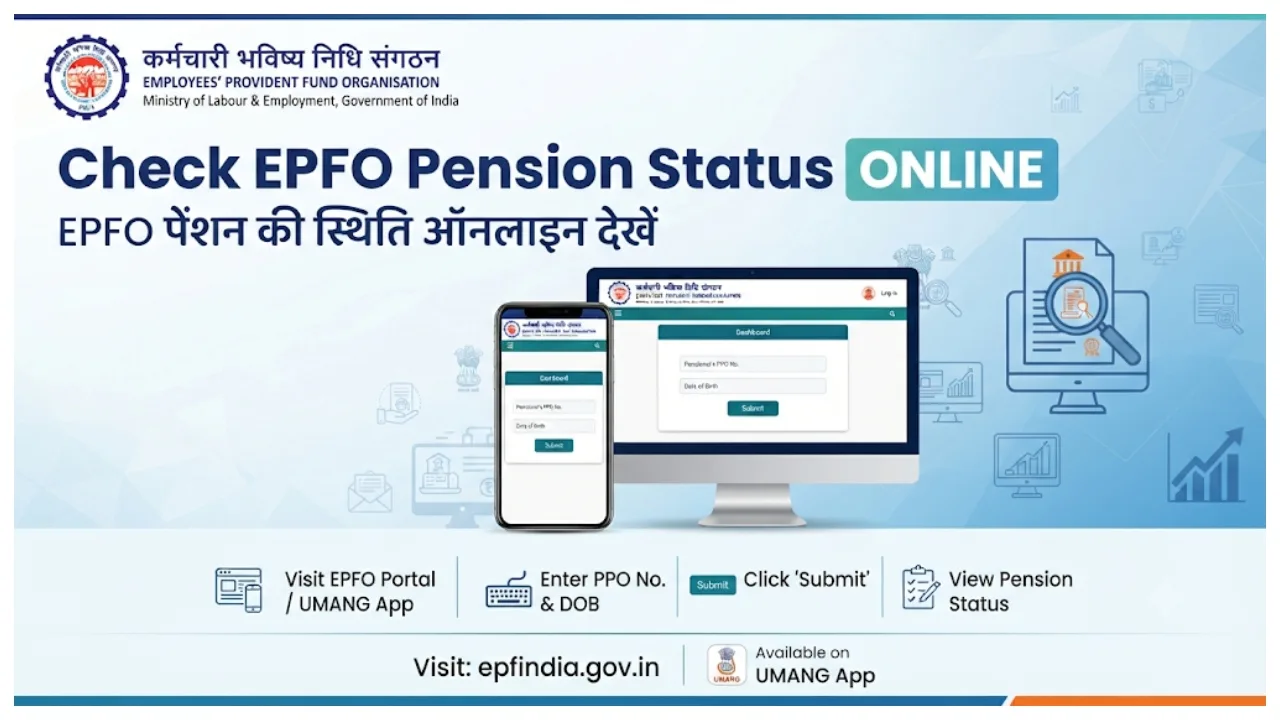
EPFO: If you are an EPFO pensioner and want to check whether you are receiving your pension, you no longer need to make repeated visits to your bank or a government office. The EPFO has introduced an online facility that allows you to check your pension status from the comfort of your home. To use this service, you simply need to provide some required information and follow a few easy steps.
How to check your EPFO pension status online?
EPFO pensioners can check their pension details through the ‘Know Your Pension Status’ portal.
First, visit the official EPFO ’Know Your Pension Status’ portal.
Select the ‘Pension Status’ option.
Enter the necessary details, such as your office ID and PPO (Pension Payment Order) number.
After entering the required information, click on the ‘Get Status’ button.
All details regarding your pension and payments will then appear on the screen.
The process is very straightforward.
Read More:- Gold Price Today – Gold Jumps Rs 2,000 To ₹1,23,562, Check 24K, 22K, 18K Rates
Read More:- Vande Bharat Sleeper Trains: IRCTC Cuts Down Train Menu, Know Why
Read More:- Aadhaar Services Made Easier, New Centres Open in 17 Places
Submission of a life certificate is mandatory.
As a pensioner, it is important to know that you are required to submit a life certificate every year. Pensioners under central or state government schemes must submit their life certificate by November 30th each year. If you fail to submit it by the deadline, the system will stop your pension payments. However, you can resume receiving your pension by submitting the Life Certificate. For private-sector pensioners, while there is no specific deadline, it remains mandatory to submit the certificate every 12 months.