


What is the new portal of EPFO - 2.01 Unified Member Portal?
The EPFO has launched the EPFO 2.01 portal after shifting all its member records to a centralised database. Earlier records were decentralized, which sometimes led to the disappearance of information. Now all the data is in one place, which has made it very easy to track the service history. The purpose of this upgrade is to provide employees with their entire employment history in one place, so that there is no problem during PF claim or pension in the future.

How to use the Service History feature?
First of all, log in to the EPFO Unified Member Portal with your UAN and password. After this, an OTP will come on your registered mobile number. Once logged in, go to the "Member Service History" section under "Online Services." Here you will see the details of all your old and current jobs - Joining date, exit date, EPF and EPS membership details. You can also download this history.

What can employees see in the service history?
Here is what you can see in the service history on the new EPFO 2.01 portal:
Past and Present Company Information: The name and code of each employer.
Date of commencement and termination of employment: Date of entry and date of exit.
EPF and EPS Membership: How much was the PF and pension contribution for which company?
Transfer Status: Whether the money has been transferred from the old account to the current account or not.
Apart from this, you can also see the status of both old and new claims through Track Claim Status on the portal.
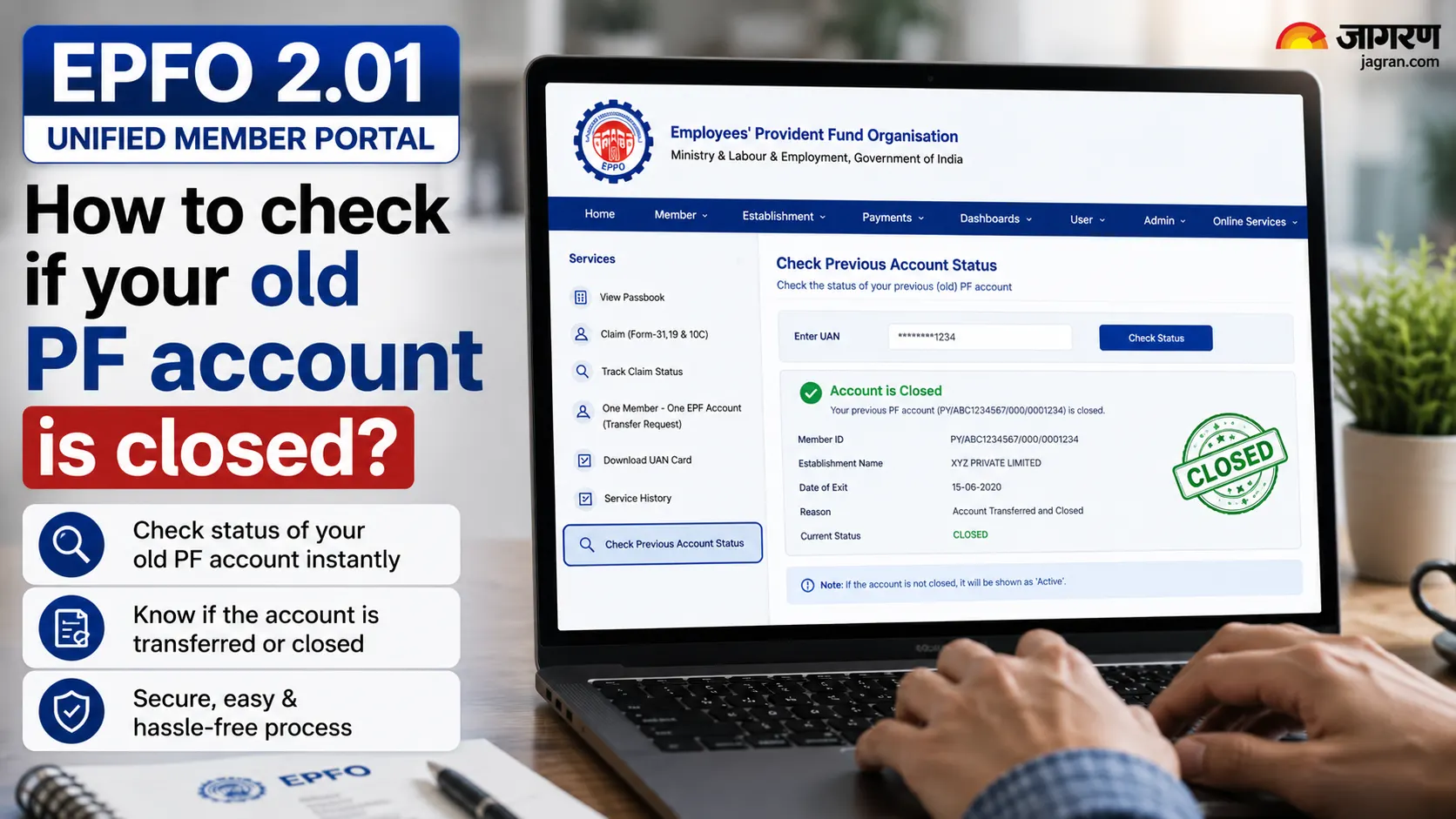
How to check if your old PF account is closed?
Many people change jobs many times and forget to link the old PF account with the UAN. This is manifested by the following signs:
The name of your old company does not appear in the UAN.
The duration of a job is missing in the service history.
The balance in the PF passbook looks low (because the money of the old account is not linked).
The member ID of the old job is not visible.
If you have not done PF transfer after changing the job, then the old account can become inoperative.

E-PRAAPTI Platform - How to Find a Forgotten PF Account
EPFO has launched a new platform called e-PRAAPTI (EPF Aadhaar-based Access Portal for Tracking Inoperative Accounts). This is especially for those who worked before 2014 (when there was no UAN system) and their old PF account is missing somewhere. By logging in through Aadhaar authentication on this portal, you can find the account from your old member ID. Once you get the account, you can link it to your existing UAN and reactivate it. In the initial stage, the old member ID will be required, but in the later stages, it will also work without ID.

How to correct an error or missing record in the service history?
If there is no old job in the service history or the dates are wrong, it can be corrected. For this, file a complaint on EPFO's Grievance Management System (epfigms.gov.in) and upload documents (salary slip, joining letter, old PF number) related to your old employer. EPFO will verify with your old employer and then the service history will be updated. If the wrong PF member ID has been linked to your UAN (which belongs to another company), then a request to delink it can also be made through the Grievance Portal.

How to transfer PF after a new job? (Automatic transfer)
EPFO has made PF transfer easier. If your UAN is Aadhaar-linked and fully KYC-compliant, the automatic transfer will be triggered as soon as the PF contribution is deposited for the first time in the new job. That is, now you do not have to fill a separate transfer claim (Form 13), unless you want to stop it.
Earlier, it had to be approved by both old and new employers. However, if you want to transfer manually, then you can submit Form 13 from "Request for Transfer of Account" or Member Service History in Online Services on the portal.

Conclusion
This major digital upgrade of EPFO - 2.01 Unified Member Portal and e-PRAAPTI - has made PF account management easier than ever before. Now you can check your service history yourself, find old accounts that have been left out, and take advantage of automatic transfers.
All you need to do is keep your UAN updated and verify the records from time to time. If you see any error in your service history, do not delay - Enter online grievance immediately. timesbull.com will continue to bring you such important information. If you have any other questions, let us know in the comments.