


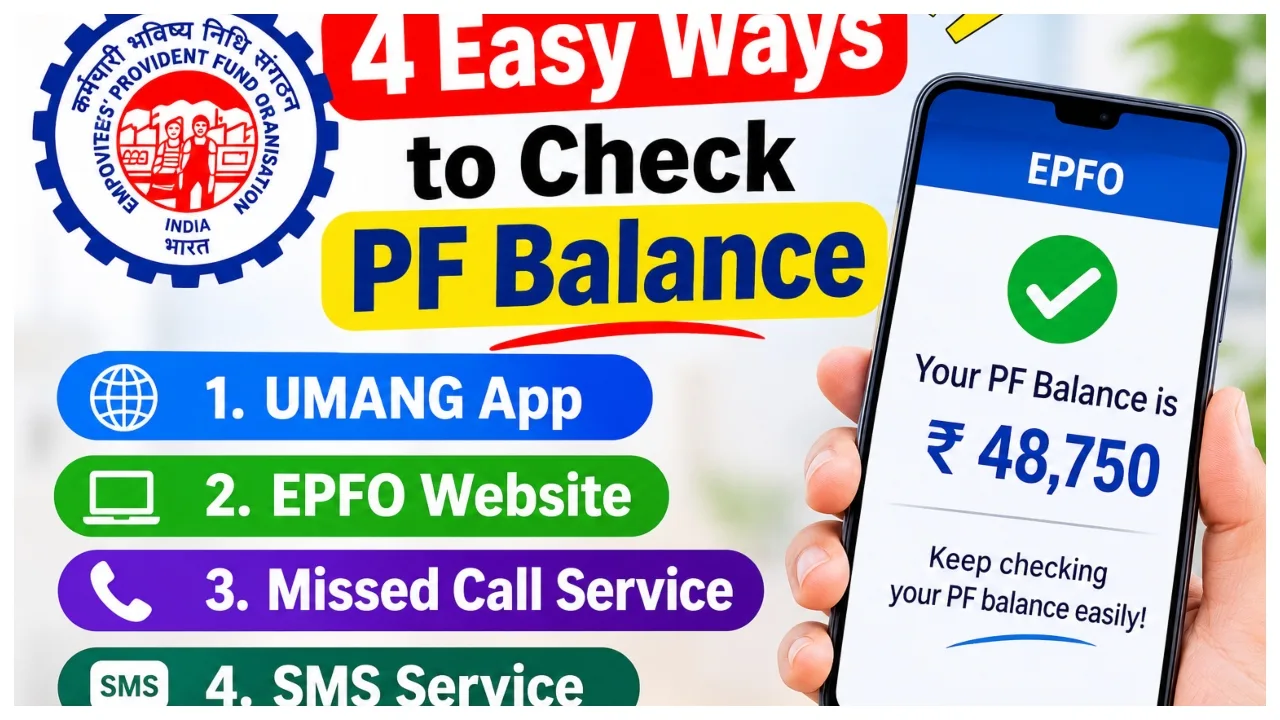
PF Balance Check: Every month, a fixed amount from the salary of almost every working person is deposited into the Employees Provident Fund. This money is used when needed. In such a situation, it is very important for every employee to know how much is deposited in his PF account. In earlier times, one had to visit the office to check the PF balance. But now most of the work has started happening online.
It is done. However, sometimes it happens that the employee does not remember his UAN number or it is not active. In such a situation, people think balance requires UAN, but it doesn’t. PF balance can be checked even without UAN. Let us now tell you how to find out the PF balance without the UAN number. Now, the good thing is that you can easily check your PF account balance from home without any hassle. Here we are going to tell you about some easy ways to check the PF balance.
Know PF balance by missed call.
Give a missed call to 9966044425 from your registered mobile number. The call will automatically disconnect within a few seconds. After this, an SMS will come to your mobile, in which information about your PF account balance and last deposited amount will be given. However, this information will come on your phone only when your mobile number is linked to the UAN.
Read More:- Bank Strike: Bank Employees to Go on Nationwide Strike on December 3, Check Details
Read More:- Lost Your Ayushman Card? Get Just a Few Steps
Read More:- Weather Update – Heavy Rain Warning for 10 States, Full Monsoon Forecast
Know your PF balance through SMS.
EPFO also provides its members the facility to check the balance through SMS. For this, the UAN should be active and the e-KYC should be completed. Please send a message to 7738299899 from your registered mobile number. Keep the message format like this: EPFOHO UAN LAN
Here, instead of UAN, write your 12-digit UAN number. Enter the language code instead of LAN. For example, HIN is used for Hindi and ENG is used for English.
How to check PF balance from the UMANG app
You can also get PF balance information through the UMANG app; for this, download the app on your phone and log in. Thereafter, go to the EPFO section. Click on the Employee Centric Services option there. Then click on View Passbook. After OTP verification, your PF balance will be visible on the screen.
How to check PF balance on the EPFO member portal?
First of all, go to the official website of EPFO.
Go to the Our Services tab on the homepage and select the For Employees option.
Click on Member Passbook from the Services list.
Log in by entering your 12-digit UAN and password.
After logging in, select your respective Member ID.
Now the complete PF passbook and total balance will be visible on your screen.