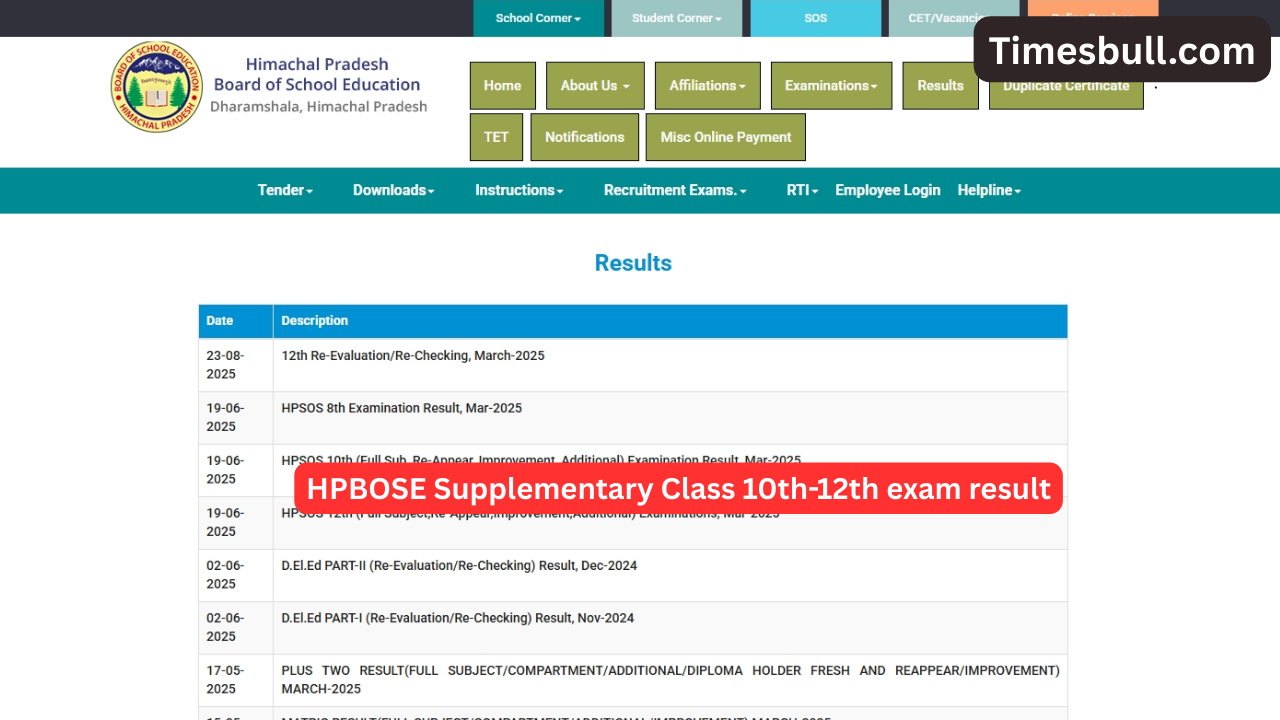
HPBOSE Supplementary Class 10th-12th exam result. Those students who are waiting for the result of the 10th- 12th supplementary examination from the Himachal Pradesh Board of School Education. So soon, you will get the result link activated on the official website. The students appearing in the supplementary examination by the state education board will be able to take admission in the further course after the result is released.

The results of 10-12th supplementary examination can be seen on the official website. Students will need their roll number and date of birth to view and download the result. In such a situation, it is advised to keep your login password and ID safe to download the result.
Read more:-ITR Filing 2025: Last Date 15 September, Why Your Refund Hasn’t Come Yet.
Students who have failed in one or two subjects (are in the compartment category) or students who want to improve their marks, all of them can appear in this exam. This exam is conducted by every board in the country.
Know when the supplementary exam was held.
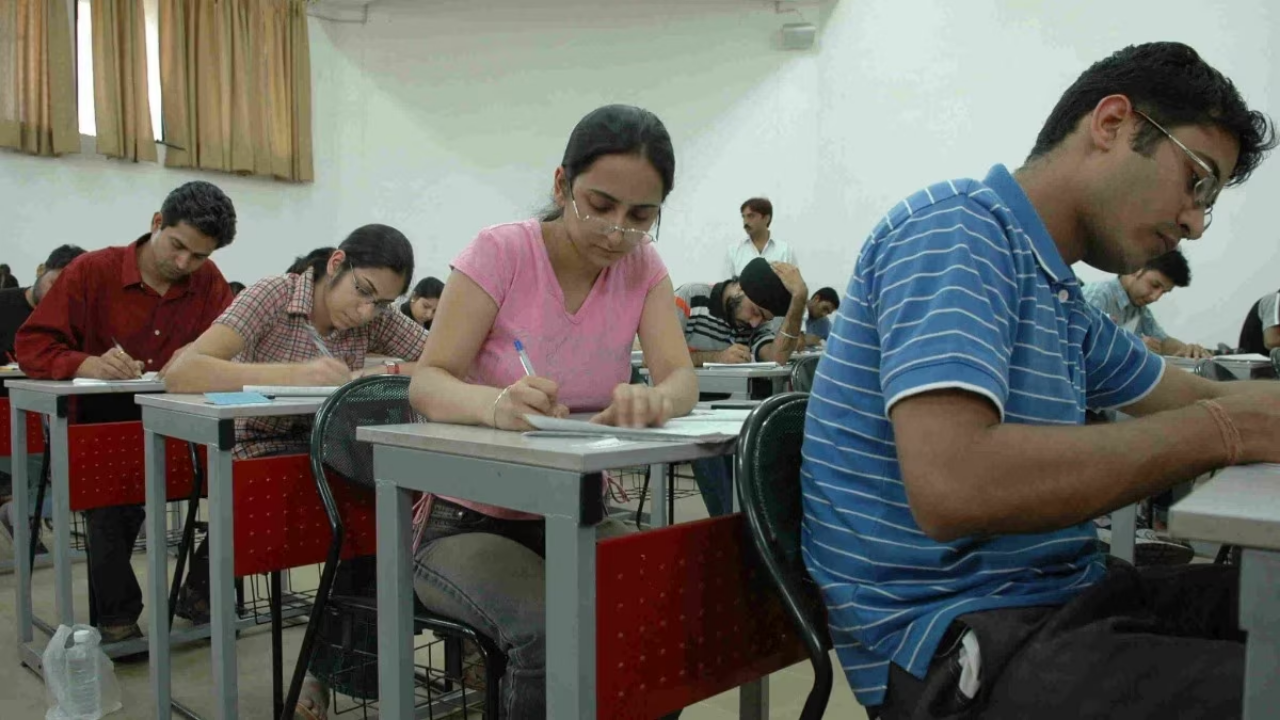
The Himachal Pradesh Board of School Education (HPBOSE) conducted the supplementary examination of class 10th between July 22 and July 29, 2025. The exam was conducted in only one shift from 8.45 am to 12 noon.
How to download the supplementary 10th and 12th results
Let us tell you that you can check the supplementary 10th and 12th results in two ways by which you can know the result by first visiting the official website here, and through SMS. First of all, we are telling you way to check the result on the official website hpbose.org.
- Visit the official website of HPBOSE, hpbose.org.
- On the homepage, click on the 10th, 12th result link.
- Enter your roll number and other required details.
- The result/scorecard will appear on the screen.
- Download the result and keep a copy of it with you.
Read more:-Bajaj Pulsar 150 vs Yamaha MT-15: Who is the real king of city roads?
How to check the result through SMS
Students who appeared in this exam can also check their results through SMS, for which you will have to open the SMS app on your phone, and then type your HP10th or HP12th exam roll number. And send the SMS to 56263. In a short while, the result will appear on your phone screen.
Latest News
- Maruti Dzire CNG Continues Dominance – Fuel Efficient Sedan Wins Indian Families

- Vivo Y600 Turbo Set to Debut: Featuring a 165Hz Display, Dimensity 8500, and a Massive 9,020mAh Battery

- HMD Vibe 2 5G Debuts in India with 6000mAh Battery & 50MP Camera: Get It For Just ₹9,499 With Launch Offers

- 8th Pay Commission लागू होते ही कितना हो जाएगा फिटमेंट फैक्टर, चेक करें अपडेट

- Oppo Find X9 Ultra Launched in India: Check Reliance Digital Price, Bank Offers, and Flagship Specs

- Electricity Bill Saving– How to Save Power During Summer Heat? Here Are the Few Tips

- Gold-Silver Rate – Gold ₹44,396 per 10 grams & Silver ₹1,85,462 per kg cheaper from the Peak

- US Green Card Rule Change, Know Before Apply

- PM Surya Ghar Scheme: खूब चलाएं एसी और कूलर, नहीं देना होगा बिल, जल्द कराएं यह काम

- ITR Filing Before May 31? You May Get Notice