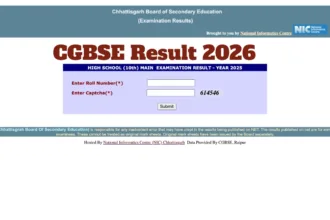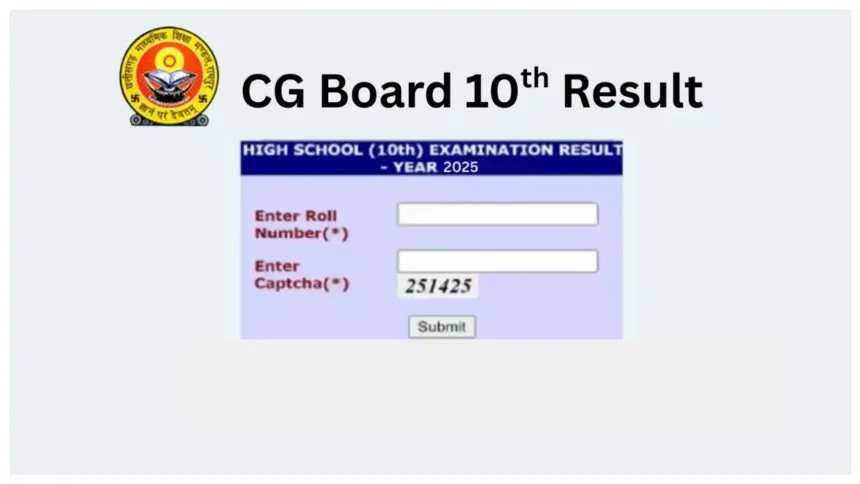
CGBSE 10th Marksheet 2026: The Class 10 Board Results for 2026, issued by the Chhattisgarh Board of Secondary Education (CGBSE), are set to be released very shortly. Students are eagerly awaiting their results—a wait that is expected to end in approximately 15 minutes. The results will be made available for download on the official website, cgbse.nic.in. Additionally, for students’ convenience, an option to download marksheets via DigiLocker is being provided.
Often, due to heavy traffic on the official website, the site takes a considerable amount of time to load, which can cause anxiety among students. In such instances, the Chhattisgarh Board Class 10 marksheet can also be downloaded through DigiLocker.
CGBSE 10th Marksheet 2026 – Key Highlights
- Result Date: April 29, 2026 (Today)
- Result Time: Releasing Very Shortly (within ~15 minutes)
- Class: Class 10 (High School)
- Board: Chhattisgarh Board of Secondary Education (CGBSE)
- Required: Roll Number, School Code & 6-digit Access Code
3 Ways to Download CGBSE 10th Marksheet
Official Website
- Visit cgbse.nic.in → Click Class 10 Result Link → Enter Roll Number → Download Marksheet
DigiLocker (Best if Website is Slow)
- Visit digilocker.gov.in → Sign up/Login with Aadhaar-linked mobile → Education Section → Chhattisgarh Board → Class 10th Marksheet → Enter Roll Number, School Code & 6-digit Access Code → Download
UMANG App
- Open UMANG App → Education Section → Select CGBSE → Class 10 Result 2026 → Enter Details → Download Marksheet
Details Required for DigiLocker Access
- Roll Number
- School Code
- 6-digit Access Code (provided by your school)
- Aadhaar-linked Mobile Number
Where to Download the CGBSE 10th Marksheet?
Apart from the official website, the Chhattisgarh Board Class 10 Results for 2026 can also be accessed via the UMANG App and DigiLocker. The Chhattisgarh Board marksheet can likewise be downloaded through DigiLocker; this document will serve as a provisional marksheet.
📢 The Countdown Begins!
Chhattisgarh Board of Secondary Education, Raipur
Class X & XII Results 2026 are coming soon on DigiLocker’s Result Page!
Skip the last-minute rush and stay prepared to check your results instantly.
🔗 https://t.co/nmrcVm9cvy
Be ready with your Roll… pic.twitter.com/W1zGKQYyXV— DigiLocker (@digilocker_ind) April 28, 2026
How to Download the Online Marksheet via DigiLocker?
Visit the official DigiLocker website – digilocker.gov.in.
Sign up or register using your Aadhaar-linked mobile number.
If you already have an account, log in using your mobile number.
Click on the ‘Education’ section and select ‘Chhattisgarh Board of Secondary Education’.
Click on the ‘Class 10th Marksheet’ option.
Enter your Roll Number, School Code, and the 6-digit Access Code (provided by your school).
Your provisional CG Board Class 10th Marksheet will appear on your screen.
Finally, download the online marksheet and take a printout for future reference.
Please note that following the release of the Class 10 and 12 results, students may apply for the re-evaluation and re-checking of their answer scripts. To do so, they must visit the official CGBSE website at cgbse.nic.in. Students can apply online to have their marks rechecked.