

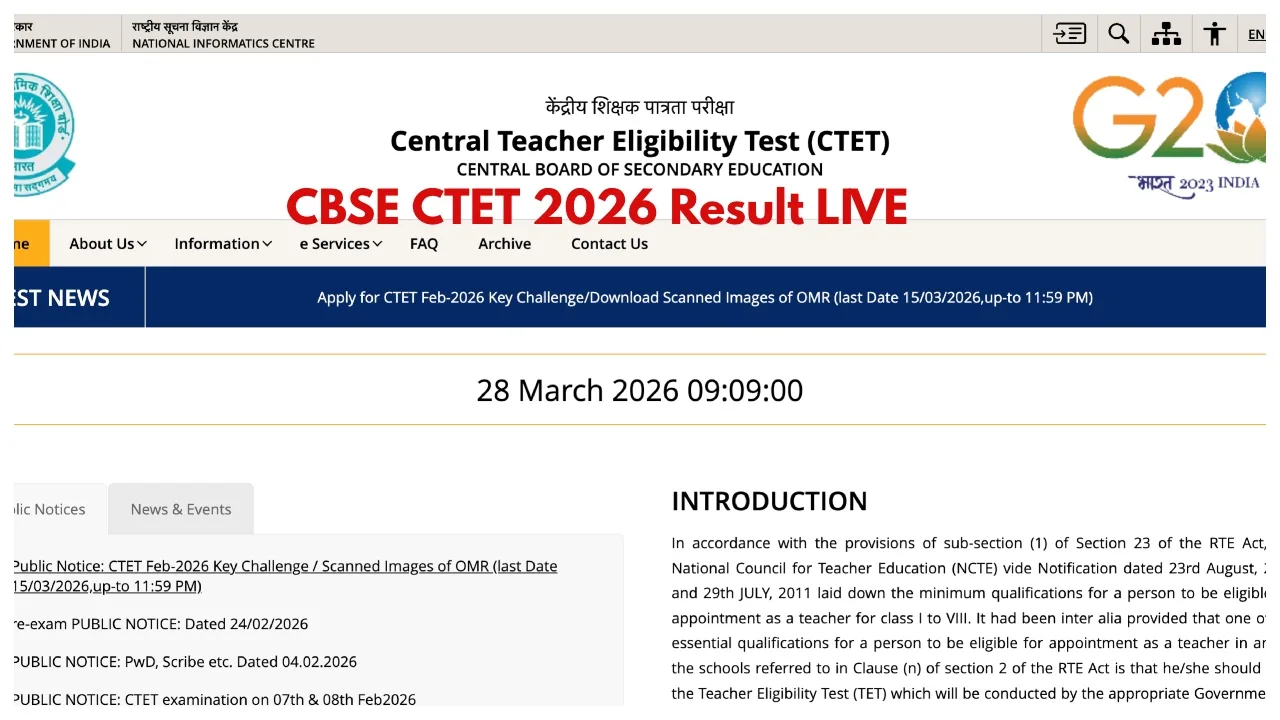
CTET 2026 Result Date LIVE: The Central Board of Secondary Education (CBSE) will soon release the results for the CTET February 2026 examination. Candidates have been eagerly awaiting their results for quite some time. Now that the final answer key has been released, the results are also set to be published shortly.
Both the results and the final answer key will be made available for download on the official website, ctet.nic.in. However, the exact date for the result declaration has not yet been officially confirmed. Nevertheless, according to media reports, the results are expected to be unveiled very soon.
When was the CTET 2026 examination held?
The CTET February 2026 examination was conducted on February 7 and 8, although re-examinations were subsequently held at certain centres. The Board released the provisional answer key on March 12, 2026.
When will the CTET results be released?
According to media reports, the results for CTET February 2026 are likely to be released during the last week of March or the first week of April 2026. Before the results, the Board will release the final answer key, based on which the scorecards will be prepared.
How did the results last time?
According to statistics from 2024, approximately 19.8% of candidates passed Paper 1, while the pass percentage for Paper 2 was around 7.2%. This time, more than 2.5 million candidates have registered for the examination.
How to Check CTET Result 2026:-
Must Visit to the website: ctet.nic.in
Now, click on the ‘CTET Scorecard PDF’ link on the website homepage.
Enter your Application Number and Date of Birth.
The CBSE CTET Scorecard 2026 PDF will appear on the screen.
Finally, check and download the CBSE CTET Scorecard 2026 PDF.
Details Mentioned on the Scorecard
Name of the exam
Roll number
Mother’s name
Father’s name
Category
Paper details
Marks scored in each section
Total marks
How to Download CTET Marksheet on DigiLocker App:-
Step 1: Download and install the ‘DigiLocker app‘ on your smartphone.
Step 2: Now, click on the ‘Sign Up’ link on the website home page.
Step 3: Then, enter your name, DOB, category, mobile number, email ID, Aadhaar number, and a 6-digit security PIN.
Step 4: After filling in all details, set a username.
Step 5: Once your account is ready, click on the ‘Central Board of Secondary Education, Delhi’ link.
Step 6: Now, select the ‘Teacher Eligibility Test Certificate’ option.
Step 7: Enter your Roll Number and Registered Mobile Number.
Step 8: Your CTET marksheet and certificate will appear on the screen.
Latest News
- New Honda City Facelift 2026 Launched – Sporty Coupe Look And ADAS Safety Revealed

- 8th Pay Commission: केंद्रीय कर्मचारियों की बढ़ेगी बंपर सैलरी! आयोग ने उठाया यह बड़ा कदम

- China: चीन के कोयला खदान में भयंकर विस्फोट, 90 लोगों की गई जान, पीएम मोदी ने भी जताया दुख

- Weather warning – Heavy Rain, thunderstorms, lightning Alerts for 13 States Over Next 3 Days

- UP TGT Exam City Slip 2026 Released – Download at upessc.up.gov.in, Exam June 3-4

- ATM Alert: एटीएम में फंस जाए डेबिट कार्ड तो घबराएं नहीं, फटाफट यह काम करने से होगा समाधान

- Post Office Scheme – 7.5% Interest Rate, ₹5 Lakh Becomes ₹7,24,974 in 5 Years, Start with Just ₹1,000

- Best AI Video Editing Laptops Under 60,000 INR: Top Picks Her

- Best CNG Cars: पेट्रोल के बढ़ते दाम के बीच ये सीएनजी गाड़ी खरीदकर खर्च करें कम, माइलेज भी जबरदस्त

- Samsung Stable One UI 8.5 Update to Galaxy Tab S10 FE and Tab S10 FE+

