

CBSE 10th Result 2026 Live Update: The Central Board of Secondary Education (CBSE) is expected to announce the Class 10 Result 2026 by mid-April. According to media reports, the Board has reportedly completed the evaluation of answer sheets, and teachers are currently re-verifying the marks. Last year, CBSE released the Class 10 and 12 results on May 13.
However, no official date has been announced for this year yet. Once the results are declared, students can check their outcomes via cbse.gov.in and results.cbse.nic.in. Students can also collect their official CBSE Class 10 mark sheets for 2026 from their respective schools. After the results are released, students can check their scores through DigiLocker, SMS, and mobile apps.
What Information Will the Mark Sheet Contain?
The CBSE mark sheet will provide several essential details. This includes the student’s name, roll number, date of birth, school name, and school code. Additionally, the marks obtained in each subject, grades, pass/fail status, CGPA or percentage, and internal assessment scores will also be listed.
What are the Passing Marks?
According to CBSE regulations, students must secure a minimum of 33% marks in each subject to pass. If a subject comprises both theory and practical components, a minimum of 33% marks is required in each section. If a student fails by a narrow margin, CBSE may also award grace marks.
CBSE Board Result 2026: Official Websites
cbse.gov.in
results.nic.in
digilocker.gov.in
umang.gov.in
Where to Check CBSE Class 10 Result 2026
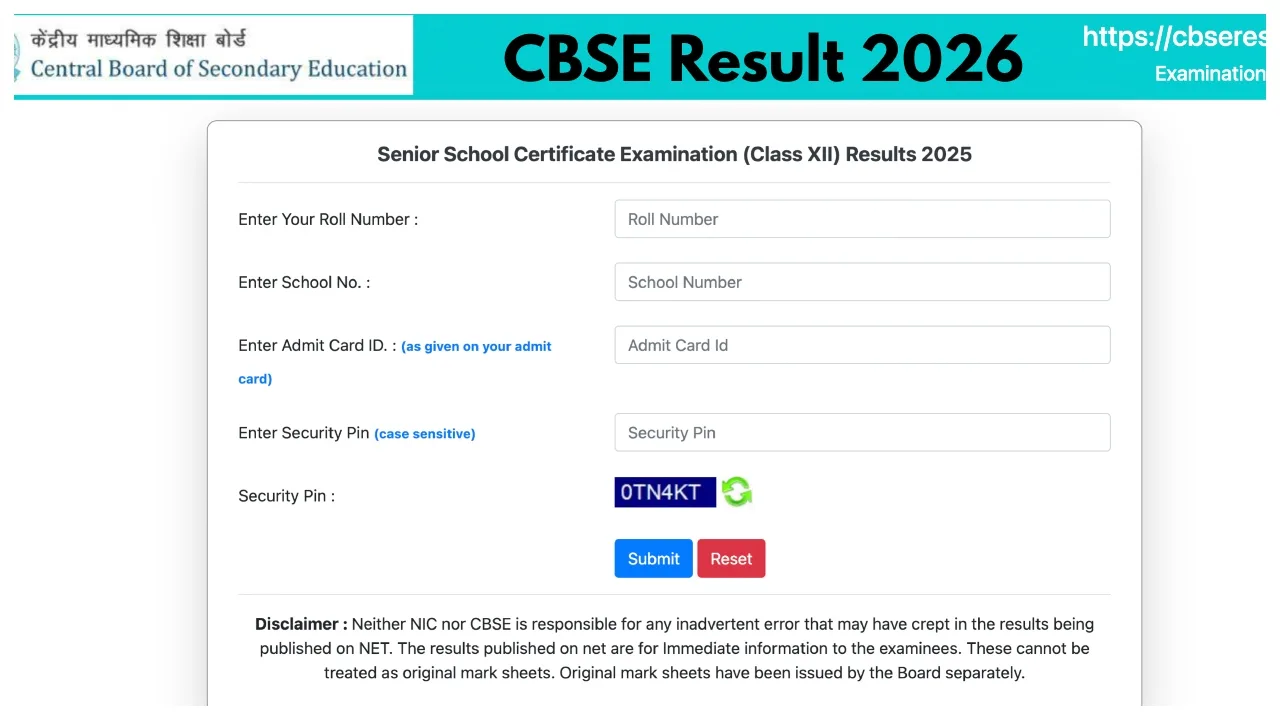
Students can check their results on the official websites by entering details such as their Roll Number, School Number, Admit Card ID, and Date of Birth (DD/MM/YYYY).
Check Results via Mobile Apps
DigiLocker App – Available on the Google Play Store and Apple App Store, this app allows students to access and download their digital certificates and mark sheets. UMANG App – The UMANG mobile application, available on Android and iOS devices, also allows users to check CBSE results.
How to check CBSE Class 10 & 12 Results 2026?
Step 1: Visit the official CBSE website at cbse.gov.in.
Step 2: Click on the CBSE Result link located on the website’s homepage.
Step 3: Log in using the CBSE 10th/ 12th roll number
Step 4: The CBSE mark sheet will be displayed on your screen.
Step 5: Download the online mark sheet for further reference and to print.
How to Check CBSE Result 2026 Via DigiLocker
Step 1: Visit the DigiLocker website
Step 2: Log in using the credentials
Step 3: Click on the CBSE Result tab
Step 4: Click on the result link and log in
Step 5: Download the CBSE marksheet and to take a printout for future use.
Latest News
- PM Kisan Samman Nidhi Yojana: नहीं मिल रही 2000 रुपये की किस्त तो किसान तुरंत करवा लें यह काम

- Aadhaar Card Update Rules – How Many Times Can You Change Address, DOB & Number?

- Train Ticket: How to book a confirmed train ticket without an agent? Learn the Easy Steps

- Indian Railways– 155 Trains Express Declared High-Speed, Thousands of Railway Staff to Benefit

- Monsoon Alert – Warning Heavy to Very Heavy Rain alert & thunderstorms in 22 States Over Next 4 Days

- America-Iran War: मिडिल ईस्ट में तनाव होगा खत्म! ईरान ने होर्मुज रास्ते पर कही बड़ी बात

- PM Surya Ghar Yojana 2026: Get Up to Rs 78,000 Subsidy within 6 Easy Steps, Know Here

- Cheapest Available 5G Smartphones in India Under 10000

- UPSC Prelims Answer Key 2026 – How to Download UPSC Prelims Answer Key at upsc.gov.in

- 8th Pay Commission: एनपीएस और पुरानी पेंशन में कौन सी बेहतर, जानिए बड़ा अपडेट

