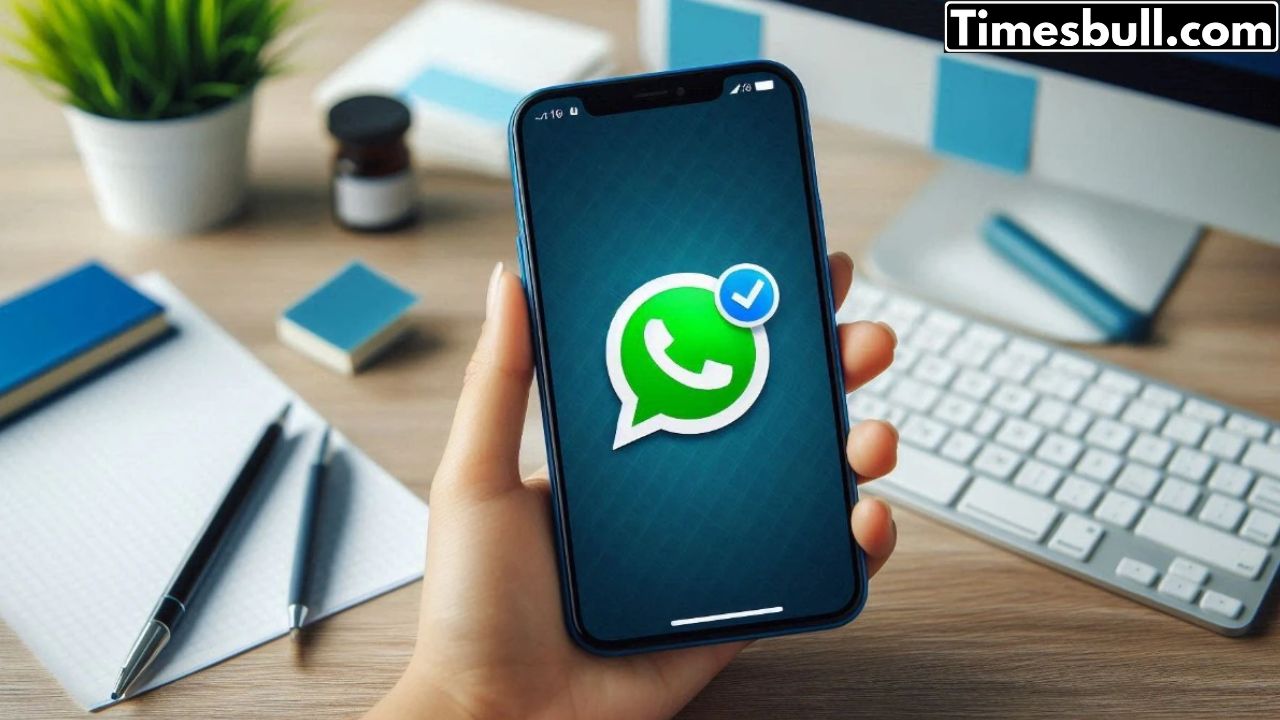
WhatsApp Chat Delete: Accidentally removing a specific WhatsApp chat can be annoying, yet with the appropriate techniques, it is feasible to retrieve them. WhatsApp provides a built-in feature for backup and restoration, which should largely resolve your issue if you have set up regular backups. Nevertheless, certain users turn off backups because of limited storage in their Google account or other factors, making chat deletion a hassle. Nevertheless, there are still several methods accessible to you that can help you retrieve deleted chats.
This guide will demonstrate methods to retrieve deleted chats, utilizing cloud or local backups as well as third-party applications. This can be done on both Android and iOS platforms, so we are addressing both in this context.
Approach 1. Recover from Google Drive (Android) or iCloud (iOS) Backup
In case you have backups activated in WhatsApp:
Remove WhatsApp and subsequently download and reinstall it.
Now confirm your number to access your account.
At this point, WhatsApp will prompt you to recover the backup from Google Drive (Android) or iCloud (iOS). Click on ‘Restore’.
After restoration, the chat you removed will reappear.
Please ensure that your backup is completed prior to deleting the chats. This will display only the messages that were sent or received prior to the backup completion.
Approach 2. Recover from Local Backup (Android)
An additional choice is available for Android users. WhatsApp consistently generates local backups in the device’s storage. To achieve this, you must adhere to the steps outlined below:
Access your file manager and navigate to /WhatsApp/Databases.
Change the name of the most recent backup file from msgstore-YYYY-MM-DD.1.db.crypt14 to msgstore.db.crypt14. In this context, YYYY-MM-DD denotes the most recent date.
Now remove WhatsApp, reinstall it, and choose ‘Restore’ during the setup.
Approach 3. Utilizing External Recovery Software
In the absence of a backup, you may utilize third-party recovery software such as Dr.Fone or iMyFone. The recovery procedure is nearly identical across various tools.
You must set up the recovery tool on your computer or Mac.
The program subsequently prompts the user to link their device to a PC or Mac using a USB connection. Numerous tools also request that the user activate developer options on the Android device and enable USB debugging.
The creators of these tools assert that by performing this action, the tools examine the device and locate the deleted chats from its core.
Latest News
- LPG – PNG Rule – LPG Connection No Longer Needed to Surrender for PNG? Check Full Details

- UIDAI Update: आधार कार्ड में कितनी बार अपडेट कराएं नाम और जन्मतिथि? जानिए अपडेट

- Cristiano Ronaldo: गरीबी, दिल की बीमारी और एक अनचाहे बच्चे से फुटबॉल के ‘सुपरस्टार’ बनने तक की अनकही कहानी

- Weather Warning – Heavy to Very Heavy Rain Alert and Storm Warning for 13 States Next 12 Hours

- Cockroach Janata Party: कैसे एक जज की टिप्पणी ने खड़ी कर दी ‘कॉकरोच जनता पार्टी’

- Bihar Havildar Clerk Admit Card 2026 Released – Download at bpssc.bihar.gov.in, Exam on June 10

- Rohit Sharma: डोंबिवली के एक कमरे के घर से ‘हिटमैन’ बनने तक की अनकही कहानी

- Best 5G phones under ₹15,000 May 2026 – Big Battery, 144Hz Display & Powerful Cameras

- Samsung Galaxy A37 5G Review: A Reliable Mid-Range Choice
- Redmi 15 5G and Redmi Note 15 5G Prices Hiked: New Rates Announced!